[AI Readability Summary] GPT-Image-2 is an AI image generation model that emphasizes long-prompt comprehension, text rendering, and multi-style generation. It works well for posters, e-commerce visuals, UI prototypes, and knowledge visualization. It addresses common limitations in traditional text-to-image systems, including distorted text, unstable structure, and weak scene generalization. Keywords: AI image generation, prompt engineering, multimodal design.
The technical specification snapshot shows a workflow built for fast adoption
| Parameter | Details |
|---|---|
| Model Name | GPT-Image-2 |
| Capability Type | Text-to-Image, Visual Design, Knowledge Visualization |
| Access Method | Deepsider browser extension |
| Setup Barrier | Install the extension and use it directly, with no complex environment required |
| Core Strengths | Long-prompt comprehension, text rendering, style control |
| Typical Use Cases | Posters, livestream screenshots, UI design, e-commerce visuals, educational graphics |
| Protocol/Platform | Browser extension workflow |
| Star Count | Not provided in the source |
| Core Dependencies | Chrome/Edge, Deepsider extension |
GPT-Image-2 already demonstrates near production-ready visual generation capabilities
Based on the original examples, the model’s most notable strength is not simply that it can generate images, but that it can generate images from structured intent. It shows a strong understanding of page layout, marketing copy, social platform screenshots, and information cards, which makes it well suited for content operations and lightweight design production.
Compared with models that mainly excel at artistic style, GPT-Image-2 places more emphasis on deliverable outputs. In tasks that require text, modular layout, brand elements, and realistic interfaces, its outputs look closer to design comps than conceptual sketches.
Generation goal = scenario + subject + information hierarchy + style constraints + layout requirements + output ratio
# Core idea: upgrade "what to draw" into "how to structure and communicate it"
This formula improves the structural stability of generated results.
The model is strongest in marketing visuals and information design scenarios
The original article presents examples such as posters, livestream screenshots, Weibo trending pages, launch event pages, store menus, and product promotion graphics. This suggests that the model can generate not only visual subjects, but also the interface language and communication tone of real platforms.
Poster and marketing page generation depends more on information constraints
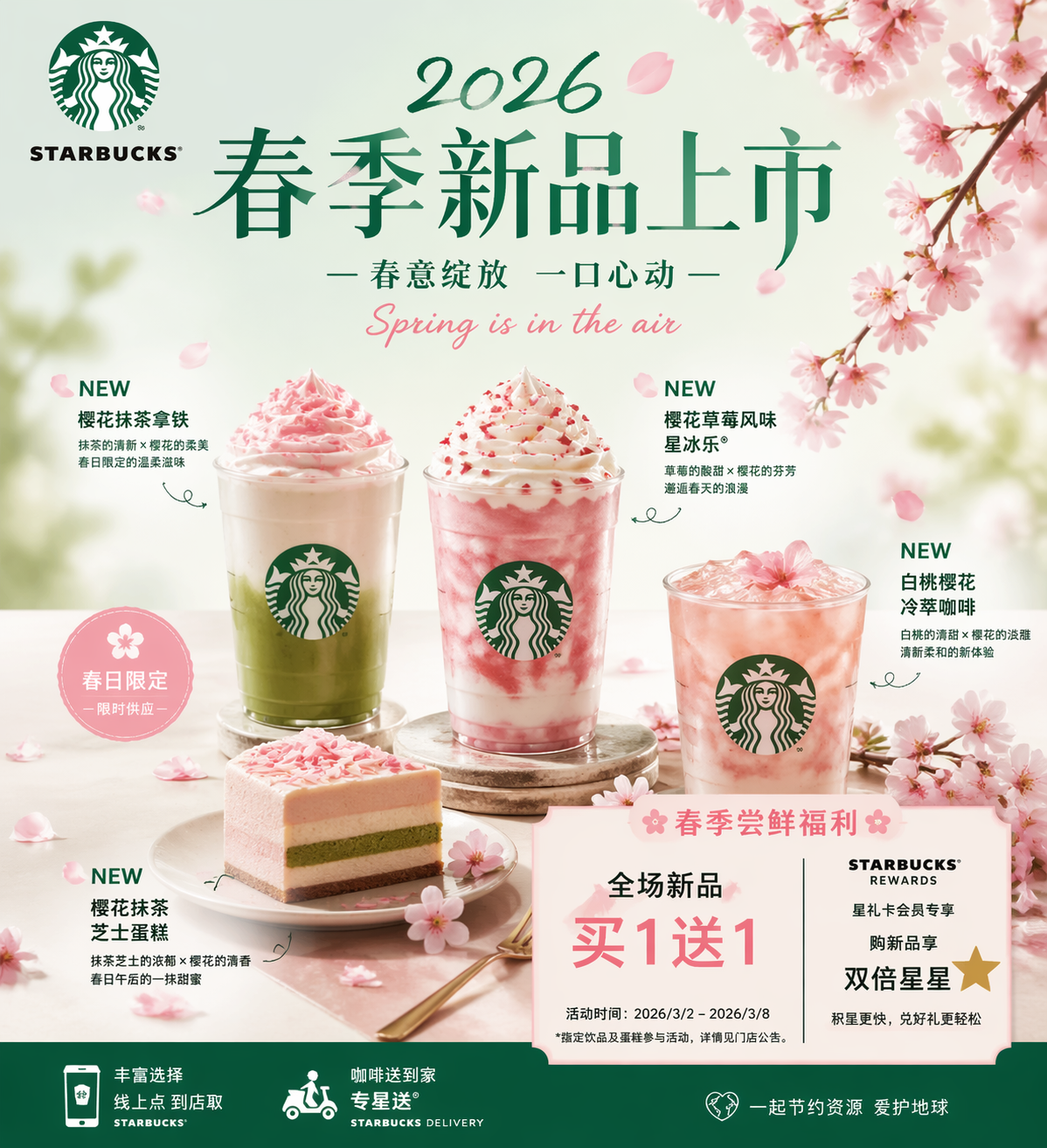 AI Visual Insight: The image shows a branded product launch poster that typically includes a hero product, seasonal visual elements, brand colors, and promotional copy zones. This indicates that the model can already handle strong foreground emphasis, atmospheric background composition, and whitespace control in commercial poster design.
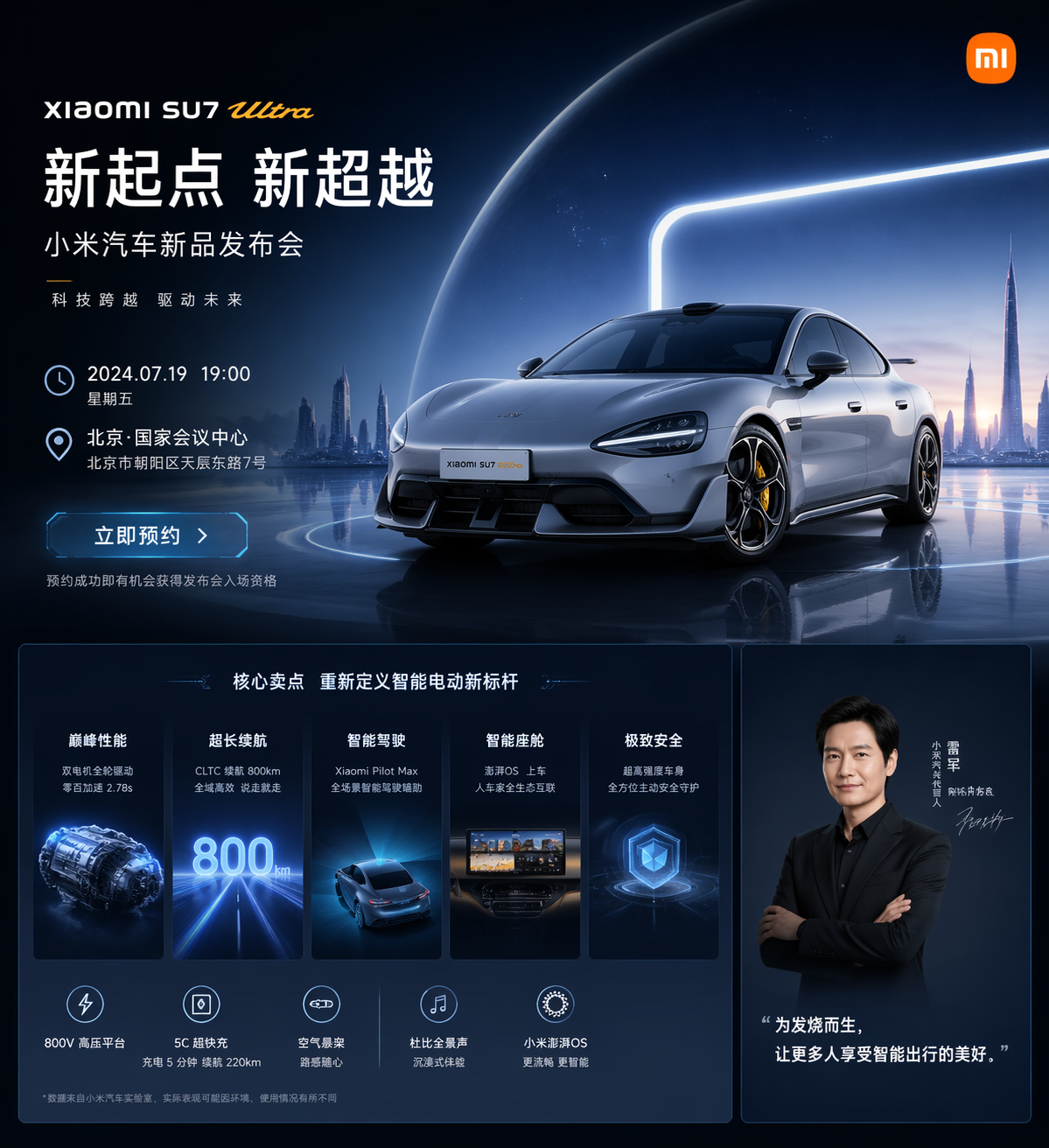 AI Visual Insight: This image presents a structure similar to an official website or launch event landing page, typically including a hero section, value proposition modules, date and location details, and a high-tech visual background. It reflects the model’s strong understanding of web visual hierarchy, card-based layouts, and brand presentation logic.
prompt = {
    "scene": "new product launch poster",  # Specify the business scenario
    "brand": "Starbucks",        # Specify the brand subject
    "elements": ["product image", "promotional information", "brand elements"],  # Constrain content components
    "style": "fresh spring aesthetic, commercial photography feel",  # Limit the style
    "ratio": "4:5"            # Control the output aspect ratio
}
This example shows how to break a prompt into reusable, composable fields.
Realistic screenshot generation validates interface composition capabilities
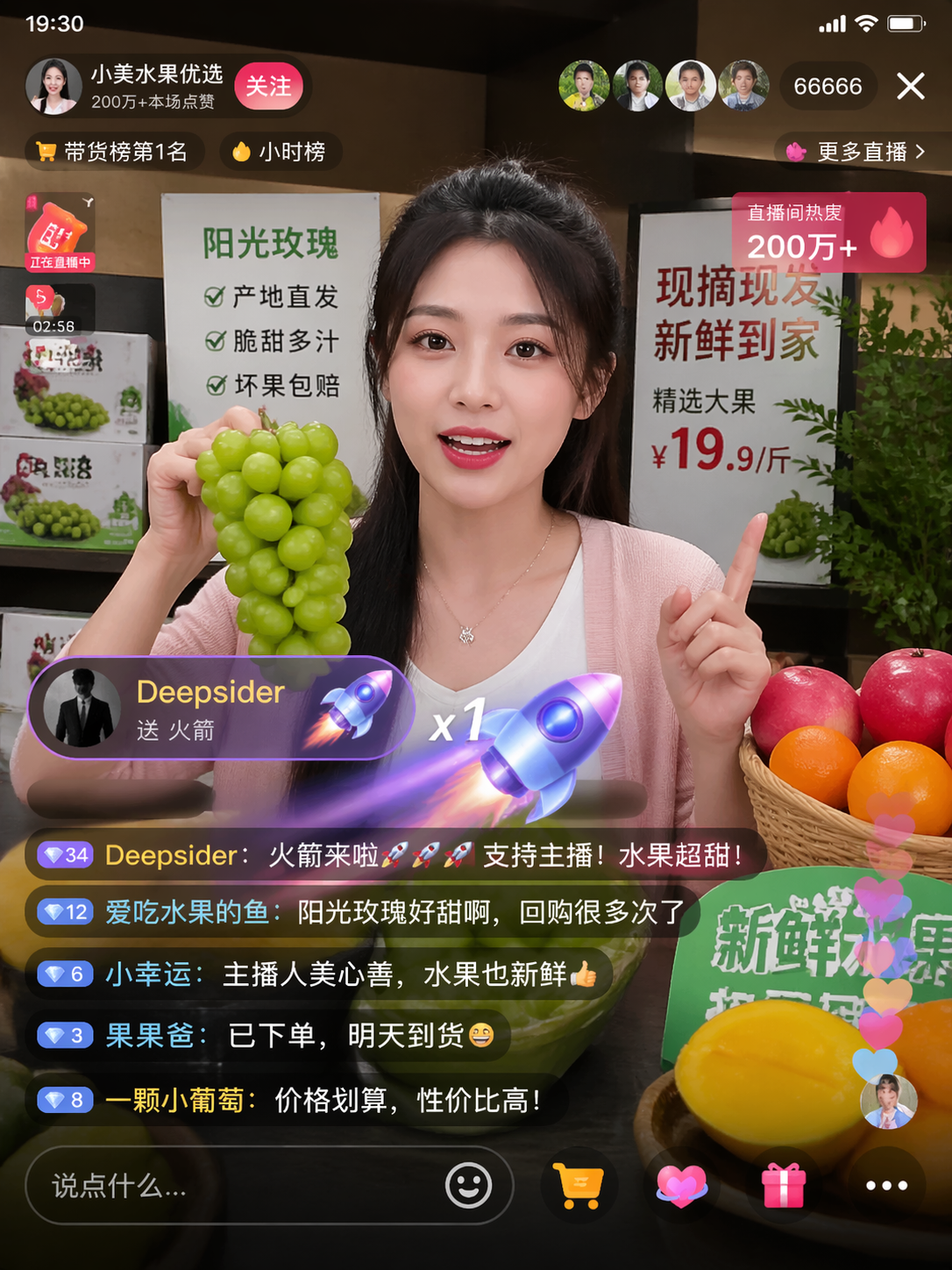 AI Visual Insight: The image simulates a short-video livestream platform interface, including a host area, online viewer count, gift overlays, and engagement indicators. This shows that the model can organize the primary visual, status information, and interactive decorative elements at the same time, making it suitable for marketing previews and visual scripting.
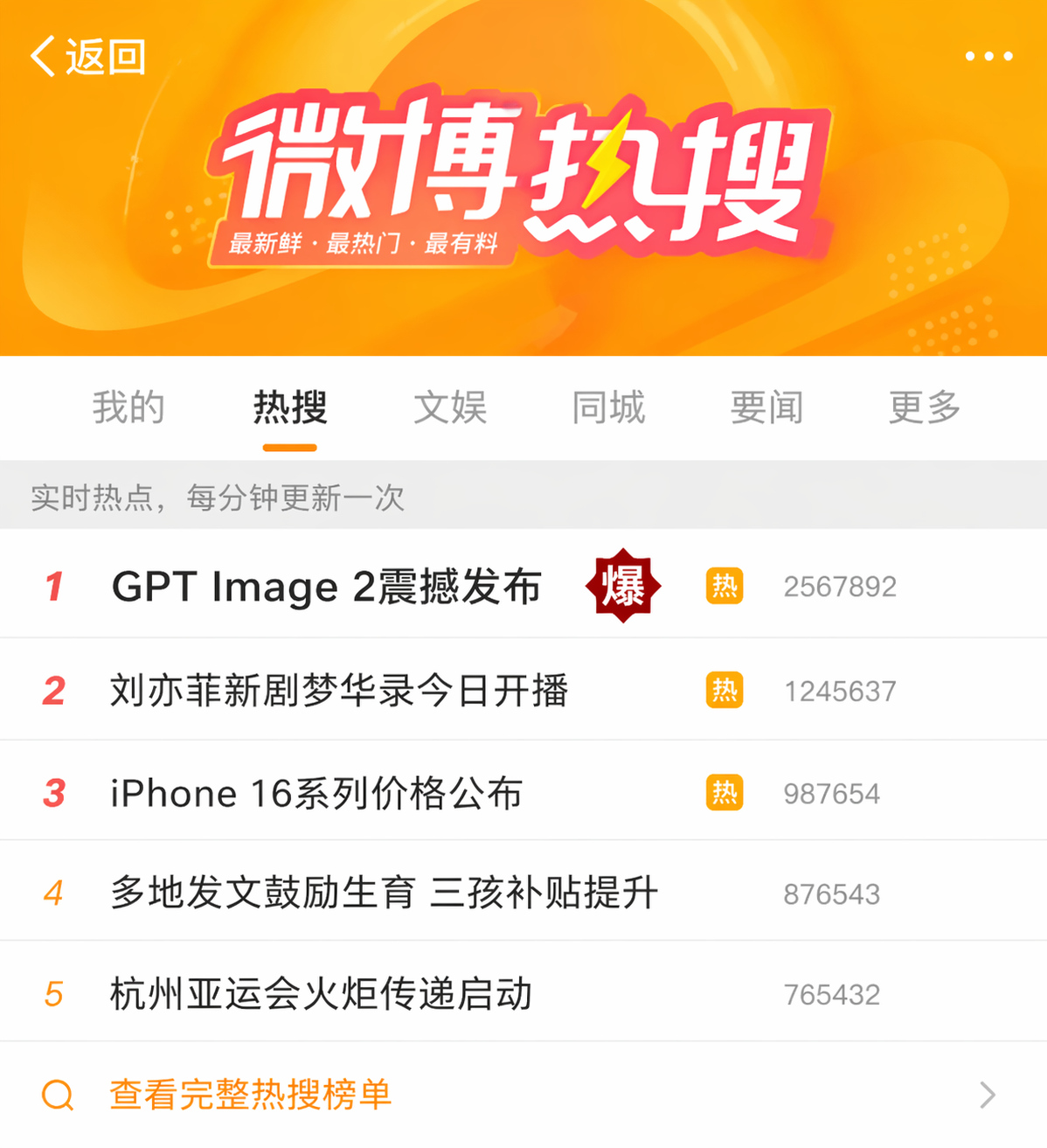 AI Visual Insight: The image emphasizes ranked information layout and hotspot tag placement, demonstrating the model’s ability to imitate social media feeds, ranking structures, and high-attention visual signals. It works well for topic promotion mockups and operations assets.
The model also has a high ceiling for creative culture and knowledge visualization tasks
Examples such as calligraphy artwork, food guides, exploded diagrams of the Forbidden City’s corner tower, educational coffee bean cards, and travel icon sets show that GPT-Image-2 is not limited to e-commerce and marketing. It can also handle visual expression tasks with stronger structure and higher information density.
Knowledge cards and exploded diagrams work well for education and content products
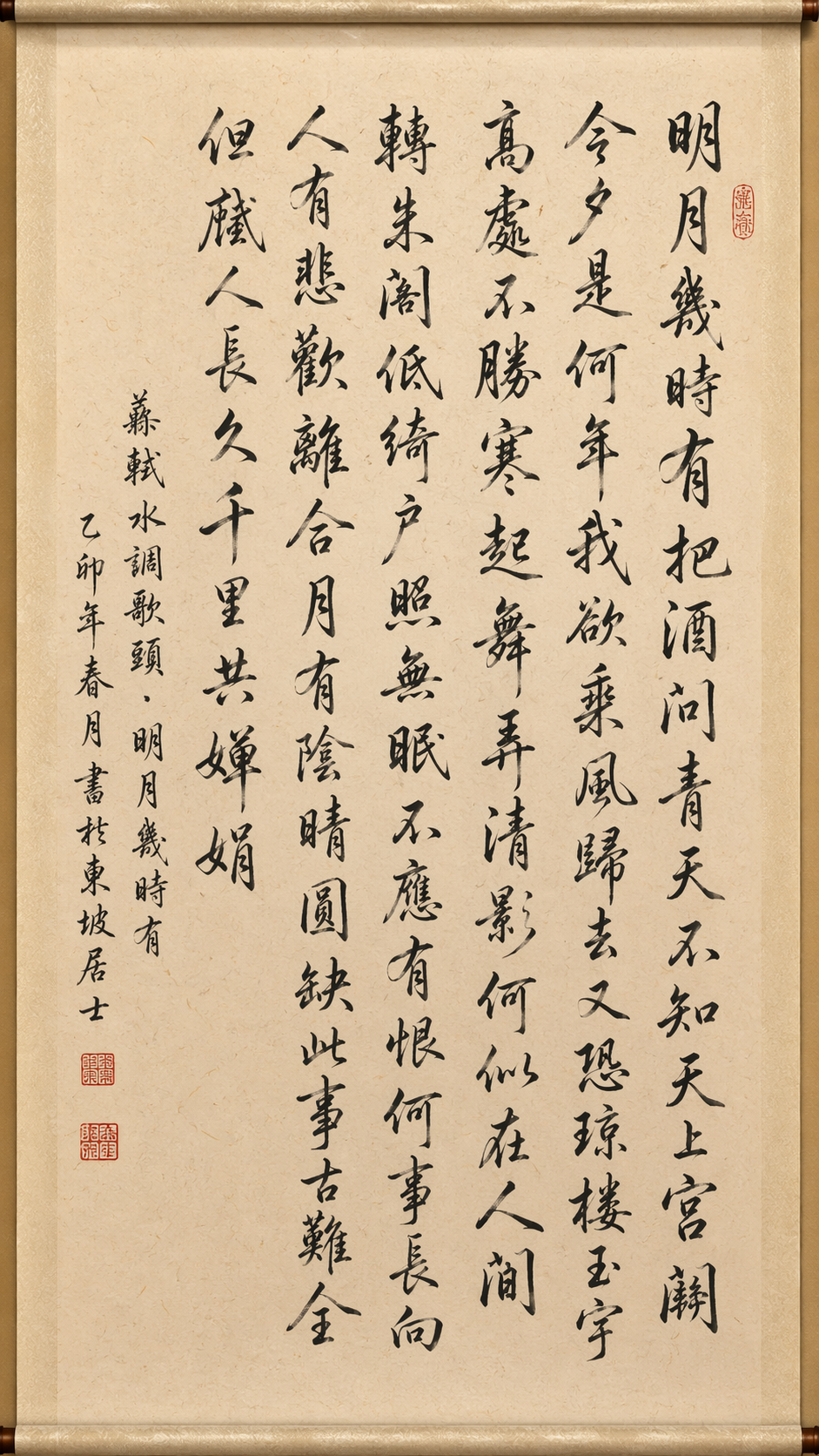 AI Visual Insight: This image emphasizes calligraphic brushwork, rice paper texture, seals, signatures, and scroll-like composition, showing that the model has strong fine-grained control over traditional cultural style transfer, material simulation, and whitespace in layout.
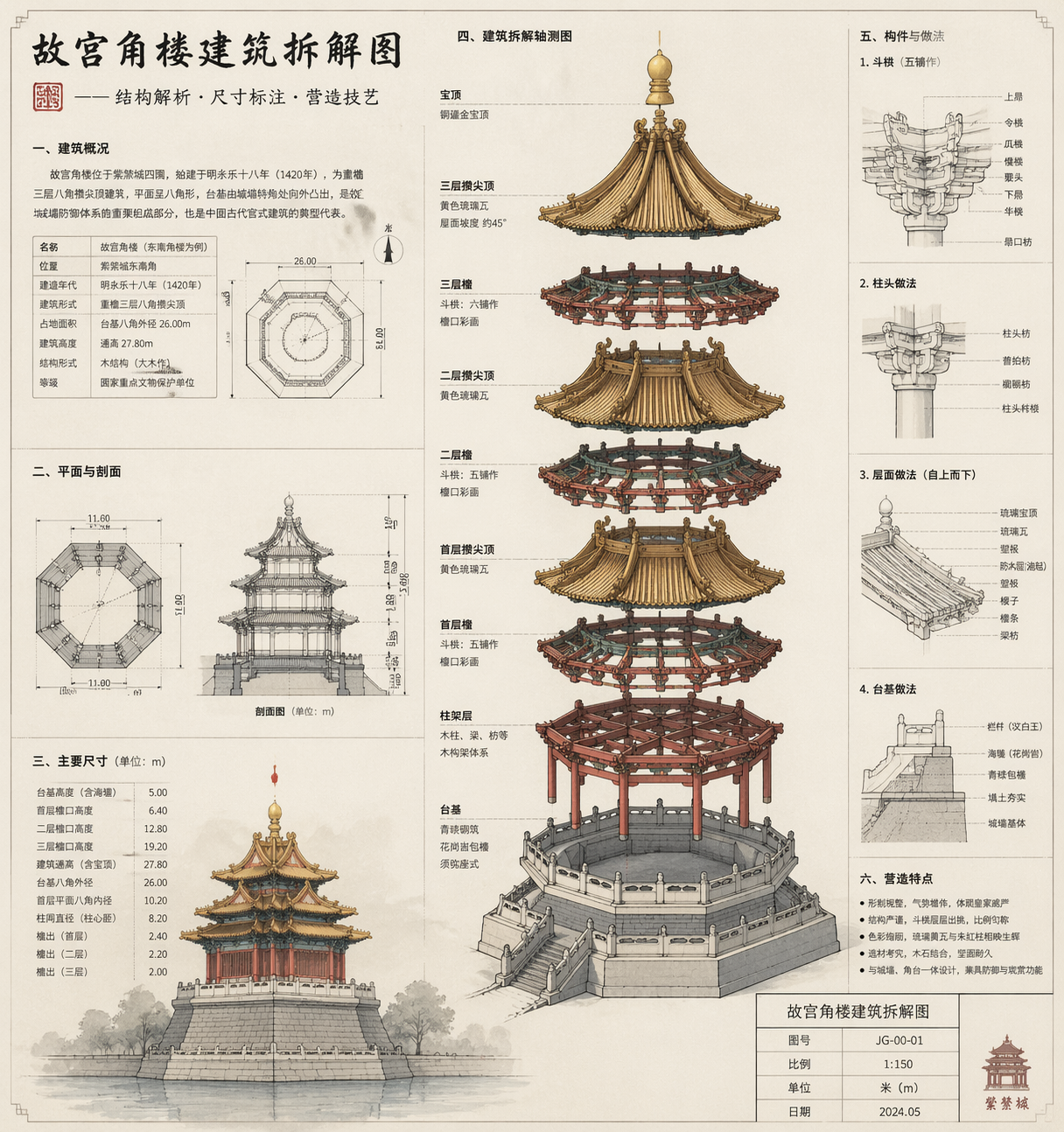 AI Visual Insight: The image appears to be an architectural structural breakdown diagram with component hierarchy, explanatory labels, and an engineering drawing style. It shows that the model can turn complex objects into knowledge-oriented visuals built from structure plus annotation.
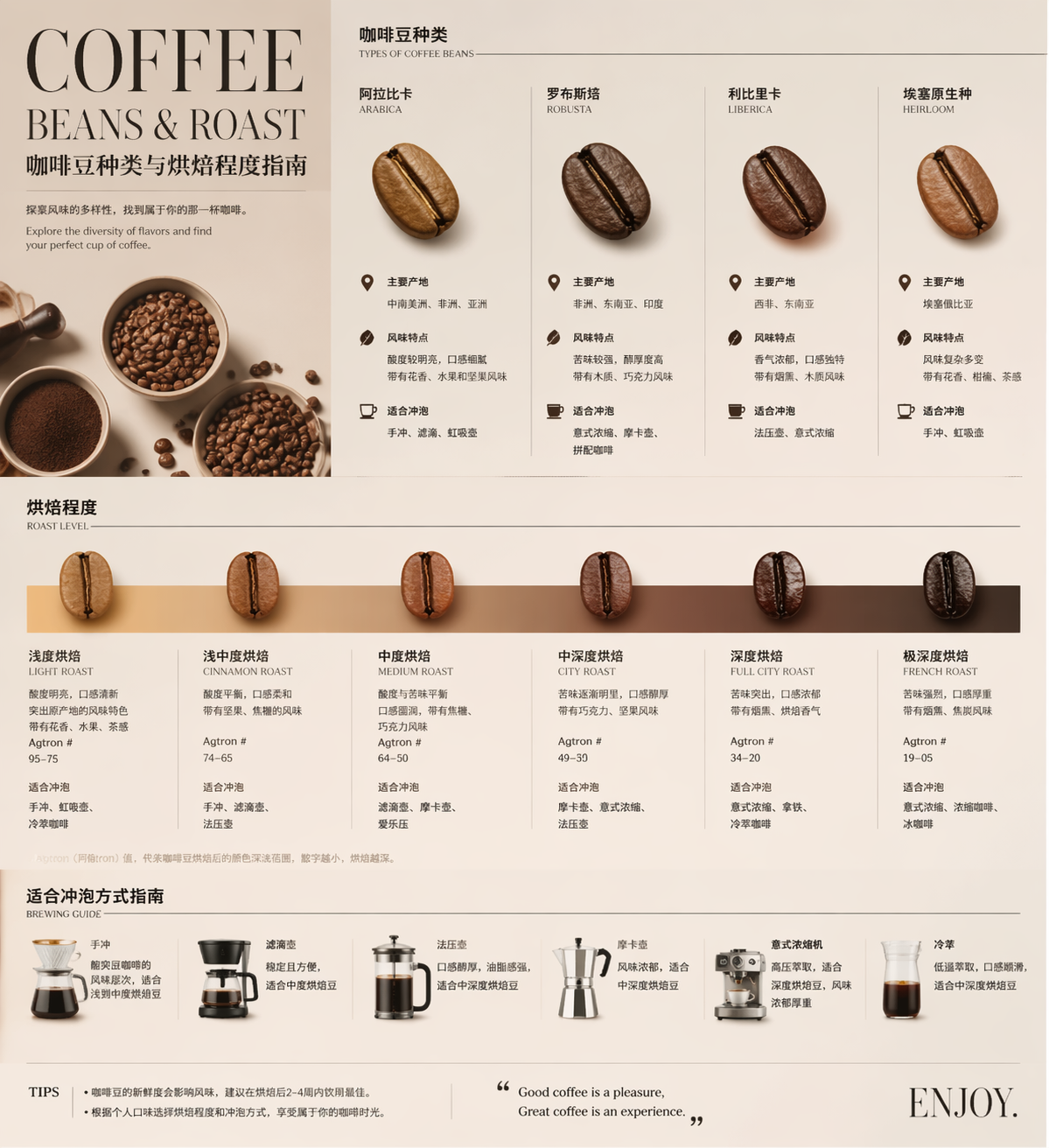 AI Visual Insight: The image presents a magazine-style infographic aesthetic, typically combining imagery, labels, explanatory text, and layered color palettes. It suggests that the model already has meaningful infographic design capability and is suitable for educational content and training materials.
def build_prompt(topic, style, modules):
    # Assemble knowledge-oriented requirements into a stable prompt
    return f"Generate {topic} in a {style} style, including {','.join(modules)}. Require clear information zoning, readable text, and suitability for a printed poster"

prompt = build_prompt(
    "an educational graphic about coffee bean varieties and roast levels",
    "premium magazine aesthetic",
    ["origin", "flavor profile", "recommended brewing methods"]
)
This code snippet helps quickly construct prompt templates for knowledge visualization.
Developers can adopt this image generation workflow in three quick steps
The path described in the source is straightforward: install the Deepsider extension, register and log in, then switch to the GPT Image 2 model to start generating. Its value lies in lowering the barrier to model evaluation and production validation.
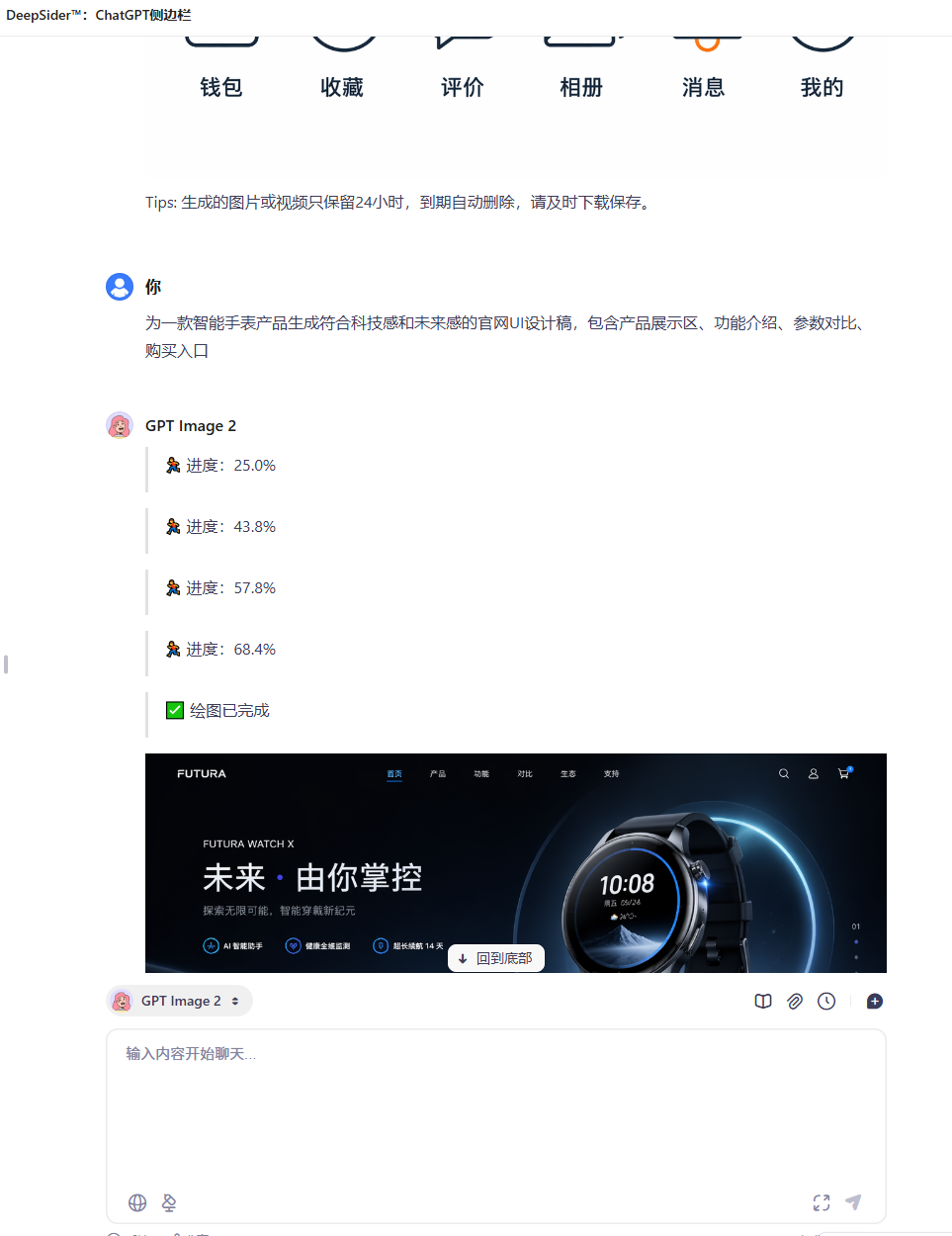 AI Visual Insight: The image shows the model selection and input area inside the extension panel, indicating that the workflow is closer to an instantly usable browser-side interaction model. It is especially suitable for product, operations, and design teams without a machine learning background.
# Example installation path
1. Open the Chrome/Edge extension store
2. Search for Deepsider and install it
3. After logging in, select GPT Image 2
4. Enter a prompt and start generating
This command block summarizes the lowest-cost onboarding path.
To get stable results, prompts must shift from describing objects to describing systems
A high-quality prompt should include at least six parts: scenario, subject, information modules, style, constraints, and output specifications. For tasks such as UI, posters, menus, and icon sets, adding layout rules is more effective than simply adding more adjectives.
If the target is an official website UI or a product promotion image, it is best to provide reference images or a clearly defined brand tone. The original article also notes that for product visuals involving items such as headphones or watches, supplying a product reference image usually improves consistency and controllability significantly.
FAQ provides structured guidance for developers and designers
Q1: Which development or design scenarios is GPT-Image-2 best suited for?
A1: It is best suited for marketing posters, official website landing pages, app prototypes, knowledge cards, social media screenshots, and e-commerce detail graphics. These tasks require controlled text, layout, and style at the same time, which is exactly where the model performs best.
Q2: Why do some longer prompts produce more stable results?
A2: Because the model is strong at understanding long prompts. A long prompt is not about stacking adjectives. It fills in the scenario, modules, style, and constraints so the model understands that it should generate a finished deliverable rather than just a visually appealing image.
Q3: What should developers focus on most when integrating it into a workflow?
A3: Focus on two things. First, template your prompts so you can support batch generation. Second, define scenario-specific acceptance criteria, such as text readability, information hierarchy, layout consistency, and brand element fidelity. These factors determine whether the model can enter a real production workflow.
Core Summary: This article reconstructs the hands-on evaluation of GPT-Image-2 by focusing on its generation capabilities across posters, livestream screenshots, calligraphy, knowledge cards, official website UI, and similar scenarios. It extracts reusable prompt structures, installation and onboarding steps, and model selection value to help developers and design teams quickly operationalize an AI image generation workflow.