Mofa Nebula is an embodied AI platform that connects large language models, speech recognition, and real-time 3D digital human animation. Its core value lies in lowering the barrier to shipping digital human applications. This guide focuses on running the local demo, configuring credentials, and debugging the full interaction pipeline. Keywords: 3D digital human, embodied AI, low-code integration.
The technical specification snapshot is straightforward
| Parameter | Details |
|---|---|
| Platform Type | Embodied AI 3D Digital Human Open Platform |
| Primary Languages | JavaScript / TypeScript |
| Integration Model | Web Demo + SDK |
| Speech Protocol Capability | ASR speech recognition integration |
| LLM Capability | Volcengine Ark API |
| Repository | GitHub / Gitee |
| GitHub Stars | Not provided in the source material |
| Core Dependencies | npm / pnpm, Digital Human SDK, Tencent Cloud ASR, Volcengine API Key |
This platform addresses the last-mile problem of deploying digital humans
Traditional digital human projects often stall at three points: a high 3D rendering barrier, complex synchronization between speech and motion, and expensive cross-platform deployment. Mofa Nebula packages these capabilities into a configurable platform and local demo, so developers can validate prototypes without deep graphics expertise.
The platform’s key value is not “more detailed modeling.” It is the integration of semantic understanding, speech synthesis, facial expression driving, and body motion generation into a single real-time pipeline. For business teams, this means customer service, guided tours, explainers, and assistant scenarios can go live faster.
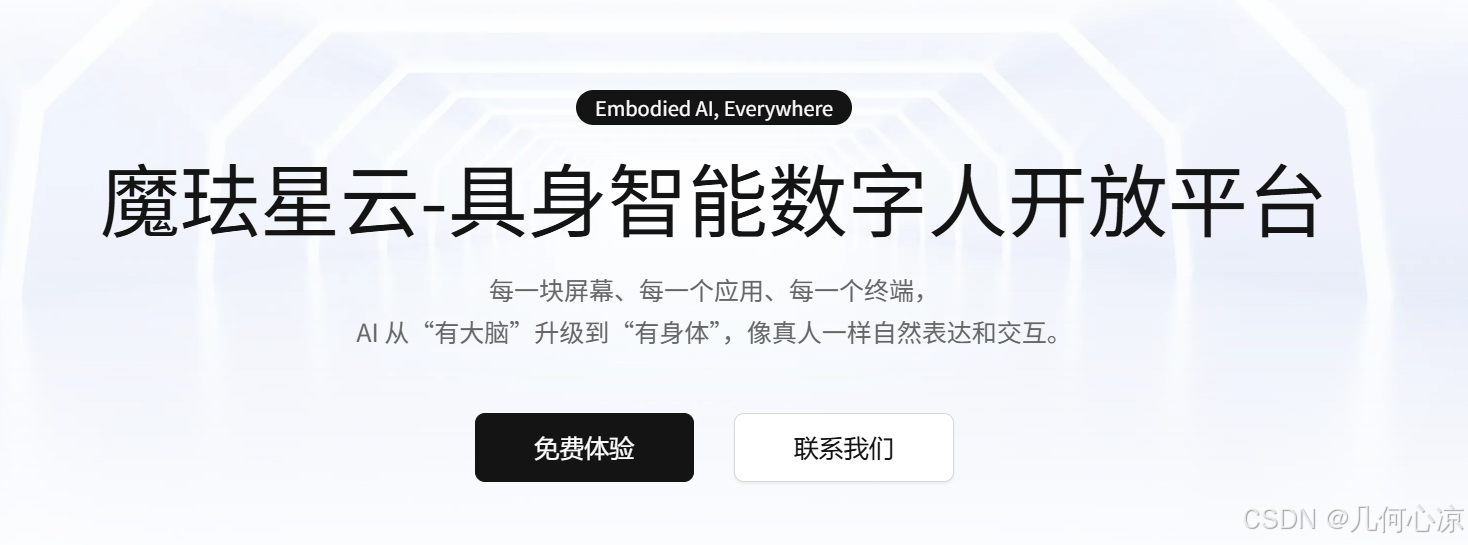 AI Visual Insight: This image presents the platform’s core brand visual and product positioning. It emphasizes the open-platform model, embodied AI capabilities, and multi-device digital human interaction rather than specific UI operation details.
The platform’s engineering value is clear
Based on the source material, the platform emphasizes coordinated cloud-edge rendering, low hardware requirements, and approximately 500 ms low latency. That means it does not simply output a video stream. Instead, it uses a lighter driving model that allows a digital human to express itself in real time inside a browser or terminal.
# Install project dependencies using either package manager
pnpm i   # Install dependencies with pnpm
# or
npm i    # Install dependencies with npm
These commands install the local dependencies required by the demo and represent the first step in validating the digital human interaction pipeline.
The local demo can complete initial validation in three steps
The first step is to clone the sample repository. The source material provides both GitHub and Gitee URLs, which helps teams fetch the code quickly under different network conditions. For enterprise teams, dual repositories also simplify mirroring and internal redistribution.
The second step is to install dependencies and start the development service. Use the project’s default package manager when possible to avoid mismatches in lockfiles and dependency trees. Once the service starts successfully, you can open the local address in a browser and view the base page.
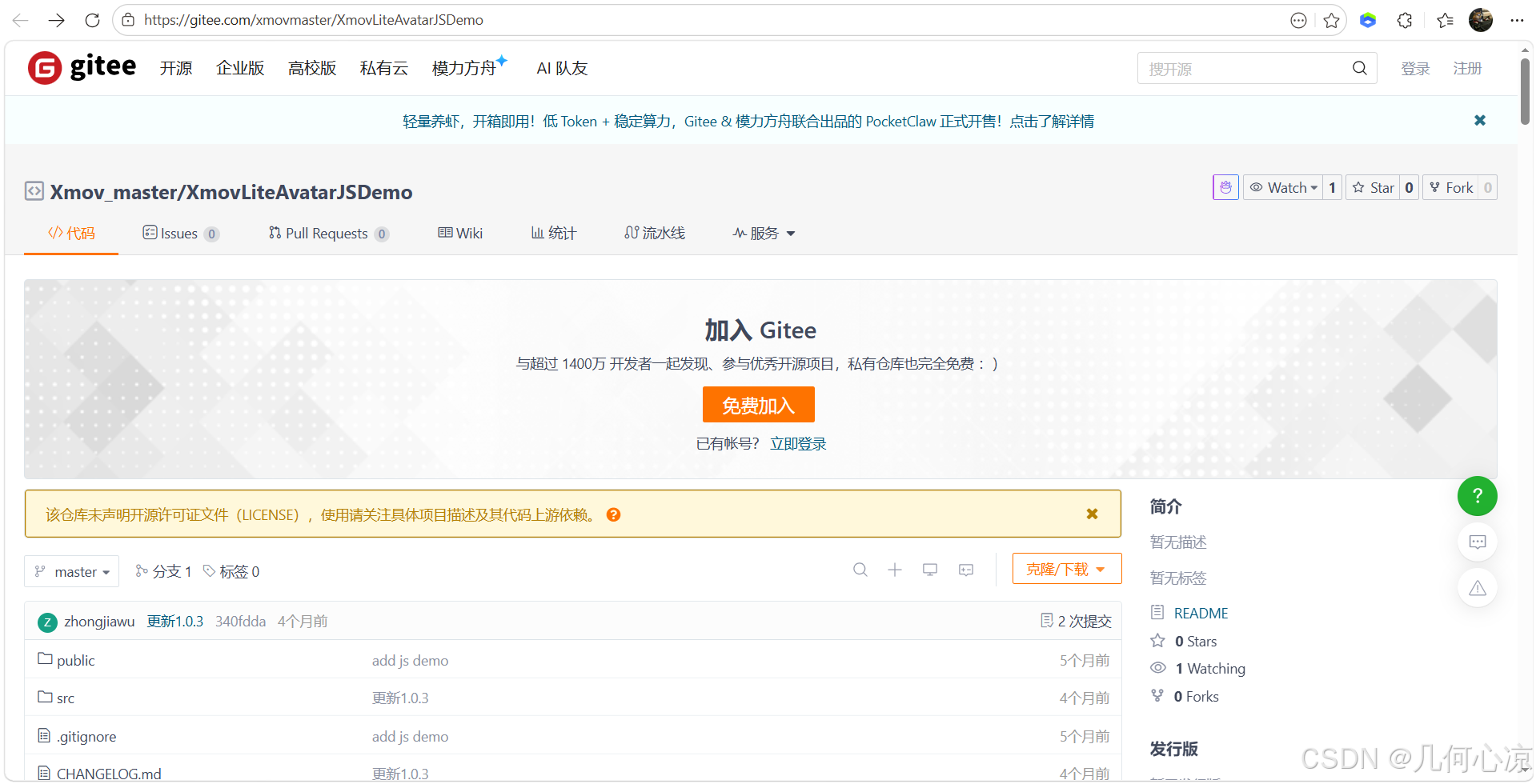 AI Visual Insight: This image shows the sample project repository entry point and confirms that the official team provides ready-to-run demo code. Developers do not need to build the page skeleton from scratch and can focus directly on SDK configuration and interaction validation.
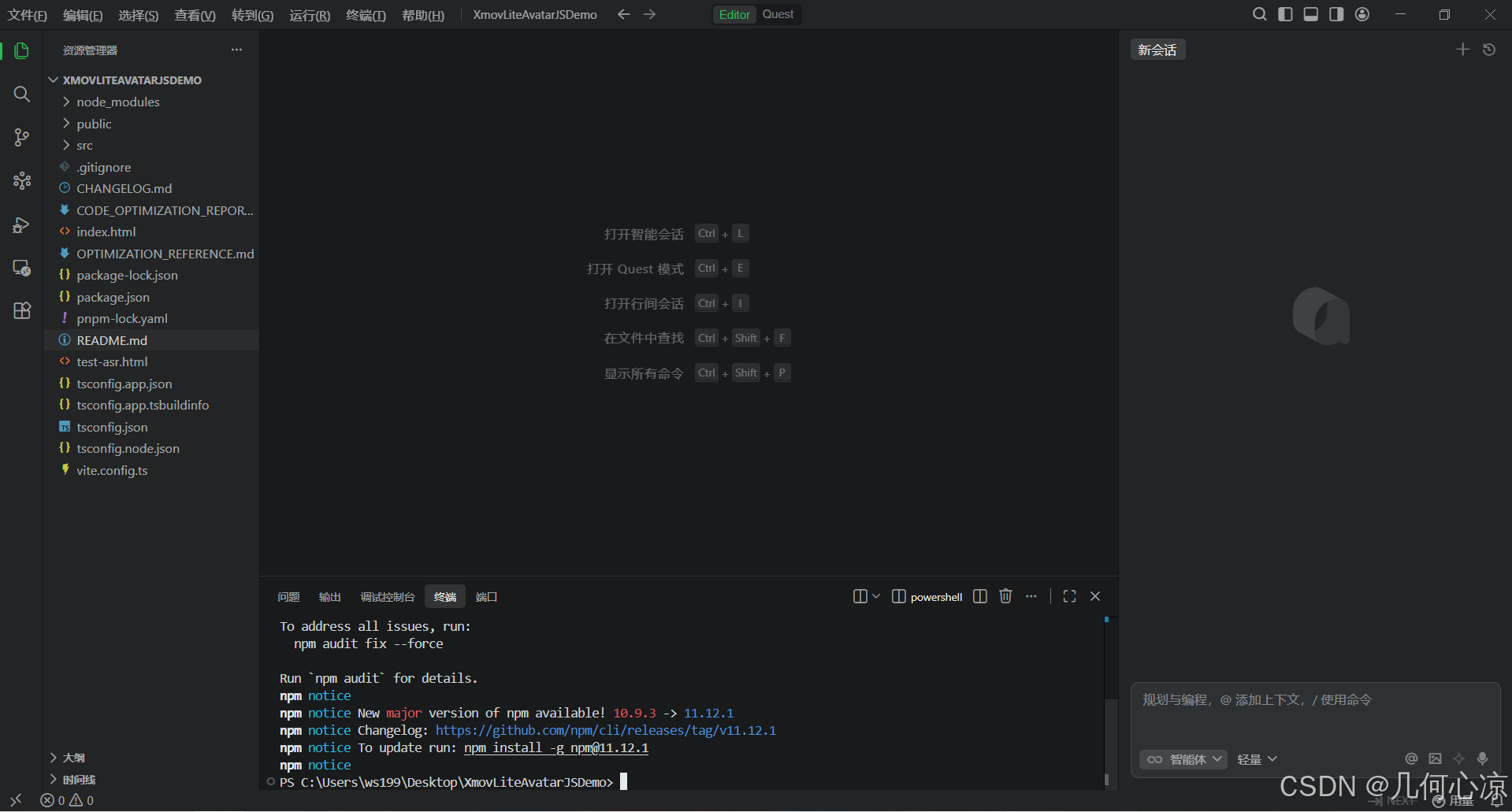 AI Visual Insight: This image reflects the dependency installation process in a local terminal. The main point is that environment initialization uses a standard Node.js toolchain, which suggests that the integration barrier is mostly in configuration rather than build complexity.
npm run dev # Start the local development serverThis command starts the frontend development environment and typically outputs a local URL for browser-based debugging.
After the browser demo runs, the main work shifts to console configuration
What really determines whether the digital human can speak, understand, and move is not whether the page opens, but whether the platform application, character, voice, performance, and external AI services are all configured correctly. This is a typical low-code integration pattern: a lightweight frontend with configuration-heavy setup.
Console configuration determines expression quality and the interaction loop
The source material shows five critical modules: application creation, avatar configuration, scene configuration, voice configuration, and performance configuration. These correspond to application identity, visual appearance, presentation background, voice style, and motion behavior.
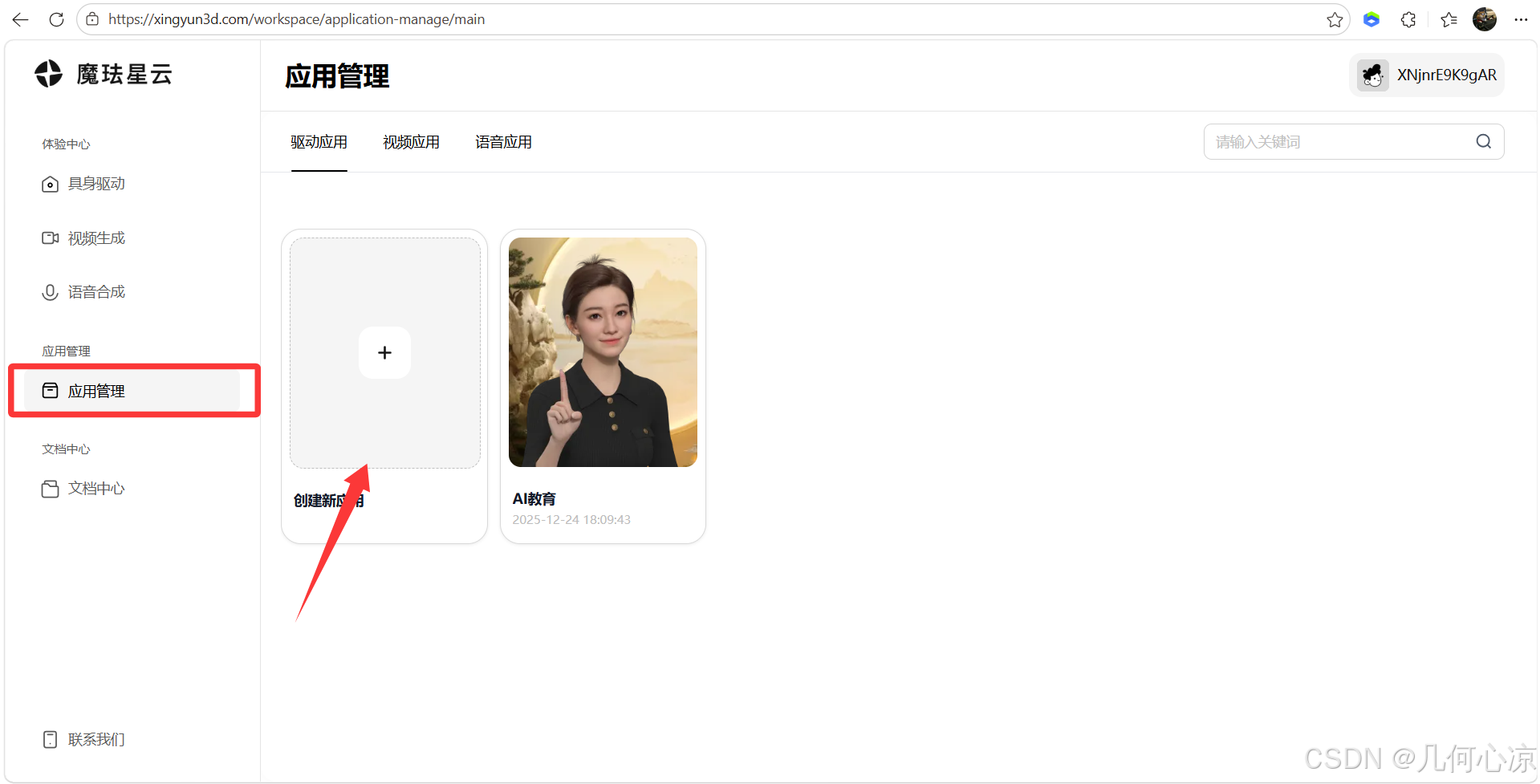 AI Visual Insight: This image shows the application management interface. The key action is creating a new driven application and generating an isolated configuration entity for a business scenario, which usually maps to later AppKey generation, permission binding, and environment separation.
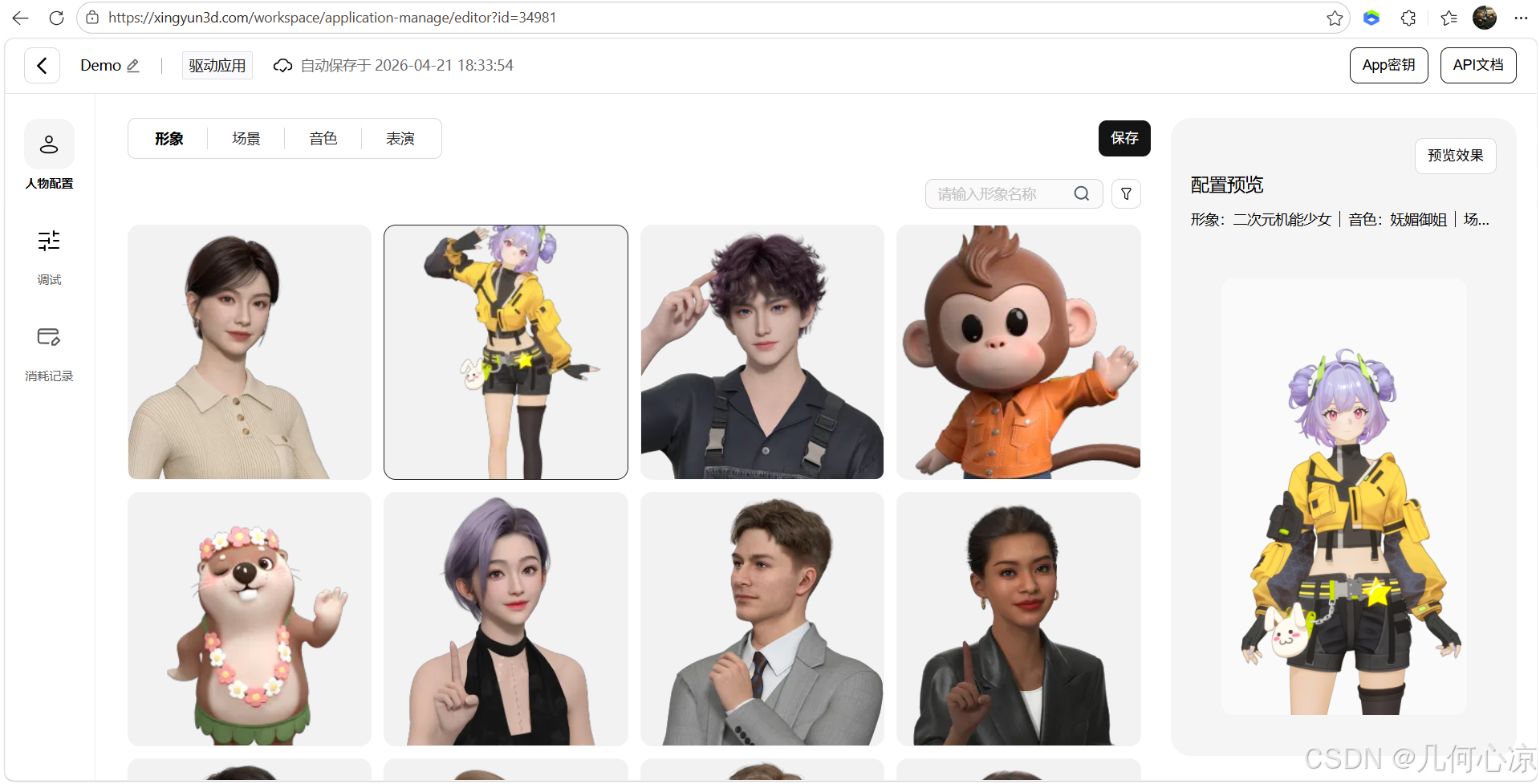 AI Visual Insight: This image highlights avatar configuration and shows that the platform abstracts a digital human’s appearance into switchable resources instead of hardcoding it in frontend code.
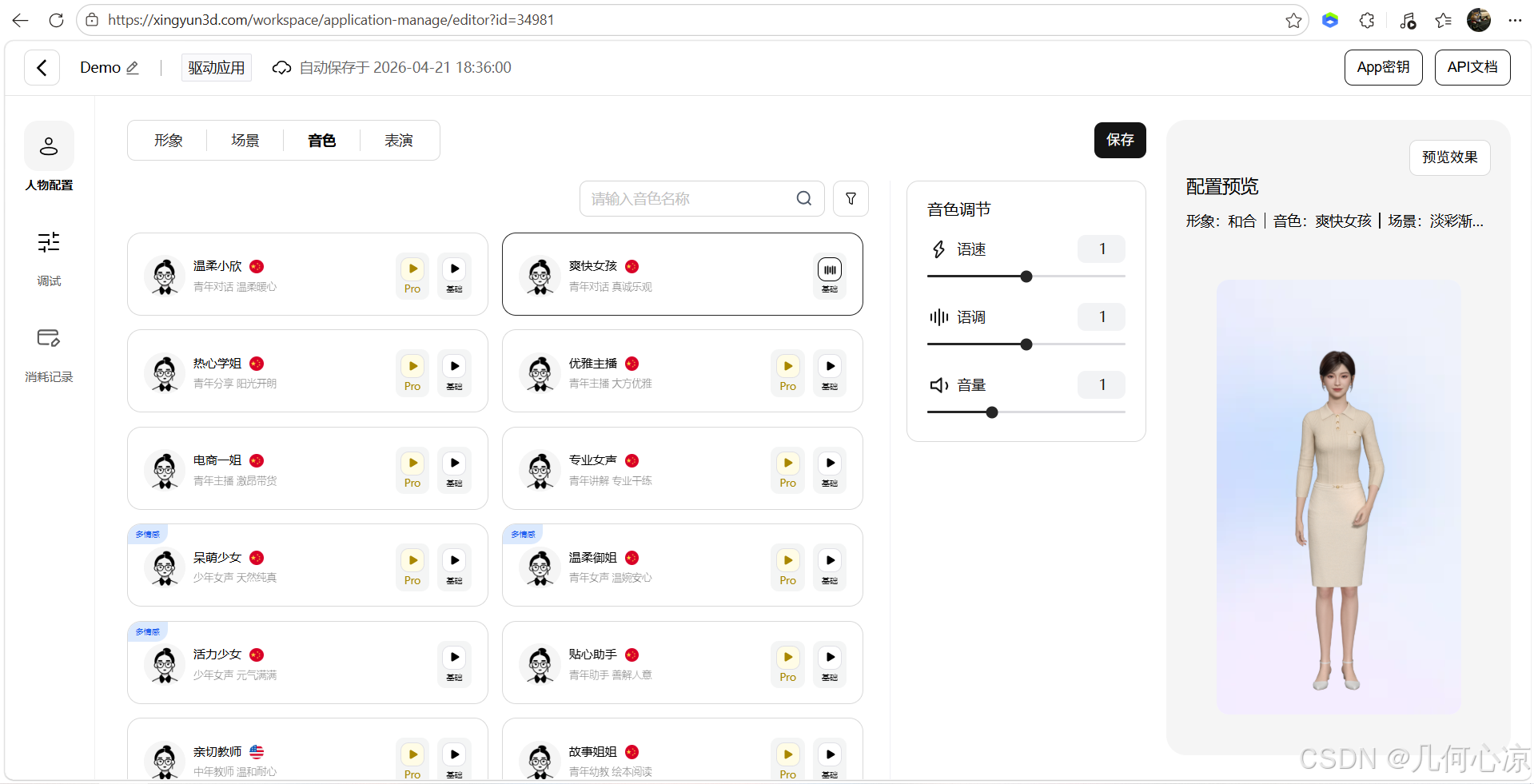 AI Visual Insight: This image focuses on voice configuration, which implies that the speech output layer can be tuned independently. Developers can match different voice profiles for customer service, companionship, or presentation scenarios.
It is best to manage configuration in three layers
The first layer is platform credentials, such as the AppKey and digital human SDK parameters. The second layer is speech recognition configuration, such as Tencent Cloud ASR App ID, Secret ID, and Secret Key. The third layer is LLM configuration, such as the Volcengine API Key. Layered management makes troubleshooting easier.
export default {
  avatarAppKey: "YOUR_XINGYUN_APP_KEY", // Digital human platform application key
  asrAppId: "YOUR_TENCENT_ASR_APP_ID", // Tencent Cloud speech recognition App ID
  asrSecretId: "YOUR_TENCENT_SECRET_ID", // Tencent Cloud Secret ID
  asrSecretKey: "YOUR_TENCENT_SECRET_KEY", // Tencent Cloud Secret Key
  llmApiKey: "YOUR_VOLCENGINE_API_KEY" // Volcengine LLM API Key
}
This configuration example shows that integration is fundamentally an orchestration problem across multiple services. The frontend code mainly connects them together.
ASR and LLM integration completes hearing and reasoning capabilities
Tencent Cloud ASR converts user speech into text and serves as the entry point for the digital human to hear and understand. The Volcengine large language model generates the reply content and acts as the core of the digital human’s reasoning capability. Only after these two services are combined with the digital human driving SDK does the interaction pipeline become complete.
From the integration flow, developers must create a SecretKey in Tencent Cloud and enable a model plus generate an API Key in Volcengine. The most common problems here are not code errors, but incorrect credentials, missing permissions, or models that were never enabled.
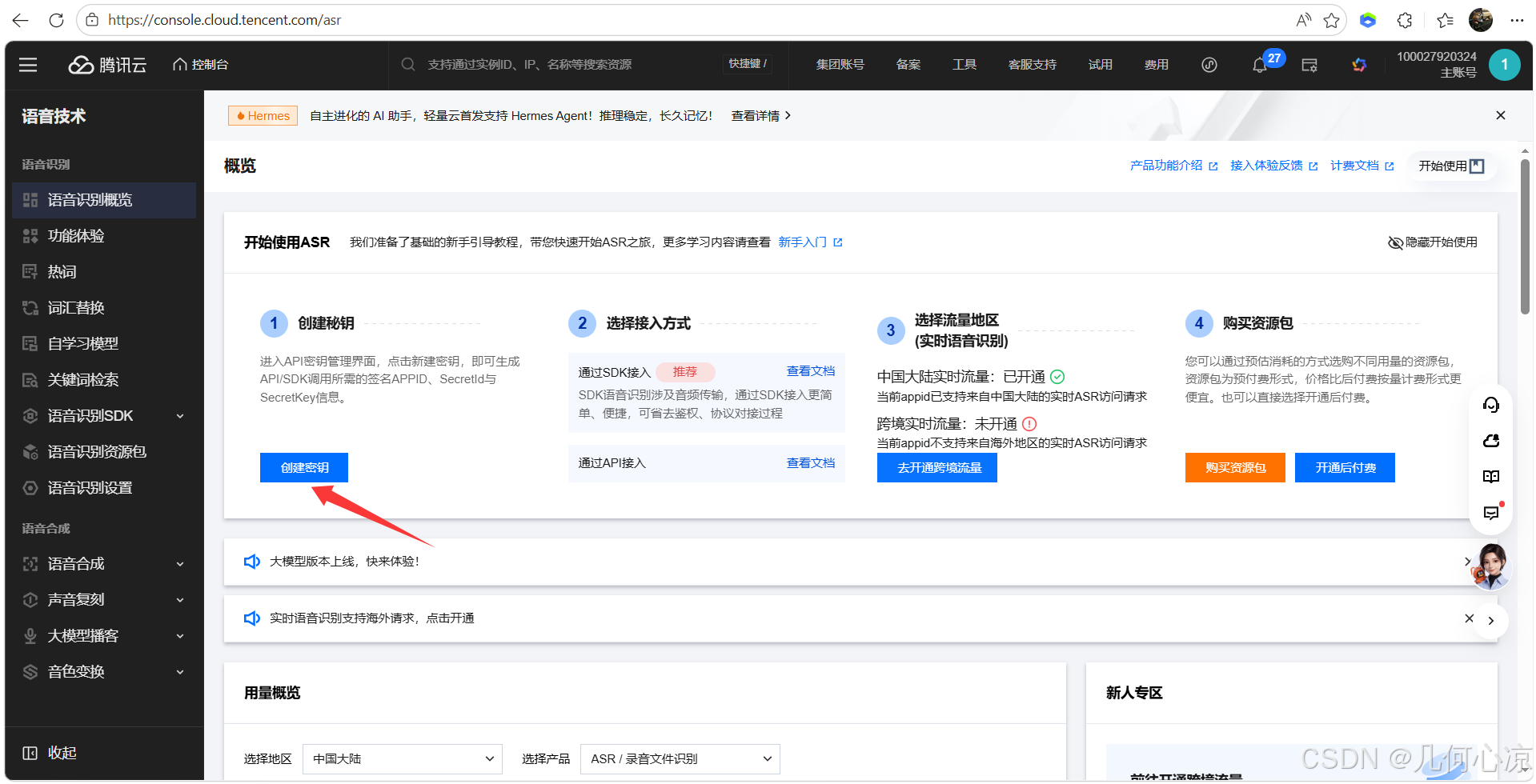 AI Visual Insight: This image shows the credential creation entry in Tencent Cloud and indicates that ASR capability uses standard cloud-service authentication. Developers should pay close attention to credential generation and permission binding.
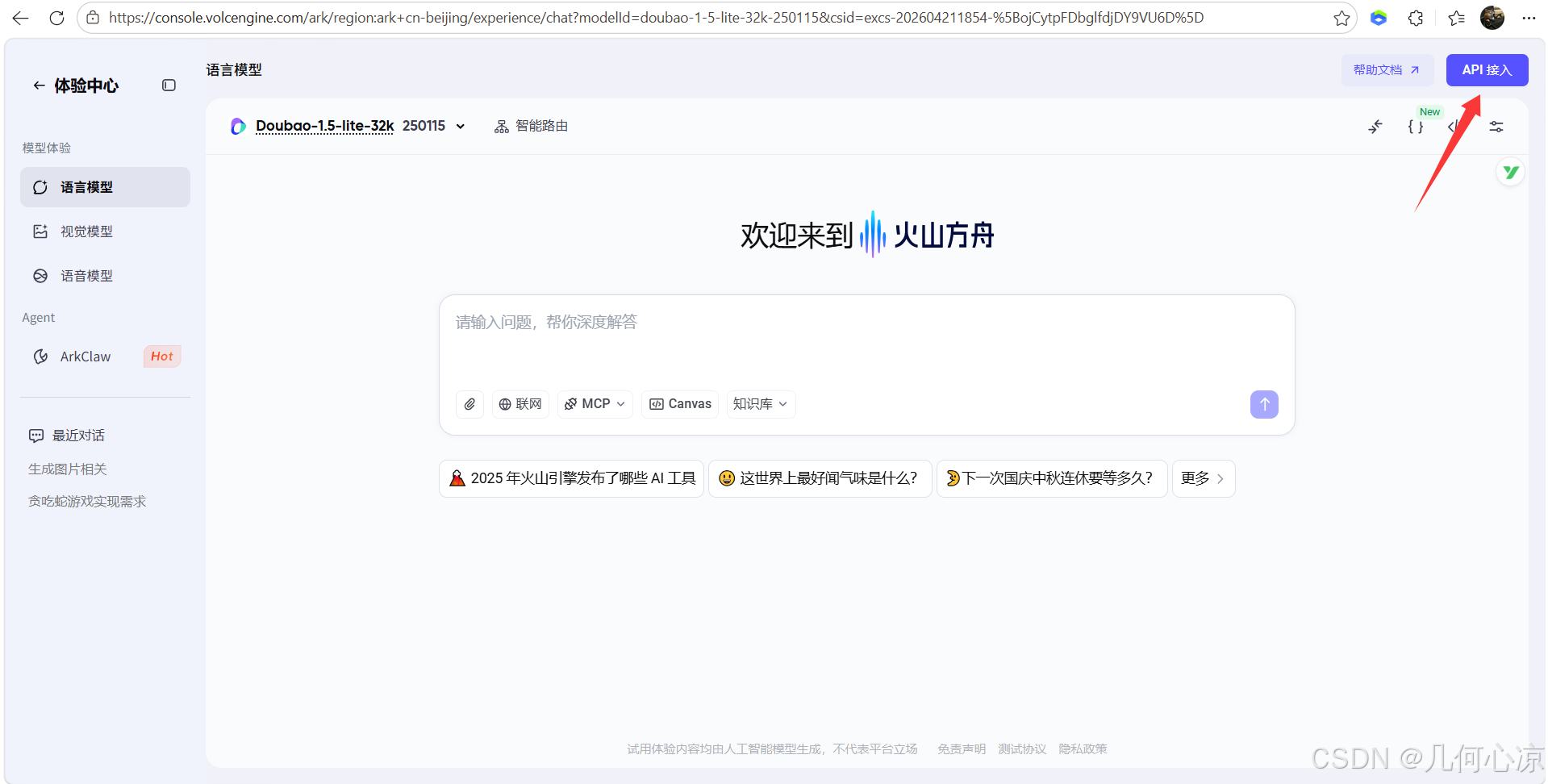 AI Visual Insight: This image shows the Volcengine API integration interface and indicates that the LLM component follows an API Key invocation model, which is well suited for centralized management through a frontend proxy layer or backend gateway.
The typical capability after integration is input-driven expression
Once everything is connected successfully, users can interact through either text input or voice input. The platform then outputs speech, lip-sync, facial expressions, and body motion based on semantics and emotion. This language-to-behavior linkage is what separates an embodied AI digital human from a standard chat box.
This low-code architecture is well suited for rapid multi-device validation
The source material mentions mobile devices, desktop holographic hardware, and large-screen terminals, which shows that the platform targets a unified interaction layer across multiple endpoints rather than a single web page. For enterprises, this reduces the cost of repeatedly rebuilding digital human capabilities for each platform.
If your business goal is to build intelligent customer service, exhibition guides, data analysis assistants, or companion-style applications, this model of platform configuration, SDK integration, and external AI service orchestration is clearly more efficient than building rendering and driving systems from scratch.
FAQ structured questions and answers
1. Which development teams is Mofa Nebula suitable for?
It is a strong fit for frontend teams, application integration teams, and product teams that need to validate digital human scenarios quickly. It lowers the technical barrier for 3D rendering and motion driving.
2. Where should I look first if the integration does not work?
Start with three categories of configuration: the platform AppKey, Tencent Cloud ASR credentials, and the Volcengine API Key. Then verify whether the model has been enabled, whether speech permissions are valid, and whether local dependencies were installed correctly.
3. Why is this low-code rather than no-code?
Because developers still need to complete SDK integration, environment setup, credential injection, and debugging. However, they do not need to build a digital human rendering engine, facial synchronization pipeline, or multimodal driving engine from the ground up.
AI Readability Summary
This guide reconstructs the practical workflow for the Mofa Nebula embodied AI 3D digital human platform. It focuses on local demo startup, AppKey configuration, Tencent Cloud speech recognition integration, and Volcengine LLM debugging, helping developers quickly launch web-based digital human interactions through a low-code approach.