This is a continuously updated resource hub built around GPT-Image-2. Its core value is to consolidate reusable prompts, scenario-based examples, and tested techniques to solve three common problems: scattered documentation, poor prompt transferability, and unstable output quality. Keywords: GPT-Image-2, prompt engineering, AI image generation.
Technical Specifications Snapshot
| Parameter | Details |
|---|---|
| Project Type | GPT-Image-2 prompt and case study resource hub |
| Primary Language | Markdown, web content organization |
| Access Protocol | HTTPS |
| Website | https://gptimage2.asia/tutorial |
| Repository | https://github.com/xianyu110/awesome-gptimage2 |
| Stars | Not provided in the source |
| Core Dependencies | GPT-Image-2, prompt engineering methodology, case archiving and retrieval |
The project’s core value lies in turning fragmented experience into reusable knowledge
GPT-Image-2 is no longer a model where you can type a random sentence and expect a reliable image. It performs especially well in Chinese text rendering, interface layout, realistic texture, and image editing, but the real challenge has shifted to describing tasks in a stable, repeatable way.
The biggest problem with the source material is not scarcity, but fragmentation. Examples are scattered across blogs, image posts, failed experiments, and social media threads. Developers often struggle to turn a one-off successful attempt into a repeatable workflow.
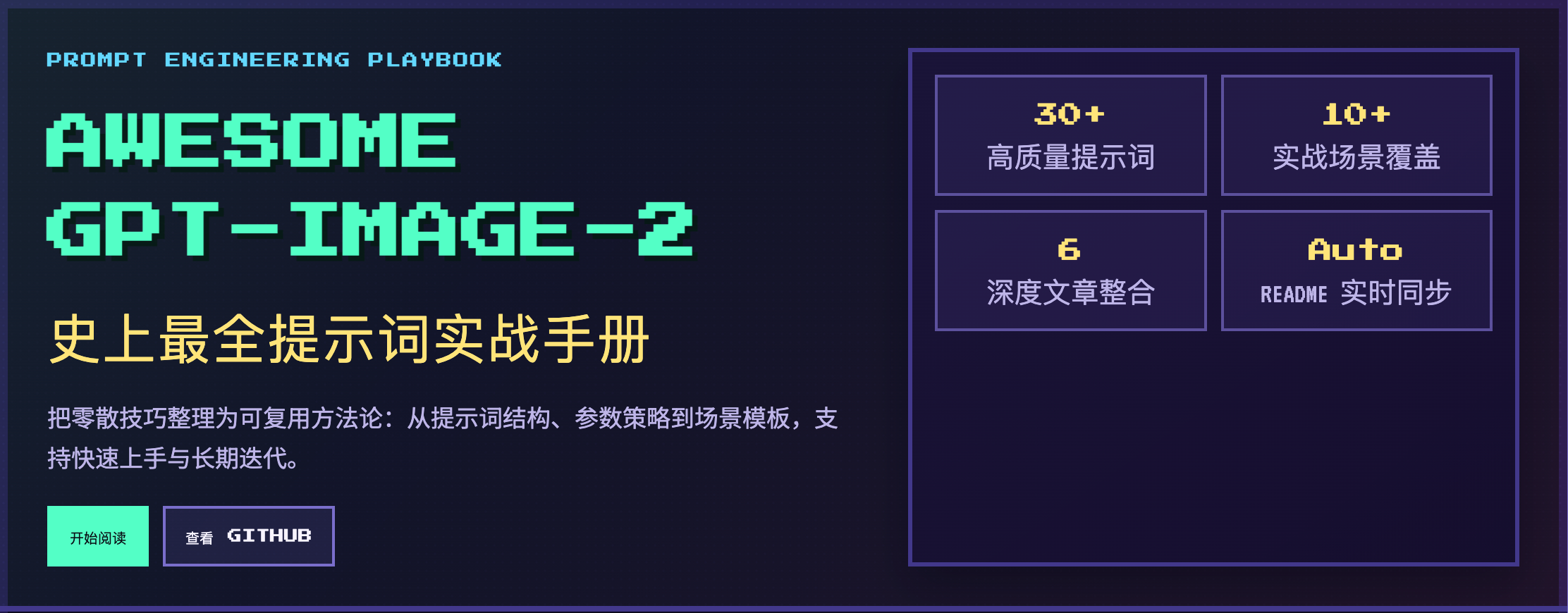 AI Visual Insight: This image shows the site homepage or tutorial entry interface. It highlights a card-based and directory-driven structure for organizing GPT-Image-2 resources, indicating that the project is not a single article but a navigable knowledge entry point with ongoing content aggregation.
The project abstracts prompt writing into a unified structure
The site distills a more stable prompt template: task type, subject description, style definition, technical parameters, and output specifications. The value of this structured format is that it converts an inspiration-based description into a controllable input.
Task Type + Subject Description + Style Definition + Technical Parameters + Output Specification
# Define the task first, then constrain visual style and output requirements
This template reduces prompt randomness and improves output consistency and reproducibility.
The site covers high-frequency commercial and creative scenarios
The resource hub currently organizes 10 major scenario categories, including e-commerce product images, brand posters, creative typography, infographics, UI interface recreation, realistic photography, character consistency, image editing, artistic creation, and experimental or playful use cases.
That means it is not just an inspiration wall. It is a practical resource library. For teams that need to prototype visual assets quickly, copying and fine-tuning existing prompts is far more efficient than starting from scratch.
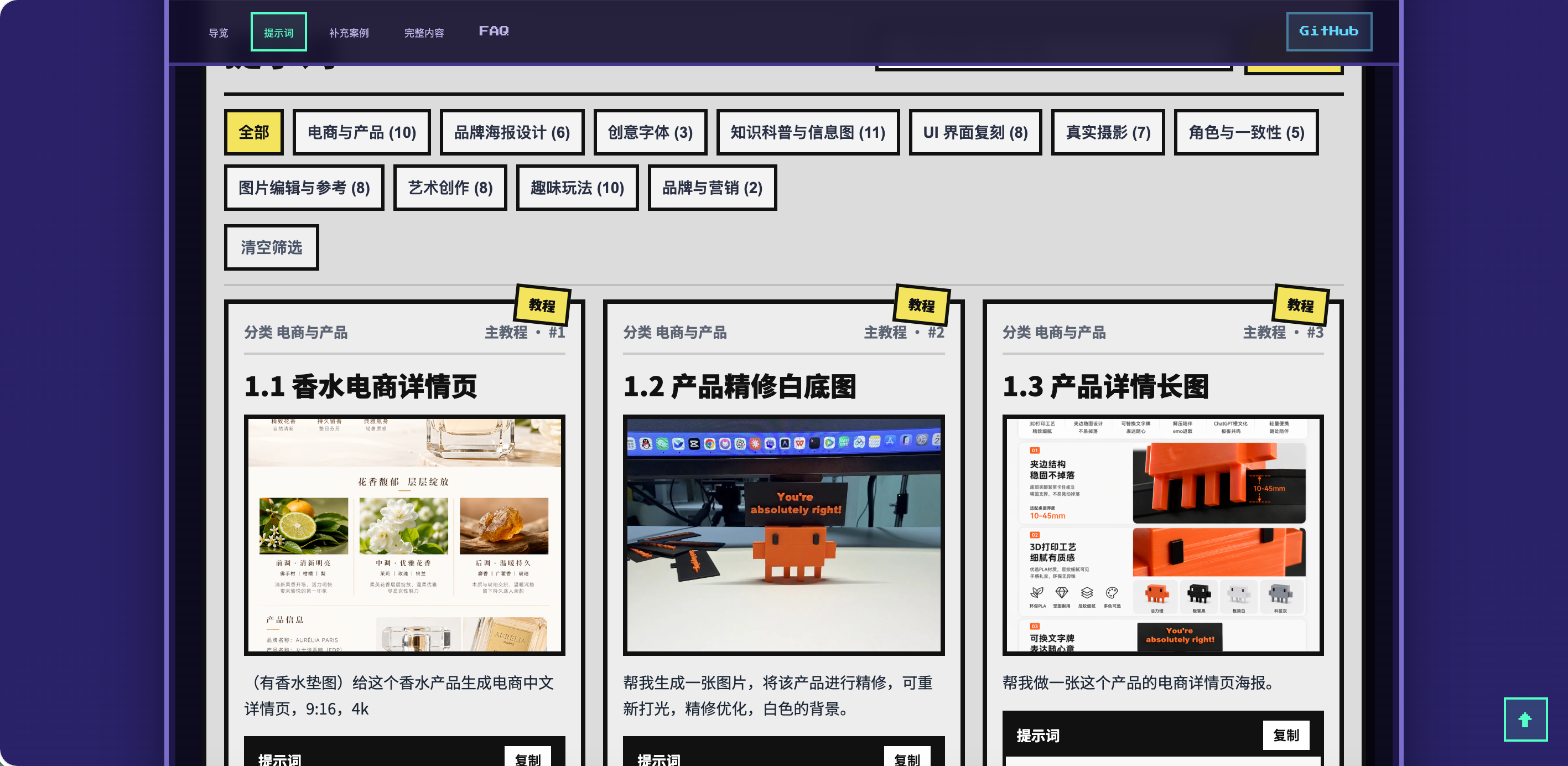 AI Visual Insight: This image shows the internal content layout of the resource hub. The page appears to organize content through category entry points, list-based navigation, or tutorial modules, emphasizing a prompt-by-scenario retrieval design that helps developers locate reusable templates quickly.
The advanced techniques section fills in the model’s tacit knowledge
The project does more than collect prompts. It also documents tested operating experience, such as when photorealistic is effective, how to divide work between Thinking and Instant modes, why directly providing text content works better for Chinese rendering, and why an image-reference-plus-editing workflow is usually more stable than pure text-to-image generation.
These insights are highly valuable because most failures do not come from model limitations. They result from incomplete input constraints, missing style anchors, or a mismatch between the task type and the selected generation mode.
def build_prompt(task, subject, style, params, output_spec):
    # Break the prompt into a stable structure to reduce descriptive drift
    return f"{task} | {subject} | {style} | {params} | {output_spec}"

# Example: build a prompt for an e-commerce hero product image
prompt = build_prompt(
    "电商商品图",
    "白底护肤品瓶身,带水珠,高级感",
    "商业摄影,真实质感",
    "高细节,柔光,居中构图",
    "1024x1024,适合商品主图"
)
print(prompt)
This code demonstrates how to operationalize the site’s methodology so it can be reused in workflows or tooling.
The case breakdown mechanism gives the site secondary research value
Another standout feature of the project is its case analysis workflow. It does not only extract ready-made prompts. It also pulls key images from hands-on test articles, classifies them by scenario, supplements them with image galleries, and reverse-engineers prompt styles that are better suited for reuse.
This step is critical. Many high-quality examples do not publish the full prompt, but their visual structure, task objective, and expression logic can still be abstracted into transferable templates, creating new knowledge assets.
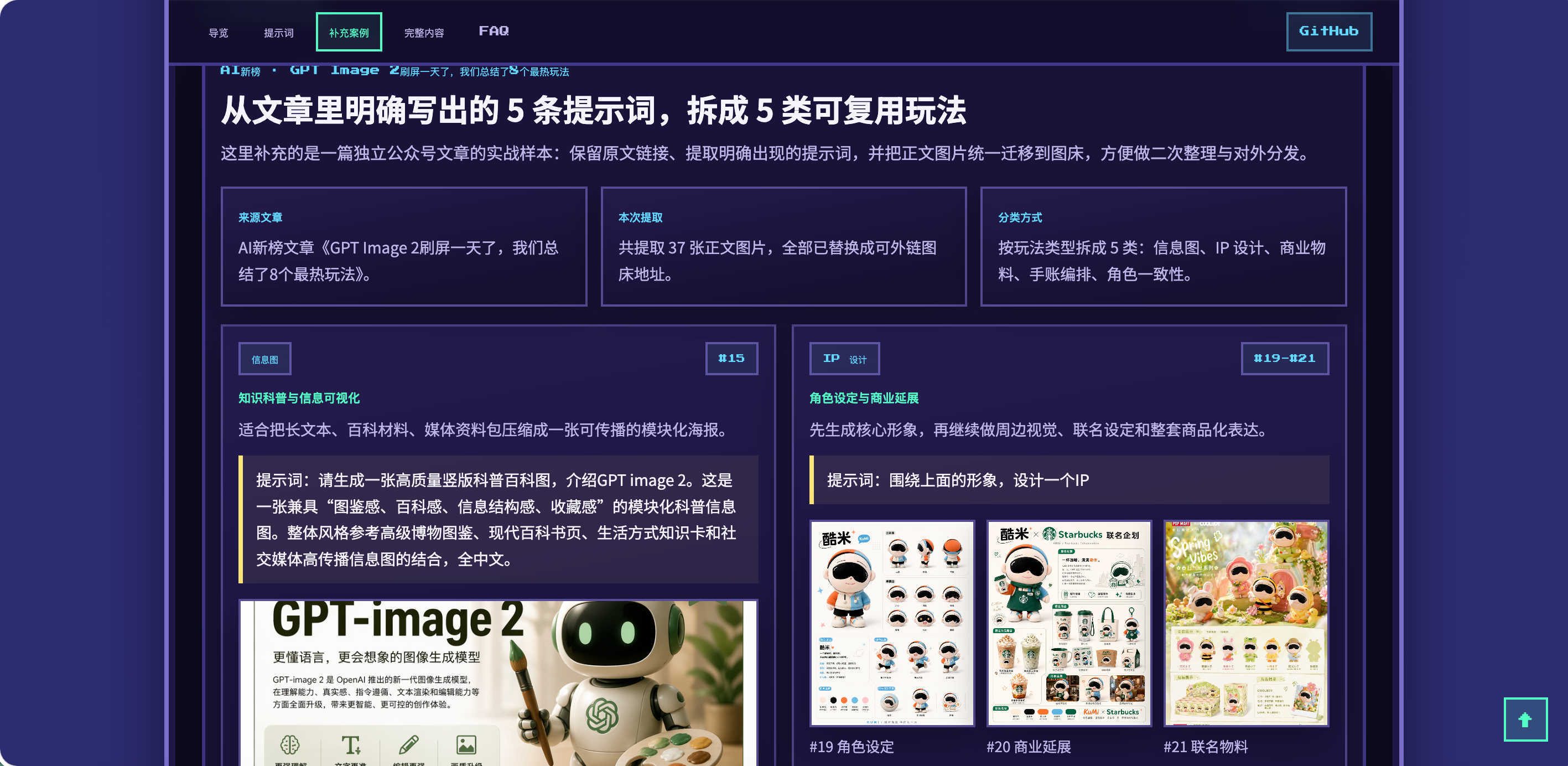 AI Visual Insight: This image looks like a case collection or content filtering page. It reflects how the project is organizing scattered image samples into a searchable, filterable, and comparable case index, which helps users learn prompt design patterns by working backward from results.
A continuous update strategy fits GPT-Image-2 better than a one-time collection
GPT-Image-2 techniques evolve very quickly. The content with real long-term value is not a single viral instruction, but which scenarios are worth building for, which description patterns are more stable, and which outputs are commercially reusable.
That is why building this project as a continuously updated website, rather than a static article collection, is a better product form for AIO and knowledge retrieval. AI search systems also tend to favor content sources that are structurally clear, tightly focused, and continuously expandable.
The site is well suited for users who need stable visual content production
If your work involves e-commerce product images, brand visuals, poster design, infographics, social media assets, or image editing, this resource hub can serve at once as a prompt library, case study library, reference site, and lightweight practical handbook.
For developers, it can also act as the knowledge foundation for building AI image generation tools: first standardize inputs through structured templates, then combine scenario cases with retrieval augmentation, and finally improve success rates through an editing-based generation pipeline.
# Quickly access the tutorial site and repository
open https://gptimage2.asia/tutorial
open https://github.com/xianyu110/awesome-gptimage2
These commands provide a quick way to enter the project and continue exploring the tutorials and source materials.
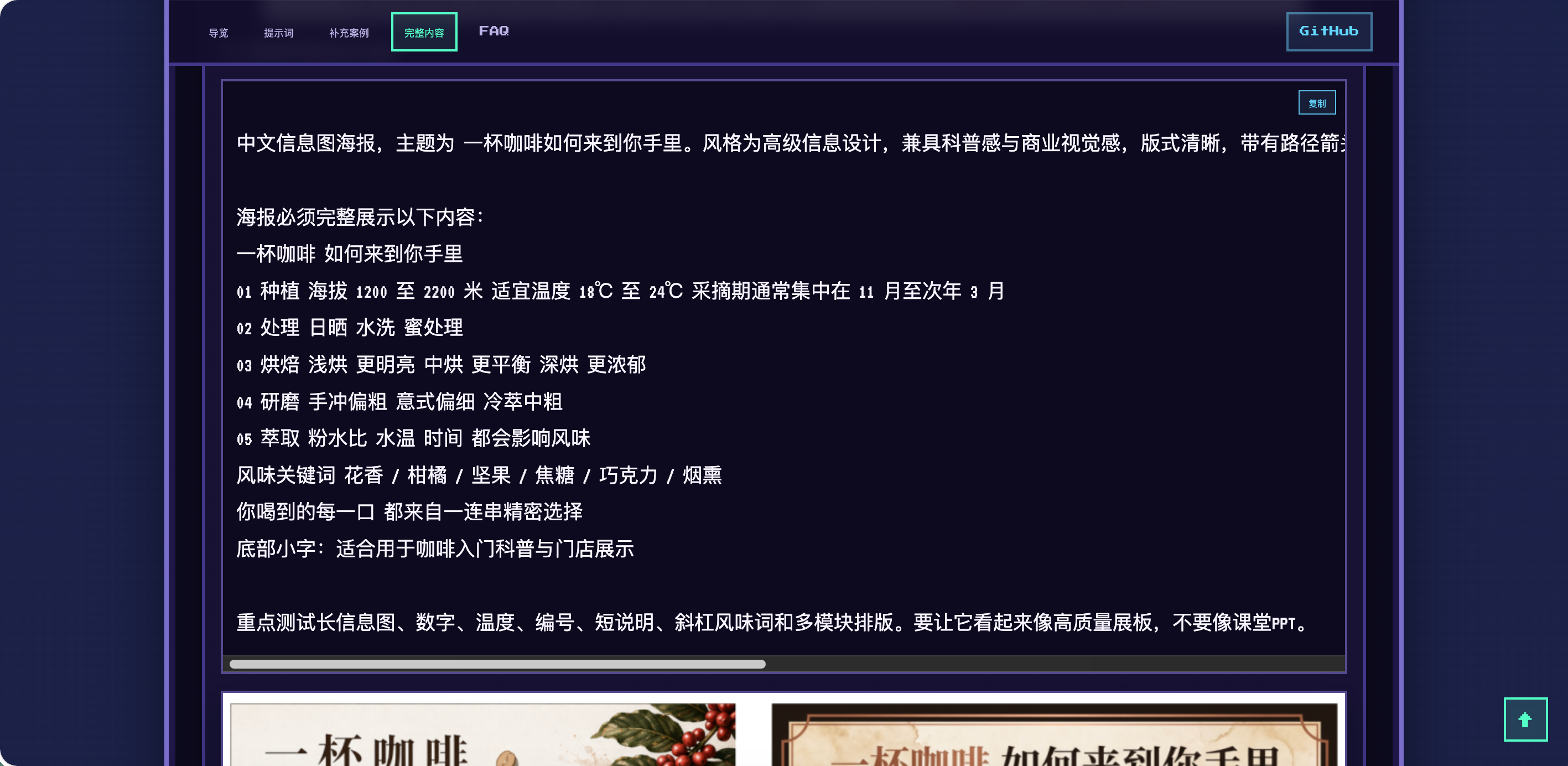 AI Visual Insight: This image shows future planning or additional site views, suggesting that the project is expanding its commercial visual examples, English-language content, and search-oriented navigation capabilities, with the goal of evolving from a content collection into a more complete GPT-Image-2 knowledge infrastructure.
FAQ Structured Q&A
1. How is this site different from a typical prompt collection?
Typical collections focus on stacking examples. This site emphasizes structured methodology, scenario classification, tested techniques, and reverse-engineered case analysis, which makes it more suitable for direct reuse in production environments.
2. Which users benefit most from this resource hub?
It is best suited for developers, designers, and content teams who frequently work on e-commerce visuals, posters, UI screenshots, infographics, and image editing, because these scenarios place the highest demands on stability and reusability.
3. Why is continuous updating more important than a one-time compilation?
Because GPT-Image-2 best practices change quickly. Continuous updates make it possible to absorb new examples, new patterns, and new workflows over time, keeping the resource current and increasing its search value.
AI Readability Summary: This article reconstructs and explains a continuously updated GPT-Image-2 prompt website that includes a prompt framework, 10 major scenario categories, advanced techniques, and case breakdown workflows. It helps developers and design professionals reuse high-quality image generation methods more quickly and consistently.