[AI Readability Summary] For NAS remote access, this article compares Shenzhuo Connect, Oray PeanutHull, SAKURA FRP, and open-source FRP in a structured way. It focuses on setup complexity, stability, free-tier limits, and ideal users to solve the core problem of accessing home devices from the public internet. Keywords: NAT traversal, NAS remote access, FRP.
The technical specification snapshot provides a quick comparison
| Tool | Language/Form Factor | Protocols/Capabilities | GitHub Stars | Core Dependencies |
|---|---|---|---|---|
| Shenzhuo Connect | Commercial client / GUI | Port Mapping, Encrypted Transmission | Not disclosed | Official client, cloud relay |
| Oray PeanutHull | SaaS / Web Console | Port Mapping, Device Access | Not disclosed | Browser, cloud service |
| SAKURA FRP | FRP-based service platform | TCP, tunnel forwarding | Not disclosed | Client, platform nodes |
| FRP | Go | TCP, UDP, HTTP, HTTPS, STCP | ~40k+ | frps, frpc, self-hosted server |
These tools create value by reliably exposing private network services to the public internet
At its core, NAT traversal allows devices inside a home or enterprise LAN to remain reachable from external networks through a persistent connection to a public node. For NAS users, the most immediate benefit is simple: you can still access photos, documents, and backup data from the office, a mobile network, or while traveling.
In practice, three pain points stand out: high setup complexity, unstable connections, and restrictive free plans. For non-technical users, questions like whether they must change router settings, enter ports manually, or write configuration files often matter more than whether protocol support is comprehensive.
A minimal FRP configuration explains the core mechanism
[common]
server_addr = x.x.x.x     # Public server address
server_port = 7000        # frps listening port

a[nas_web]
type = tcp                # Use TCP forwarding
local_ip = 127.0.0.1      # NAS local service address
local_port = 5000         # NAS web management port
remote_port = 15000       # Publicly exposed port
This configuration maps the local NAS management port to a specified port on a public server so that external clients can access it.
The four tools sit at different points on the usability and control spectrum
Shenzhuo Connect and Oray PeanutHull are classic beginner-friendly solutions. They both emphasize graphical interfaces, guided setup flows, and minimal manual configuration, while also reducing the need to deal directly with router settings. In other words, they behave more like turnkey products designed to get a working connection online quickly rather than exposing every networking detail to the user.
SAKURA FRP sits between commercial products and developer tools. It still offers a relatively accessible onboarding path, but users interact more directly with bandwidth, traffic quotas, and node selection. That makes it a better fit for people who care about performance but do not want to build and operate their own infrastructure.
FRP is the opposite. It offers the strongest capabilities, the lowest raw cost, and the highest flexibility. But that only helps if you can manage a public server, understand configuration, handle firewalls and port exposure, and troubleshoot issues involving TLS, tokens, and connection multiplexing when needed.
A short command sequence describes the basic FRP deployment flow
# Start the frps server on a public internet host
./frps -c ./frps.toml

# Start the frpc client on the device inside the NAS local network
./frpc -c ./frpc.toml

# Core idea: the client actively connects to the server and establishes a reusable tunnel
These commands create a forwarding path between the public server and the internal network client.
Shenzhuo Connect focuses more on low setup overhead and stable access
Based on the source material, Shenzhuo Connect’s main selling points are automatic detection, fewer setup steps, direct NAS mapping, and a free trial path. For users who simply want something that works as quickly as possible, that kind of automation matters because it reduces the cognitive load of understanding port discovery, forwarding rules, and account binding.
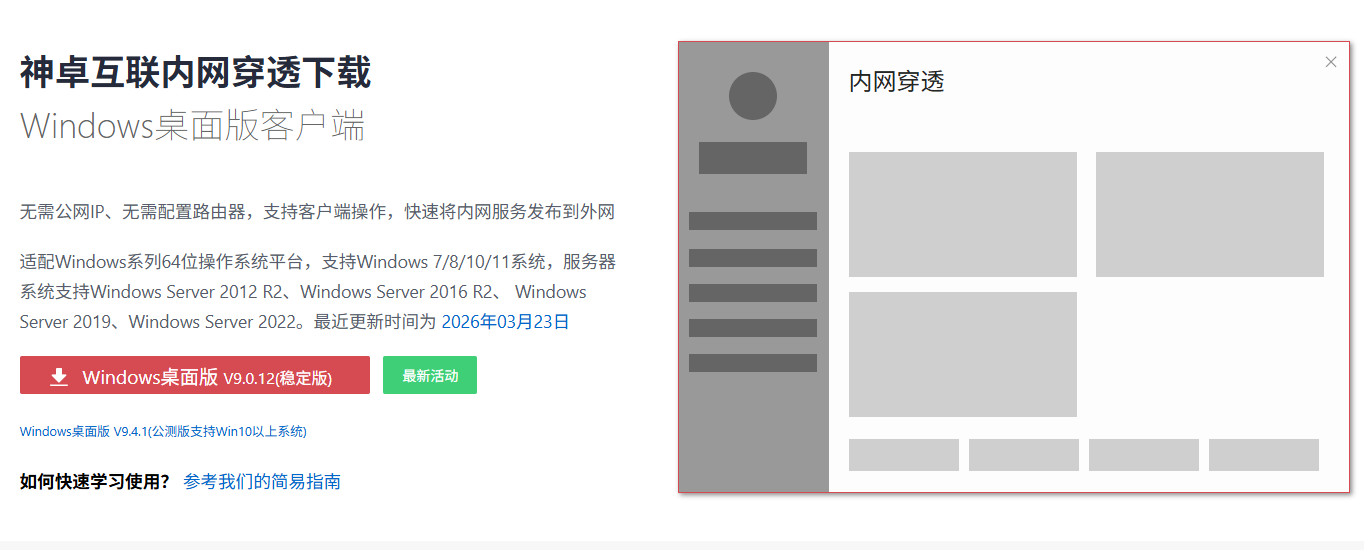 AI Visual Insight: This image shows a graphical NAT traversal control interface. The key information typically includes mapping name, target device, public access entry point, and connection status. From a technical evaluation perspective, this type of interface signals that the product prioritizes low-overhead operations by abstracting manually written port forwarding rules into visual configuration items.
The stated free-tier conditions are 1 mapping, 1 Mbps bandwidth, and no monthly traffic limit. That combination is better suited to photo browsing, light file synchronization, and occasional administrative access. If your top priorities are stability and convenience rather than large-scale data transfer, this is a balanced option.
Oray PeanutHull emphasizes lightweight onboarding and a multi-device user experience
Oray PeanutHull’s strengths center on web-based configuration and a shorter path to first use. For users who do not want to install extra clients and prefer managing everything from a browser, this SaaS-style model is easier to accept. Its value is not extreme performance. Its value is lowering the psychological barrier to trying NAT traversal for the first time.
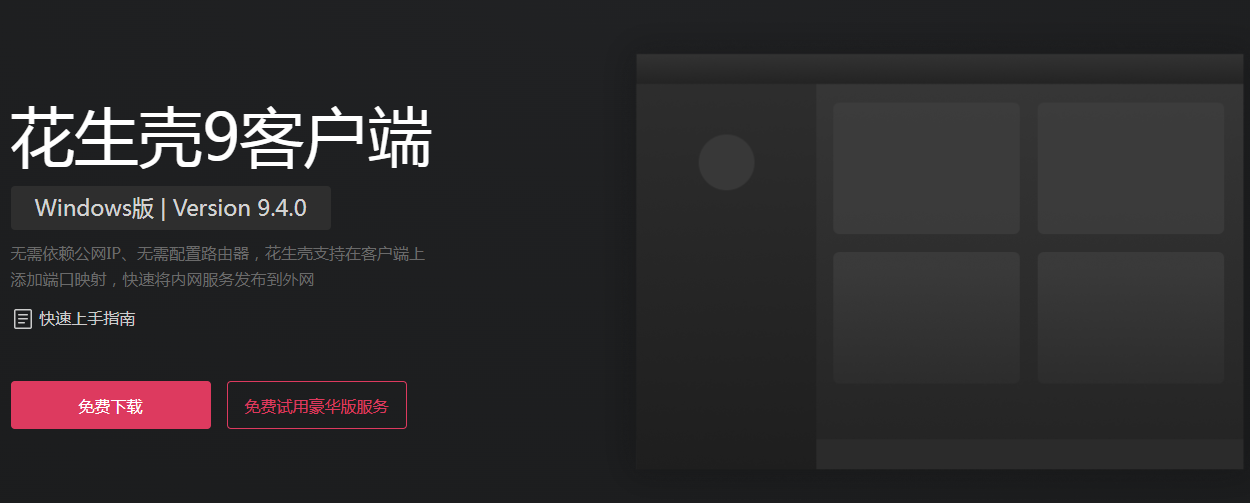 AI Visual Insight: This image reflects another visual mapping management interface, usually highlighting the domain name, port, device status, and access method. It represents a typical SaaS tunneling design: centralizing public endpoints, device binding, and policy management in a single console to reduce dependence on local networking knowledge.
The original content notes that its free tier provides roughly 1 Mbps bandwidth and 1 GB of monthly traffic. Compared with plans that have no monthly traffic cap, this model is better for low-frequency access. Once you start reviewing video footage or running batch backups, the traffic ceiling becomes a hard constraint.
You can use curl to quickly verify whether a mapping works
curl http://your-public-endpoint:15000
# Core logic: access the public endpoint and verify that requests route back to the NAS service
This command quickly confirms from an external network whether the port mapping is working.
SAKURA FRP stands out primarily because of its higher free bandwidth
If your NAS stores large amounts of video, surveillance playback, or large media assets, free bandwidth directly determines the upper bound of the user experience. In the original data, SAKURA FRP stands out because its free tier can provide 10 Mbps, but it also includes a 5 GB monthly traffic limit. That makes it a solution with high burst performance but low total monthly allowance.
This combination works well for temporarily pulling large files, occasional downloads, or demo scenarios, but it is not ideal for long-term, high-frequency synchronization. For users who often stream video remotely, the bandwidth advantage will be offset quickly by the traffic cap. That is why you must evaluate both Mbps and monthly GB instead of focusing on only one metric.
Open-source FRP remains the strongest option for developers, but it does not fit true beginners
FRP’s advantages are straightforward: broad protocol support, self-hosting, no vendor lock-in, strong control, and a mature community. When you need to expose SSH, admin panels, HTTP services, or even private protocols, FRP is far more flexible than SaaS tools.
But its drawbacks are just as direct: there is no graphical safety net, and users must troubleshoot errors on their own. If the public server is unreachable, the token does not match, a port is blocked by a cloud provider security group, or the reverse proxy chain is misconfigured, a solution that looks powerful in theory can become unusable in practice.
The best choice should follow your task model, not your brand preference
If you mainly want to browse photos remotely, retrieve documents, or occasionally access the NAS admin console, start with Shenzhuo Connect or Oray PeanutHull. The former leans more toward stability and flexible plans, while the latter favors lightweight onboarding and browser-based management. Both work well for low-friction deployment.
If you frequently transfer videos or large files, or you care more about burst speed, consider SAKURA FRP first, but evaluate the monthly traffic limit in advance. If your access pattern is infrequent but file sizes are large, it offers more practical value than 1 Mbps-class solutions.
If you already understand Linux, cloud servers, and network troubleshooting, FRP is the most worthwhile long-term investment. It is not the fastest tool to adopt, but it is the most generally useful foundation when you later want to expose SSH, webhooks, development environments, or private APIs.
The key to avoiding mistakes is validating requirements before paying
Many first-time NAT traversal users get distracted by terms like enterprise-grade, multi-protocol, or cross-site networking. But for a single NAS remote access scenario, only three questions really matter: can you avoid changing the router, does the connection stay online reliably, and can the service handle your file types?
Use the free tier to validate three things first: whether photo browsing feels smooth, whether the connection remains stable on mobile networks, and whether the monthly traffic allowance is sufficient. If those three checks pass, then consider upgrading. This approach helps you avoid paying for advanced features you do not actually need.
FAQ
1. Does NAS remote access always require a public IP address?
Not necessarily. The value of NAT traversal tools is that they expose private network services to the public internet through relays or tunnels even when you do not have a public IP address. That is why home broadband users can still achieve remote access.
2. Should beginners choose a commercial tool or FRP first?
If your goal is to get usable remote access quickly, choose a graphical solution such as Shenzhuo Connect or Oray PeanutHull first. If you need protocol flexibility, self-hosting, and long-term extensibility, then choose FRP.
3. What is the most common free-tier pitfall?
It is usually not bandwidth. It is traffic limits and concurrency restrictions. Many solutions appear usable at first, but once you start transferring video, syncing photo libraries, or allowing multiple devices to connect at the same time, the free quota runs out quickly.
Core Summary: Based on the NAS remote access use case, this article reconstructs the practical conclusions for four mainstream NAT traversal tools. It compares usability, stability, bandwidth, traffic limits, and technical barriers to help both beginners and developers choose the right option quickly.