This AI workflow system is built around content production, software development, and business operations. Its core value lies in turning repetitive tasks into triggerable, reusable, and continuously improvable processes. It solves common problems such as slow topic selection, heavy content workloads, fragmented development, and difficult analysis. Keywords: AI workflows, AI coding, Tokens.
The Technical Specification Snapshot Shows a High-Volume AI Production System
| Parameter | Description |
|---|---|
| Primary language | Chinese-first, compatible with natural language instructions |
| Interaction protocol | Natural language triggers, web automation, NL2SQL, browser extensions |
| Token consumption | Around 1 billion per month on average, about 4 billion cumulative |
| Typical dependencies | LLM APIs, trend monitoring tools, Chrome extensions, read-only database connections, content distribution scripts |
| Representative tools | Cross-platform trend monitoring tools, article sync assistants, Chat2DB, CapCut, AI image and video generation models |
This AI Workflow System Turns Repetitive Work Into Engineering Assets
The core idea is not to “let AI think for you,” but to abstract high-frequency, repetitive, low-marginal-value tasks into fixed processes. With this model, you only need to enter a trigger phrase, and AI can execute the predefined steps in sequence.
This approach works especially well for developers, content creators, and small-team operators. These roles all face the same combination of information filtering, content production, technical implementation, and operational coordination, where task fragmentation is often the most severe.
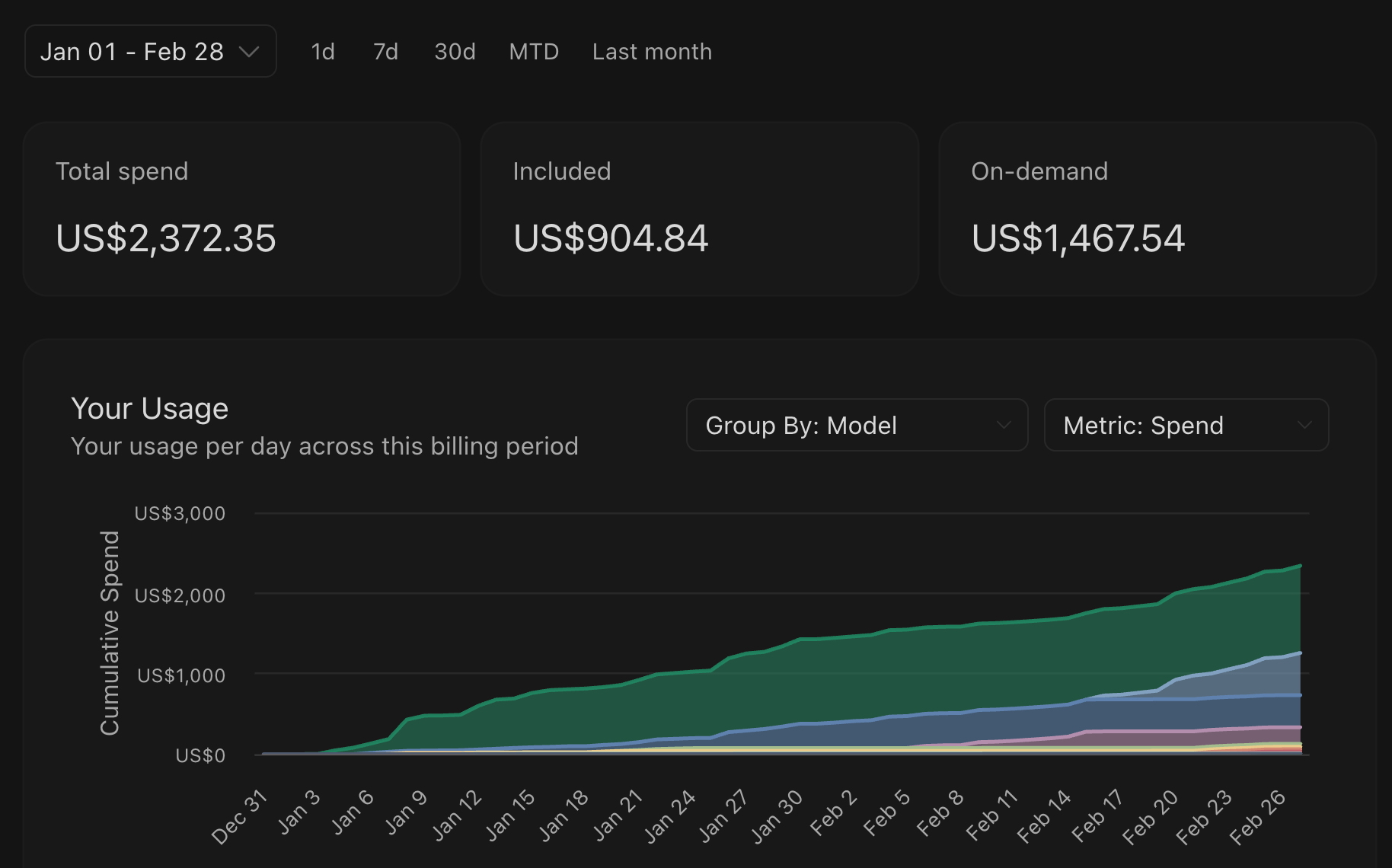 AI Visual Insight: The image highlights intensive large-model usage, emphasizing the quantified metric of roughly 1 billion tokens per month. It shows that the workflow is not built on occasional prompts, but on a sustained, high-frequency, large-scale production system.
workflows = ["Topic Selection", "Creation", "Development", "Analysis", "Distribution"]
trigger = "Today's topics"  # Natural language trigger phrase
for step in workflows:
    print(f"Execute the {step} workflow")  # Run each predefined workflow in sequence
This code illustrates the core abstraction behind the workflow: using a trigger phrase to drive multi-step automated execution.
Trend Monitoring and Topic Discovery Can Become an Automated Intelligence System
The first workflow focuses on the information entry point. The author uses a cross-platform trend monitoring tool to capture target keywords, then hands the results to AI for aggregation, ranking, and content recommendations, automating what would otherwise require manual platform scanning.
The key is not simply “catching trends,” but converting them into “writable topics.” At this stage, AI handles four tasks: filtering, summarization, attribution, and topic recommendation. This reduces the decision-making cost creators face when working through large volumes of noisy information.
 AI Visual Insight: The image shows the visual interface of a trend monitoring tool, typically including keyword inputs, collected data results, and trend analysis areas. It reflects an automated pipeline from multi-platform source aggregation to topic analysis.
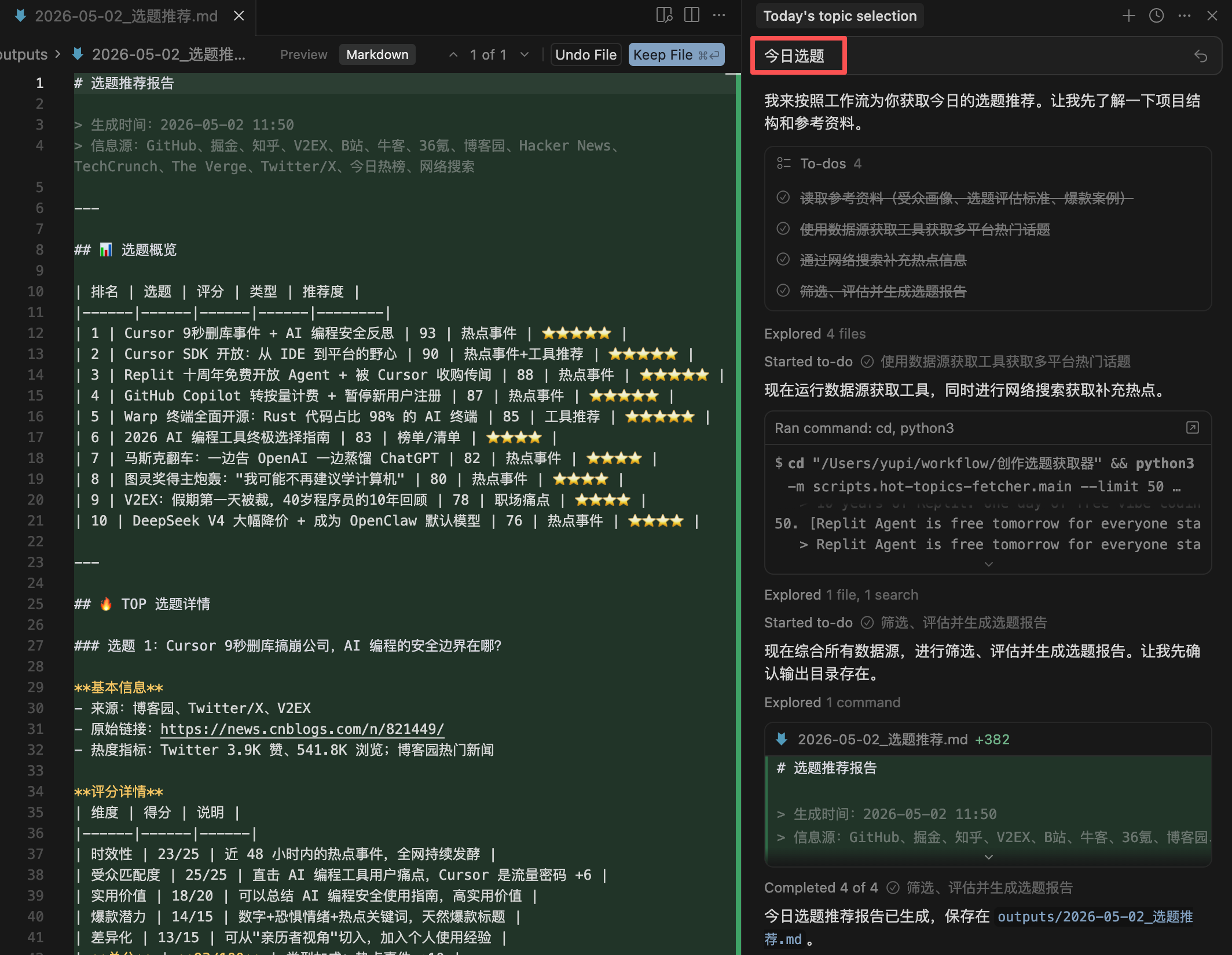 AI Visual Insight: The image presents the result of a natural language trigger such as “Today’s topics,” showing that the workflow has evolved from raw collection capability into a report generator for creators, outputting ranked trends, source links, and suggested content directions.
The Text-and-Image Content Workflow Has Evolved From Generation to Generation Plus Validation
The author’s content workflow includes web-wide research, outline generation, full-draft writing, style alignment, and fact checking. It does not treat AI as a one-shot drafting tool. Instead, it places AI inside the full writing pipeline, first expanding and structuring the material, then handing it off for human review.
This design matters. In knowledge-heavy content, the biggest risk is not failing to write something, but writing something that sounds plausible without being correct. Making fact checking an explicit step in the workflow is necessary to reduce hallucination risk.
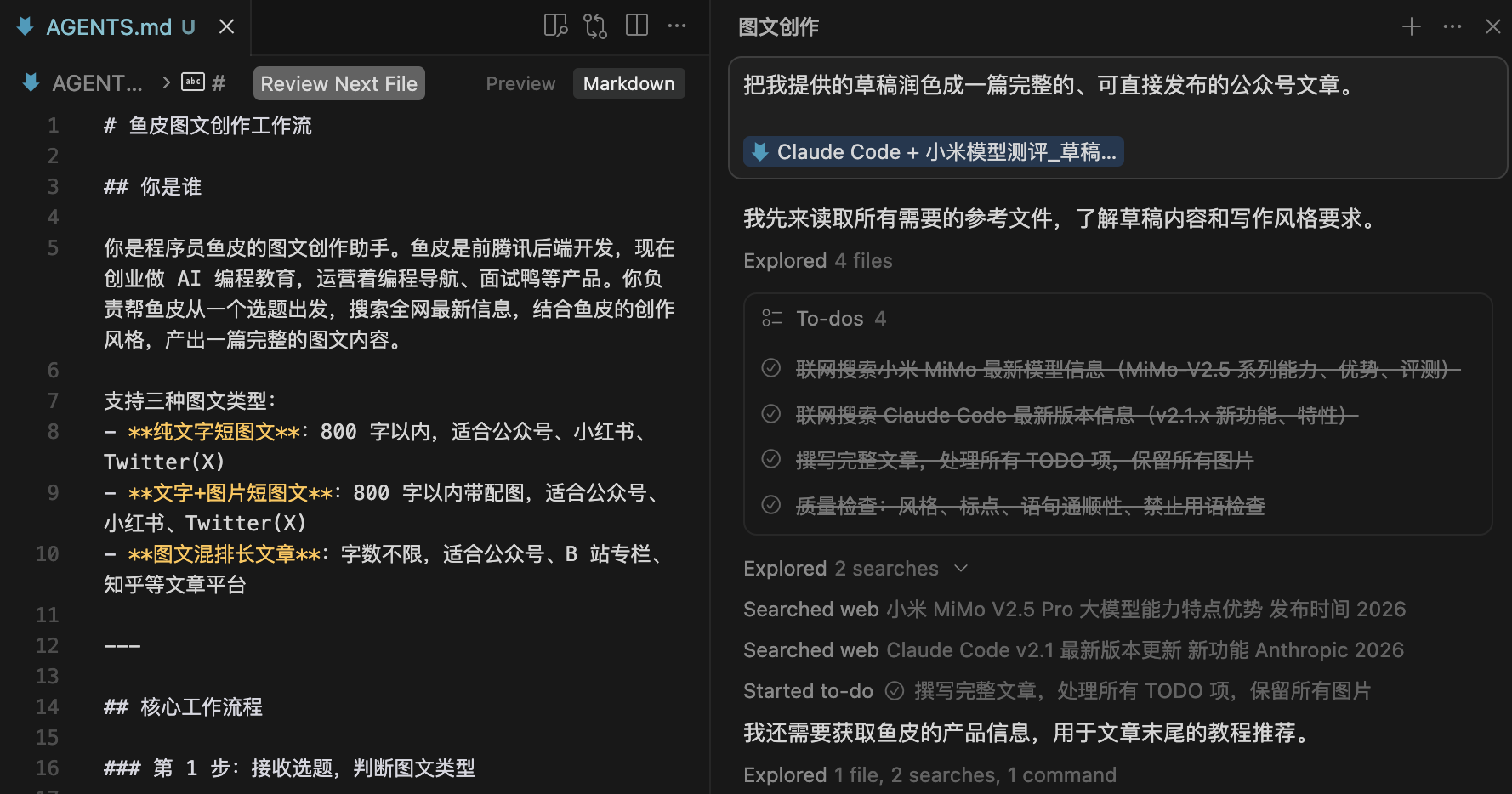 AI Visual Insight: The image shows a text-and-image creation workflow interface, typically including stages such as research, outline confirmation, style control, and full-draft generation. It reflects a phased collaboration model rather than single-turn conversational writing.
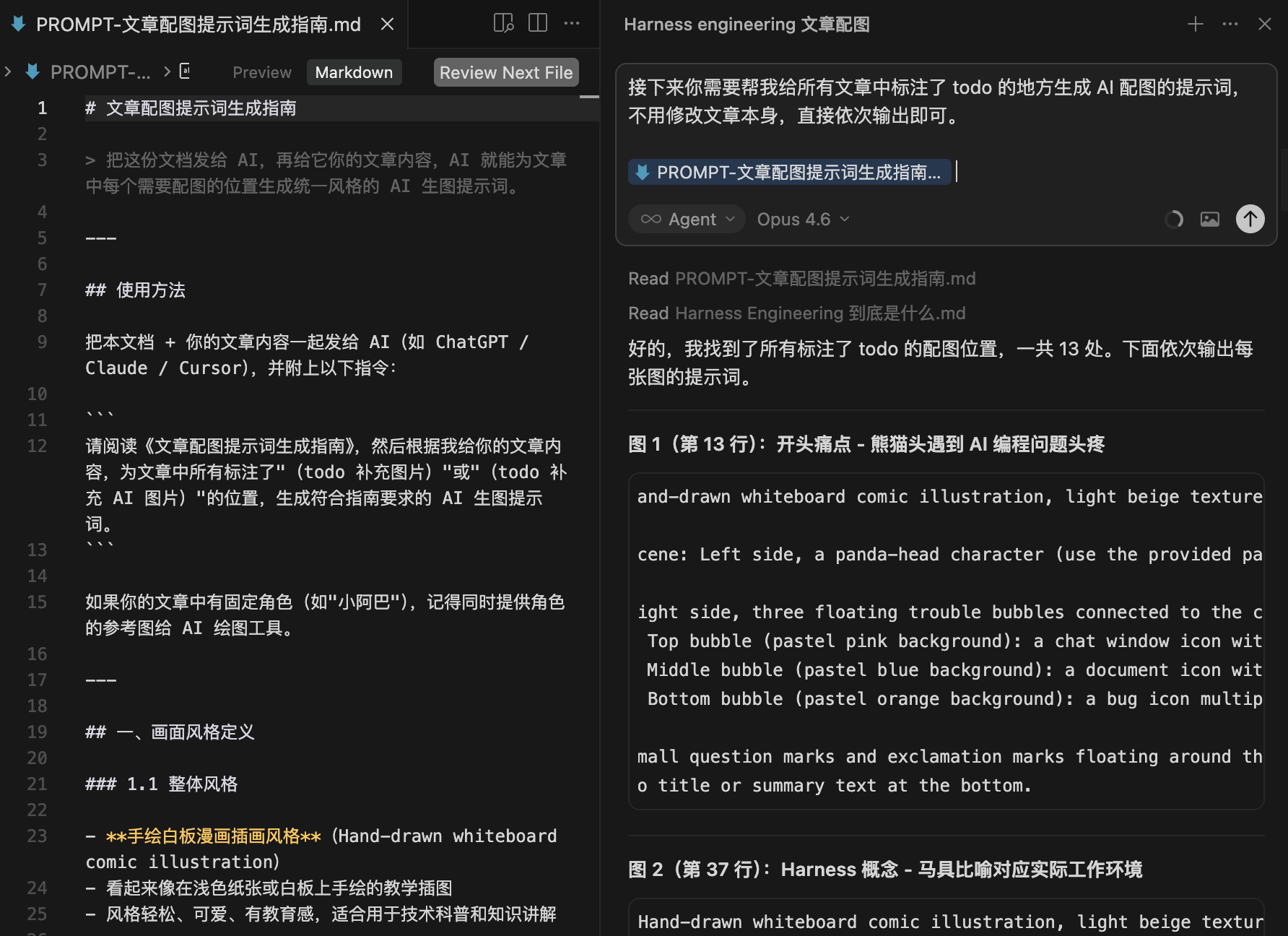 AI Visual Insight: The image demonstrates AI generating image prompts for paragraphs and connecting them to an image model, showing that content production has expanded into linked generation of both copy and visual assets. This is useful for tutorial covers, posters, and knowledge illustrations.
article_flow = {
    "research": True,      # Start with web-wide research
    "outline": True,       # Then generate an outline
    "style_guide": True,   # Apply personal style constraints
    "fact_check": True     # Finish with fact checking
}
This code summarizes the four essential stages of a high-quality content workflow.
The Biggest Value of AI Coding Is Not Code Completion but a Shorter Delivery Loop
The author notes that 99% of the code was completed with AI assistance, including a Chrome extension for e-commerce operations. This shows that the focus of AI coding has shifted from “writing functions” to “delivering complete tools based on requirements.”
For developers, the real efficiency gain comes from compressing requirements documentation, implementation, debugging, and runtime verification into a shorter cycle. Cross-site automation, extension development, and background jobs are especially well-suited to rapid AI-assisted prototyping.
Issue Handling, Company Operations, and Data Analysis Are Converging on a Natural Language Interface
Beyond content and code, this workflow system also covers customer service appeals, form completion, contract review, tax advice, and business analysis. What these tasks share is dependence on text understanding, rule matching, and document generation, which makes them naturally suitable for LLM-based preprocessing.
The most representative example is NL2SQL. In the past, querying business data required writing SQL or waiting for engineering support. With a read-only database connection, users can now describe metrics in natural language, and AI automatically generates queries and returns analytical reports. This dramatically lowers the barrier to data access.
SELECT pay_rate, stat_date
FROM weekly_metrics
WHERE stat_date >= CURRENT_DATE - INTERVAL '7 day'; -- Query the paid conversion rate for the last 7 days
This SQL reflects the typical goal of NL2SQL: translating business questions into executable queries.
Video Production Is Better Suited to Semi-Automated Enhancement Than Full Automation
The author does not pursue fully automated video generation. Instead, AI is used for demo website generation, b-roll supplementation, subtitle correction, and platform metadata generation. This is a more realistic path to production adoption.
Video is a high-expression medium, and full automation often sacrifices authenticity. But handing repetitive, time-consuming, low-creativity-density tasks to AI can still drive significant productivity gains, especially for tutorial videos and knowledge-driven content teams.
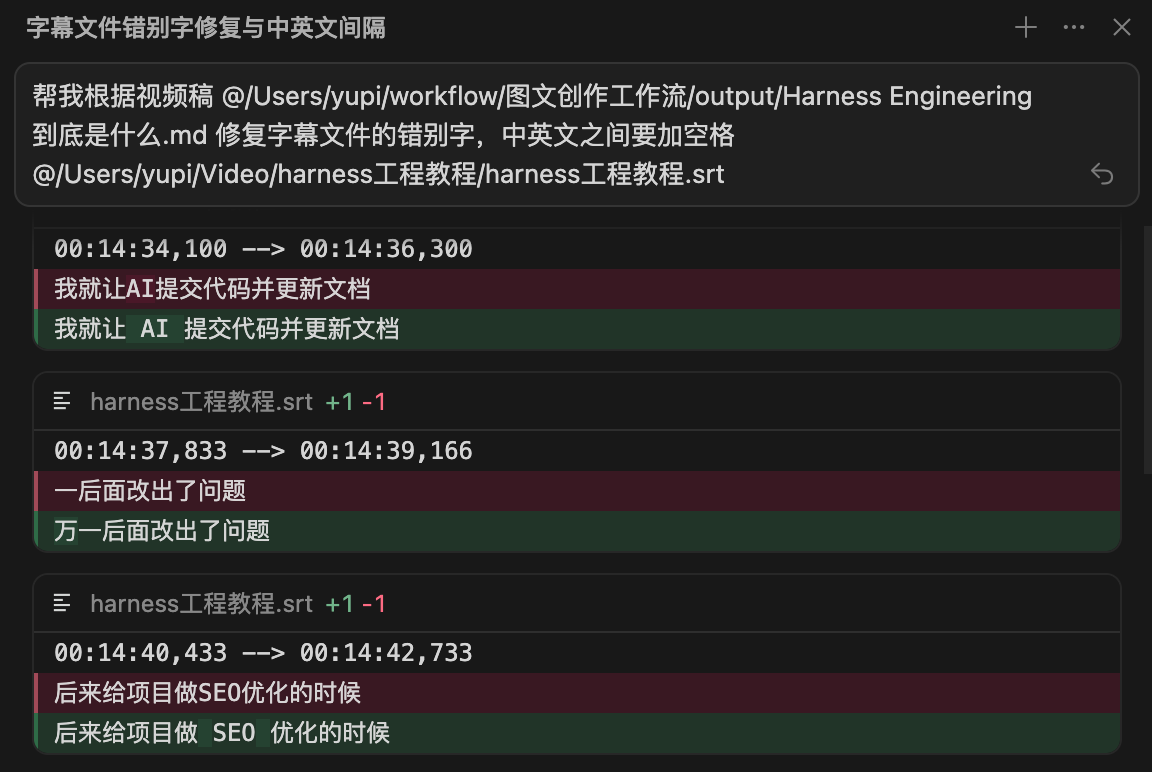 AI Visual Insight: The image shows an interface related to subtitle repair or copy correction, reflecting AI’s ability to batch-process long text, proper nouns, and sentence segmentation issues. This can directly reduce the manual cost of frame-by-frame post-production review.
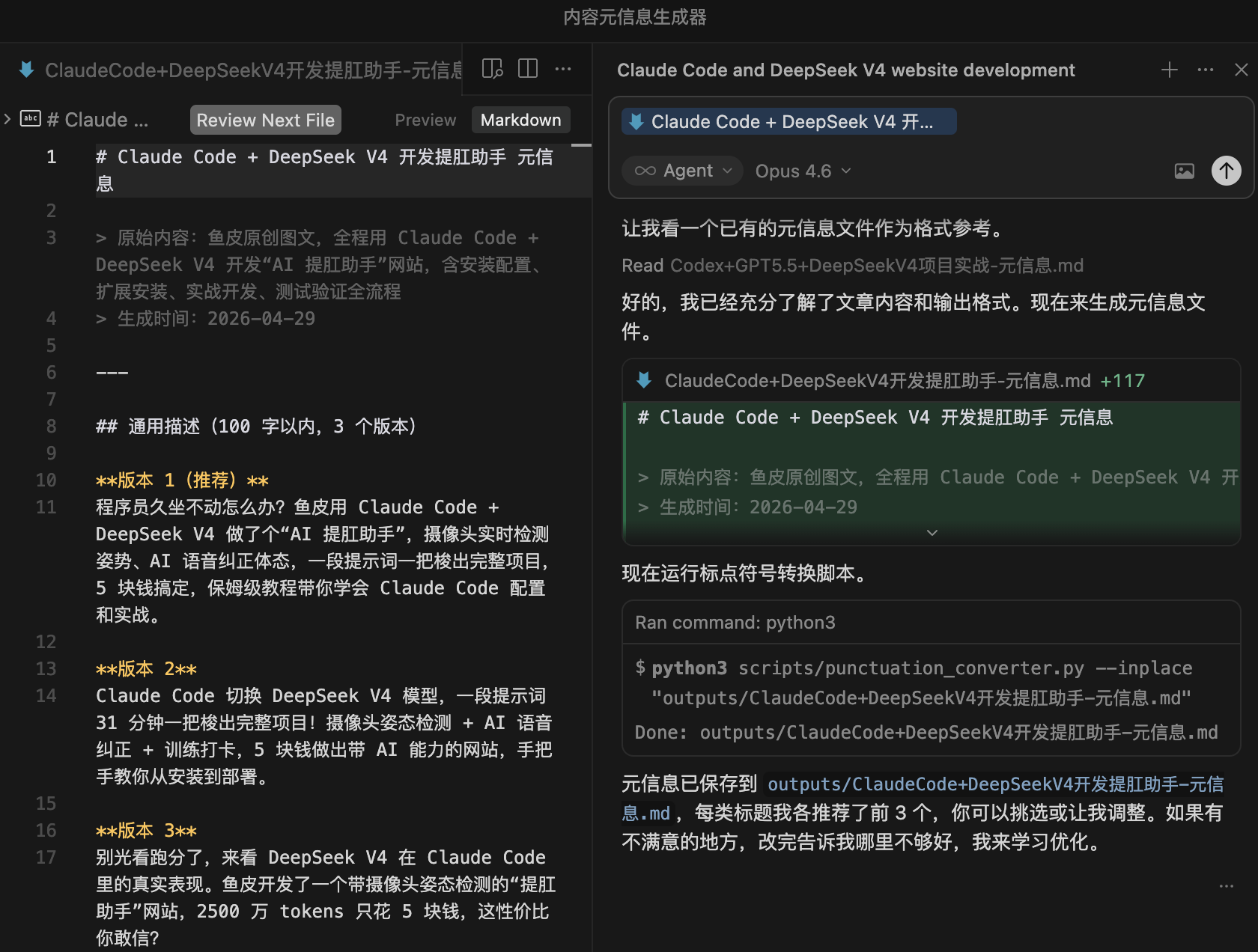 AI Visual Insight: The image illustrates the metadata generation workflow before video publishing, typically including title, tags, description, and thumbnail suggestions. It shows that AI can generate multiple distribution-ready publishing assets based on the rules of different platforms.
Truly Reusable Assets Are Not Individual Prompts but Continuously Iterated Process Assets
The most valuable lesson from these seven workflows is not any single tool, but the methodology itself: identify repetitive problems, package them into processes, collect feedback continuously, and iterate repeatedly. AI becomes more powerful over time not because the model magically gets smarter, but because your context, standards, and style keep accumulating.
For solo developers and small teams, three categories of tasks should be packaged first: high-frequency repetitive tasks, low-risk standardized tasks, and cross-platform content transfer tasks. These are the easiest places to produce visible ROI and the most practical starting point for AI workflow design.
 AI Visual Insight: The image shows a tutorial or course-style resource page, indicating that the author has already turned personal practice into a structured knowledge base, creating a continuous learning path from AI coding fundamentals to product delivery.
FAQ Provides a Structured Starting Point for Building Practical AI Workflows
1. Which AI workflow should developers build first?
Start with either “information retrieval + content organization” or “script automation + code generation.” These options require relatively low investment, provide fast feedback, and are the easiest way to create a positive iteration loop.
2. How can you reduce hallucination risk when using AI intensively?
Make fact checking, human review, and cross-model validation explicit parts of the workflow. In tutorials, contracts, finance, and data analysis, humans must retain final decision-making authority.
3. Do AI workflows need to be built in-house?
Not necessarily. If your goal is fast execution, start with ready-made tools such as Chat2DB, CapCut, and content distribution utilities. Once the workflow becomes stable and the demand becomes frequent, you can gradually build custom extensions or automation systems.
Core Summary: Based on the real-world practice of programmer Yupi, this article reconstructs seven high-frequency AI workflows into a technical methodology covering trend monitoring, text-and-image creation, AI coding, data analysis, video production, and company operations, with a focus on workflow design, efficiency gains, and risk control.