This article reviews a failed HTTP plaintext packet capture experiment: the page clearly used HTTP, yet the username and password never appeared in the capture. The root cause was that the form
actionpointed tolocalhost, so the actual request looped back to the visitor’s own machine instead of the target host. Keywords: HTTP plaintext transmission, Wireshark packet capture, localhost loopback.
The technical snapshot clarifies the lab setup
| Parameter | Value |
|---|---|
| Scenario languages | HTML, Python 3 |
| Transport protocols | HTTP, TCP |
| Packet capture tools | Wireshark, Colasoft Capsa, Fiddler, Burp Suite |
| Lab topology | Host A: 10.150.4.4, Host B: 10.150.4.33 |
| Core dependencies | http.server, urllib.parse |
| Original article engagement | 326 views, 8 likes, 4 bookmarks |
The core reason this experiment could not capture plaintext was not that HTTP was encrypted
The original scenario was straightforward: Host A served a page with a login form, Host B accessed it through http://10.150.4.4, and the operator ran a packet capture tool on Host A expecting to see the username and password.
The problem was that the form submission target was not Host A, but http://localhost:8080/login. For a browser, localhost always means “the machine currently running this browser.” As a result, when Host B submitted the form, the POST request went to port 8080 on Host B itself.
This means Host A could never see the login request you wanted to capture
Host A only served the login page, but the actual credential submission target was written as Host B’s local loopback address. That split the network path into two separate segments: the page request reached A, while the form submission stayed on B. If you captured traffic on A, you would naturally never see the username or password.
B browser --GET /--> A(10.150.4.4:80)
B browser --POST /login--> B(localhost:8080)
Host A cannot see the second request
This topology explains why “page access succeeds, but sensitive data never traverses Host A.”
The submission logic in the page code actually prevented the request from being sent
The original HTML had a second issue: onsubmit="return validateLogin()", and validateLogin() ultimately returned false. That directly prevented the form from being submitted.
<form id="login-form"
      action="http://10.150.4.4:8080/login"
      method="post"
      onsubmit="return true"> <!-- Allow the form to submit -->
  <input type="text" name="username" required>
  <input type="password" name="password" required>
  <button type="submit">Login</button>
</form>
This change redirects the submission target to Host A and removes the client-side interception.
If you keep the popup demo but let the function return false, packet capture tools will only see page-load traffic and never the login POST request.
After you fix the experiment, the plaintext data will actually traverse the network
To let Host A capture plaintext credentials, two conditions must both be true: the submission target must point to a reachable address on Host A, and the browser must actually issue the POST request.
A minimal verifiable backend is the best way to receive the data
from http.server import BaseHTTPRequestHandler, HTTPServer
import urllib.parse

class LoginHandler(BaseHTTPRequestHandler):
    def do_POST(self):
        # Read the request body length
        content_length = int(self.headers["Content-Length"])
        post_data = self.rfile.read(content_length)

        # Parse an application/x-www-form-urlencoded form
        data = urllib.parse.parse_qs(post_data.decode("utf-8"))
        username = data.get("username", [""])[0]
        password = data.get("password", [""])[0]

        # Print plaintext results for comparison with the packet capture
        print(f"Username: {username}")
        print(f"Password: {password}")

        self.send_response(200)
        self.send_header("Content-Type", "text/plain; charset=utf-8")
        self.end_headers()
        self.wfile.write("received".encode("utf-8"))

HTTPServer(("0.0.0.0", 8080), LoginHandler).serve_forever()
This code listens on port 8080 on Host A and receives plaintext form data from Host B.
The HTML action must also point to a routable address, not localhost.
<form action="http://10.150.4.4:8080/login" method="post">
  <input type="text" name="username" placeholder="username" required>
  <input type="password" name="password" placeholder="password" required>
  <button type="submit">Login</button>
</form>
This ensures that the username and password travel across the network from Host B to Host A.
The screenshots already reveal that the experiment path was misaligned
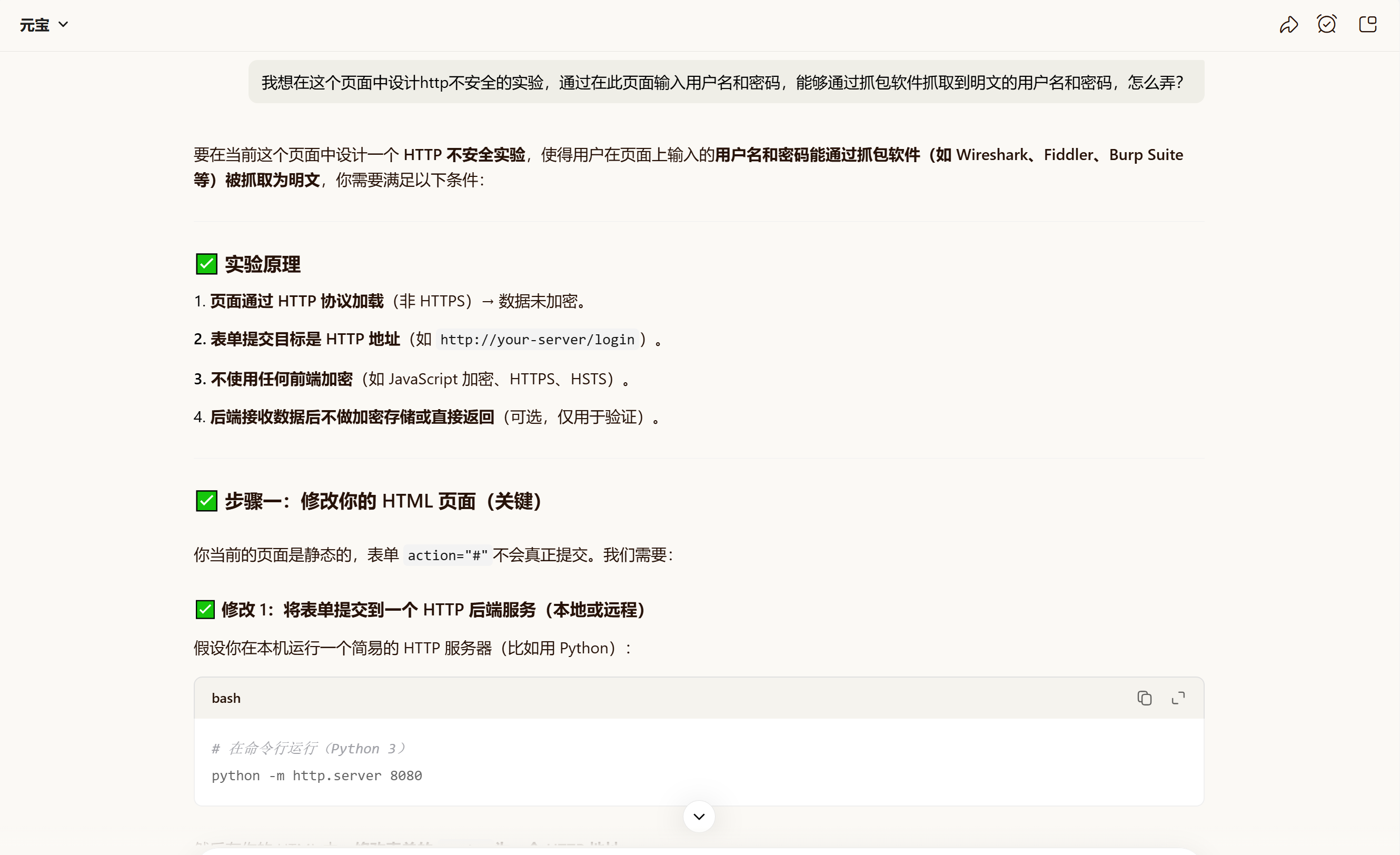 AI Visual Insight: The image shows an AI-generated lab plan. The key ideas are correct at a high level: use HTTP, submit the form to a backend, disable client-side encryption, and verify the result with packet capture. However, using
 localhost:8080 only works in a single-machine setup where the browser and receiver run on the same host. It does not work for cross-host packet capture.
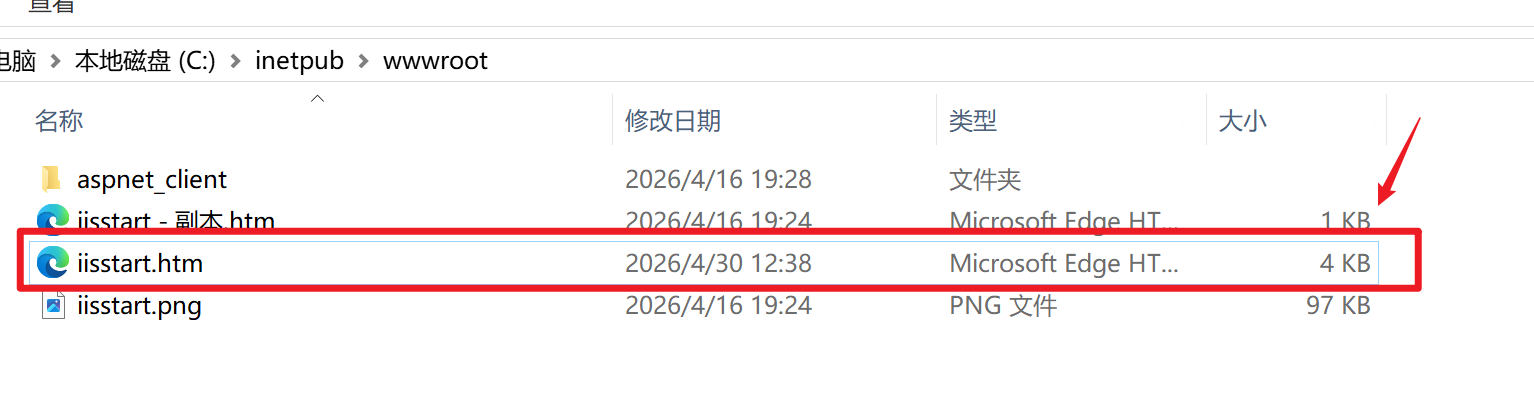 AI Visual Insight: The image shows the first half of the login page HTML and CSS, confirming that the page itself is a standard HTTP login form with no encryption widget. The critical risk is not in the styling, but in the combined effect of the form
 action and onsubmit, which determines whether the request actually leaves the browser.
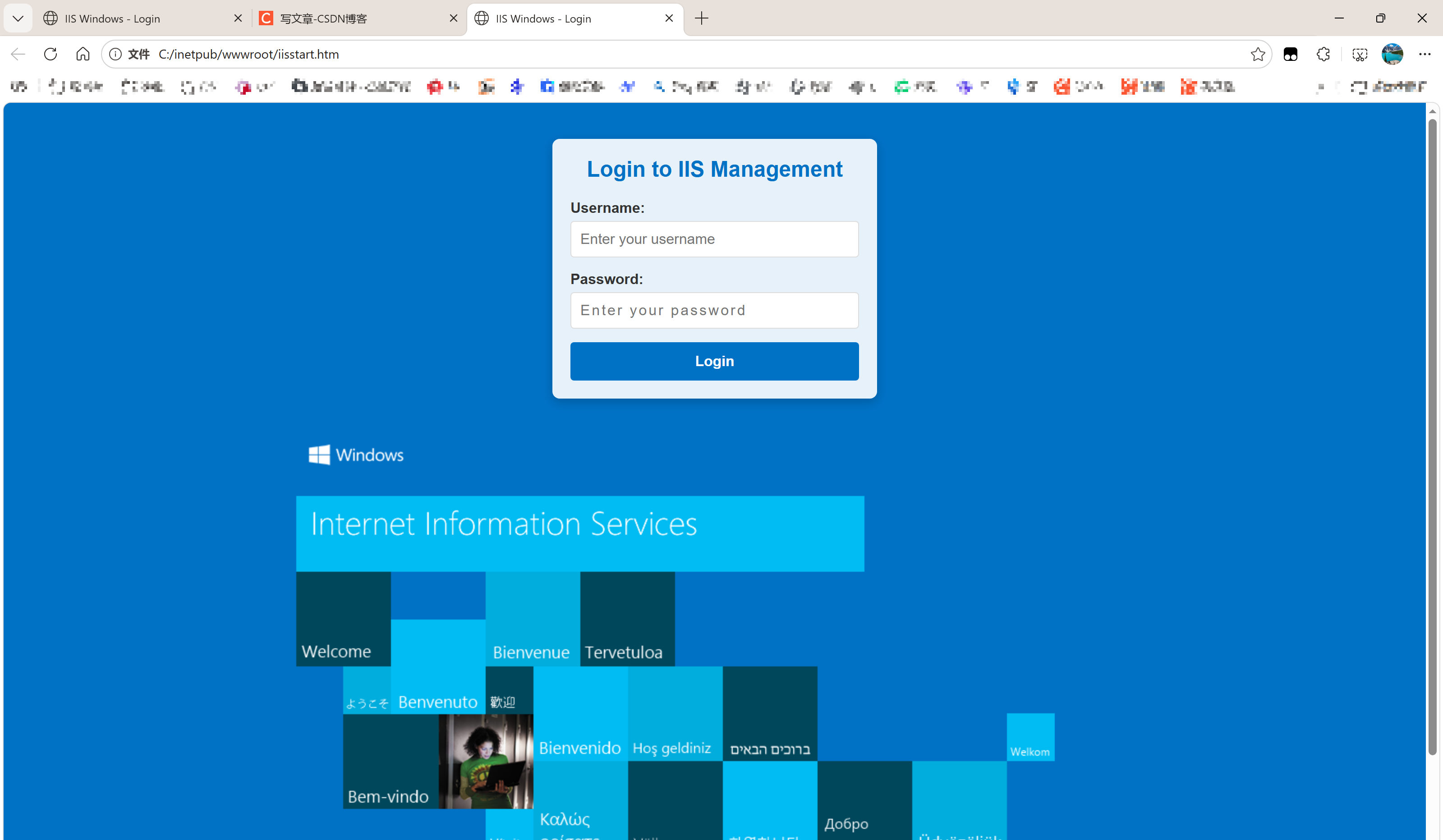 AI Visual Insight: The image shows the second half of the HTML script logic, where
 validateLogin() triggers a popup and returns false. That means the browser never sends the POST request after the user clicks Login. Even if the destination address is correct, client-side blocking alone is enough to prevent credential packets from appearing.
Use more direct capture filters when troubleshooting
http.request.method == "POST" || tcp.port == 8080This filter helps you quickly locate either form submission requests or TCP traffic on the target port.
If you still cannot capture anything, continue checking three things: whether you selected the correct network interface, whether a virtual switch or NAT is involved, and whether Host B can actually reach port 8080 on Host A.
You should capture traffic based on the real network path, not page ownership
Many failed experiments happen because people confuse “which host served the page” with “which host received the form submission.” Packet capture must follow the actual data path.
A minimal troubleshooting checklist can confirm the issue quickly
# Verify from Host B that port 8080 on Host A is reachable
curl -X POST http://10.150.4.4:8080/login -d "username=test&password=123456"
This command bypasses the browser’s front-end logic and directly verifies whether the network path, port, and backend are working.
If this command succeeds but the browser-based test fails, the problem is almost certainly in the form script. If this command also fails, first investigate the firewall, listening address, and routing.
This case shows that HTTP plaintext did not disappear; you captured traffic in the wrong place
HTTP does not automatically encrypt usernames and passwords. As long as the request body actually traverses the network and is not protected by HTTPS, client-side encryption, or proxy rewriting, a packet capture tool can see the plaintext or directly decodable form data.
In this case, the real problem was the double block created by localhost loopback and return false. The former prevented the request from reaching Host A, while the latter could prevent the request from being sent at all.
The FAQ provides structured answers to the most common questions
1. Why does the page use HTTP, but the packet capture still show no username or password?
Because “the page loads over HTTP” does not mean “the form submission passes through the host where you are capturing traffic.” If the action points to localhost or script logic blocks submission, the sensitive data never traverses the target host.
2. Why can I not set the action to localhost in a cross-host experiment?
Because localhost always resolves to the machine running the current browser. When Host B opens the page, localhost points to B, not A, so Host A cannot capture the submission traffic.
3. What is the fastest way to determine whether the issue is in the front end or the network?
First, use curl on Host B to send a POST request directly to http://A_HOST_IP:8080/login. If that succeeds, the network path and backend are working. If the browser test still fails, the issue is in the form script or browser configuration.
AI Readability Summary: Based on a failed HTTP plaintext transmission lab, this article explains why capturing packets on Host A did not reveal the username and password. The root cause was not hidden encryption in HTTP, but a form submission target set to localhost, which sent the data back to Host B instead of Host A. The article provides a corrected topology, HTML and Python examples, packet capture filters, and a practical troubleshooting checklist.