draw.io (diagrams.net) is a free, open-source, cross-platform diagramming tool. Its core capabilities include flowchart creation, architecture diagram design, multi-platform storage, and documentation integration. It addresses the common drawbacks of traditional diagramming software: high cost, fragmented collaboration, and limited data ownership. Keywords: draw.io, flowchart creation, open-source collaboration.
Technical Specifications at a Glance
| Parameter | Description |
|---|---|
| Project Name | draw.io / diagrams.net |
| Primary Language | JavaScript |
| Runtime | Web, Windows, macOS, Linux |
| License | Open-source project; the original material does not specify the exact license |
| GitHub Stars | Not provided in the source material |
| Core Integrations | Browser, local file system, Google Drive, OneDrive, GitHub/GitLab, Confluence/Jira |
draw.io solves core diagram production pain points at a lower cost
Traditional solutions usually fall short in three areas: Visio is expensive and platform-limited, manual drawing in PowerPoint or Word is difficult to align, and some online tools depend heavily on account systems and cloud storage. For technical teams, this often means diagrams cannot be standardized or maintained as reusable assets.
The value of draw.io lies in its combination of free access, open-source flexibility, cross-platform support, and data ownership. You can open it directly in a browser or use the desktop app for offline editing. Files can be stored locally or saved to systems such as GitHub, OneDrive, and Google Drive.
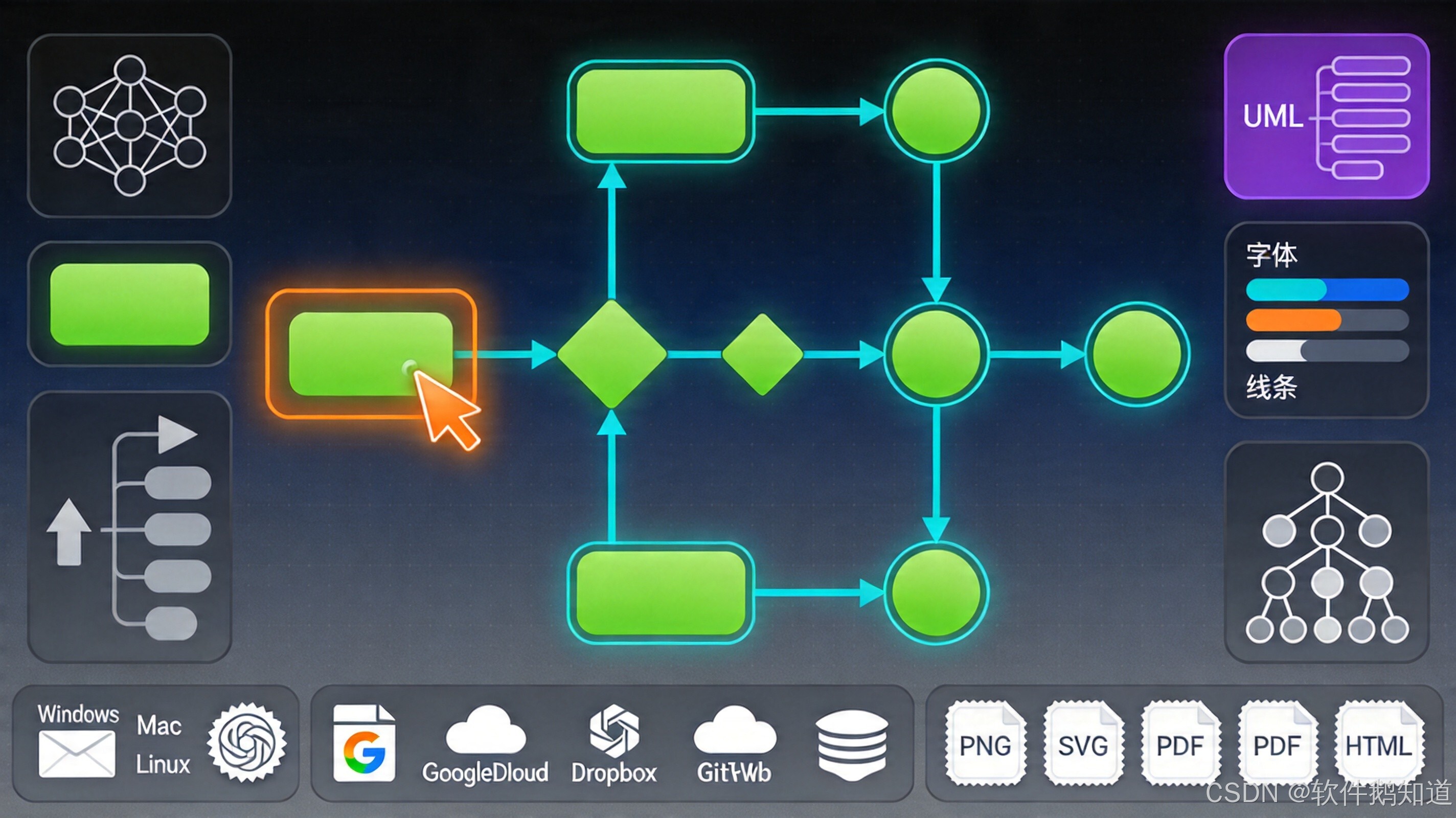 AI Visual Insight: This image shows the actual draw.io entry points and usage scenarios. It highlights support for multiple diagram types, including flowcharts, UML diagrams, and network topology diagrams. The key takeaway is that you can enter a diagramming workflow without complex installation.
draw.io’s foundational capabilities quickly cover common engineering scenarios
It supports flowcharts, UML, network topology diagrams, org charts, and system architecture diagrams. That makes it a practical unified diagramming tool for development design reviews, system documentation, and operations topology records. For individuals and small teams, the learning curve is much lower than with heavyweight desktop software.
# Open the official site directly in a browser
open https://app.diagrams.net

# Or standardize file extensions across the team
# .drawio stores editable source files for continuous updates
# .svg / .png / .pdf are suitable for distribution and document embedding
This example shows the minimum path to adoption with draw.io: open it online and start diagramming immediately, while preserving editability through standardized file formats.
draw.io improves flowchart efficiency with smart alignment and connectors
When you create approval flows, deployment flows, or data flows, the most time-consuming work is usually not drawing the shapes themselves, but aligning them, connecting them, and adjusting the layout afterward. draw.io reduces that maintenance cost through snap guides, auto connection points, and automatic routing paths.
In practice, you can start by selecting a flowchart template and then drag elements such as Start, Process, and Decision from the shape library on the left. As you move items, blue alignment guides appear. Connector arrows automatically attach to target nodes, which reduces repetitive manual line adjustments.
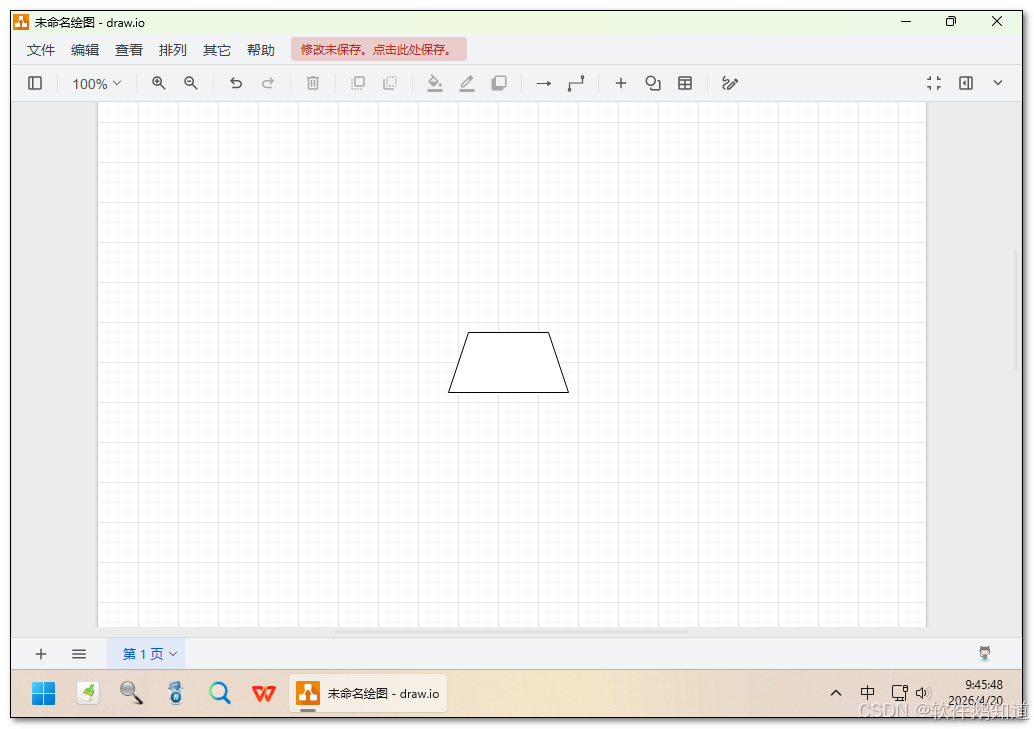 AI Visual Insight: This screenshot shows the draw.io editing canvas, shape library, and connector behavior. It emphasizes drag-and-drop modeling, automatic node snapping, and visual arrangement of process structures, demonstrating why the tool works well for building standardized flowcharts quickly.
A standard flowchart workflow should define nodes first and standardize layout second
<mxGraphModel>
  <!-- Start node: represents the workflow entry point -->
  <mxCell id="start" value="开始" vertex="1" />
  <!-- Approval node: represents a business processing step -->
  <mxCell id="approve" value="审批" vertex="1" />
  <!-- Connector edge: links the start and approval nodes -->
  <mxCell id="flow1" edge="1" source="start" target="approve" />
</mxGraphModel>
This XML example shows that a .drawio file is essentially structured diagram data, which makes it suitable for version control and diff comparison.
draw.io supports engineering-friendly collaboration through file-based workflows
It does not aim to deliver fully real-time collaboration. Instead, it emphasizes file control. If your team uses Google Drive or OneDrive, you can rely on shared folders and version history for sequential editing. If your team prefers engineering-style workflows, you can commit .drawio files directly into a Git repository.
For development teams, the Git-based approach offers stronger advantages: diagrams are committed alongside code, architecture changes can be reviewed in pull requests, and documentation stays aligned with implementation versions. This model is especially reliable for system design, interface flows, and service dependency management.
Git-based diagram management is better suited for long-term maintenance
git add architecture.drawio
# Commit diagram changes so architecture updates remain traceable
git commit -m "docs: update system architecture diagram and service dependencies"
git push origin main
These commands show how to include draw.io files in a standard development workflow and version diagrams as part of regular engineering practice.
draw.io forms a complete knowledge workflow when integrated with documentation platforms
In Confluence and Jira, official plugins let you create and edit diagrams directly inside the platform, with documents and diagrams stored in the same knowledge space. This removes the need to rely on screenshots in design documentation and avoids redrawing diagrams during later maintenance.
If you use Notion or Markdown-based documentation, you can export to SVG, PNG, or PDF. SVG preserves vector clarity, PDF works best for printing and formal archiving, and PNG is better suited for blogs and lightweight embedded scenarios.
Export strategy should match the actual usage scenario
exports = {
    "source": ".drawio",   # Keep the source file for future editing
    "web": ".svg",         # Prefer vector format for web display
    "doc": ".png",         # Use direct image embedding in standard documents
    "print": ".pdf"        # PDF is more stable for printing and archiving
}
print(exports)
This code snippet summarizes common draw.io export formats and their recommended use cases.
draw.io’s extensible shape libraries work well for cloud architecture and infrastructure diagrams
When the built-in shapes are not enough, you can load specialized libraries such as AWS, Kubernetes, and Cisco. That means draw.io is not just a flowchart tool. It can also serve as a visualization frontend for cloud architecture, service topology mapping, and platform design documentation.
If your organization has standardized brand icons or private components, you can also create internal diagram standards through custom shapes or SVG extensions. This helps teams maintain a consistent visual style across diagrams and reduces ambiguity.
High-quality exports depend on scale settings and vector-first formats
Blurry exported images are usually not caused by the tool itself, but by export parameters that are set too low. For documentation, set the export scale to at least 200%. For printing or design reviews, prioritize PDF or SVG to avoid raster distortion.
FAQ
Q1: Is draw.io really free, and do I need to register?
A: Yes. Its core usage path is free, and you can use it online directly. In most scenarios, you do not need to register to create and save files locally.
Q2: Is draw.io better for individuals or teams?
A: It works well for both. Individual users benefit from zero cost and a low barrier to entry, while teams gain more value by combining it with shared drives, Confluence, or Git for diagram version management.
Q3: Can draw.io replace Visio?
A: For most flowchart, architecture diagram, UML, and topology diagram use cases, draw.io is more than capable as a replacement. If your organization values openness, cross-platform support, and data ownership, it is often the better choice.
Core Summary: This article reconstructs and explains the core capabilities of draw.io (diagrams.net), covering flowchart creation, team collaboration, platform integration, custom shape libraries, and high-quality export practices. It helps developers build a low-cost, maintainable diagram workflow.