This article focuses on build system selection in embedded engineering. It explains the responsibility boundaries of Build Systems, Kconfig, CMake, Make, and graphical IDEs, and resolves the common misconception that
menuconfigis itself a build system. Keywords: embedded build systems, Kconfig, CMake.
The technical snapshot clarifies the problem space
| Parameter | Details |
|---|---|
| Domain | Embedded Software Engineering |
| Core Languages | C / C++ / Python (for build script assistance) |
| Typical Protocols/Interfaces | GCC Toolchain, CMake, Make, Ninja, Kconfig |
| Representative Platforms | ESP-IDF, Zephyr, NuttX, Linux Kernel |
| Reference Popularity | Originally published as a CSDN technical blog post; star count not provided |
| Core Dependencies | Kconfig, CMake, Make, Ninja, IDE debugging toolchains |
The core concepts in embedded projects must be distinguished precisely
Many developers loosely group menuconfig, Keil, and CMake under the label “build system,” but that directly affects architectural judgment. A more accurate statement is: a Build System is the build system, Kconfig is the configuration system, and an IDE is the development environment.
When a project is small, these boundaries may not be obvious. Once you move into RTOS, IoT, or Linux-class projects, configuration, build orchestration, debugging, and code generation quickly separate into distinct layers. Understanding these layers is the starting point for moving from “someone who can write drivers” to “someone who can build platforms.”
You can remember the three-layer relationship in one sentence
| Layer | Responsibility | Common Options |
|---|---|---|
| Configuration Layer | Manage feature switches and parameters | Kconfig, GUI configuration tools |
| Build Layer | Compile, link, and organize dependencies | CMake, Make, Ninja |
| Development Layer | Code, debug, and flash firmware | Keil, IAR, VS Code, CubeIDE |
The value of this table is that it separates a tool’s appearance from its engineering responsibility.
Kconfig is only a configuration system, not a complete build system
Kconfig’s core responsibilities are to declare configuration options, constrain dependency relationships, and generate .config. It answers questions like “Should this feature be enabled?” and “How should these parameters be combined?” It does not answer questions like “How should the target be compiled?” or “How should the sources be linked?”
For example, in ESP-IDF, Zephyr, or the Linux kernel, developers modify options through menuconfig, but the actual compilation is typically executed by CMake, Make, or Ninja. A more complete description is therefore: a build system driven by Kconfig-based configuration.
idf.py menuconfig   # Open the Kconfig configuration interface
idf.py build        # Invoke CMake/Ninja to perform the actual build
These commands show that configuration and build are part of a continuous workflow, but they are not the same component.
Graphical IDEs are good for fast onboarding but not ideal for scaling complex projects
Keil, IAR, and STM32CubeIDE represent the all-in-one IDE path. They package project creation, compilation, flashing, and debugging into a single interface, which makes them highly efficient for single-board validation and teaching scenarios.
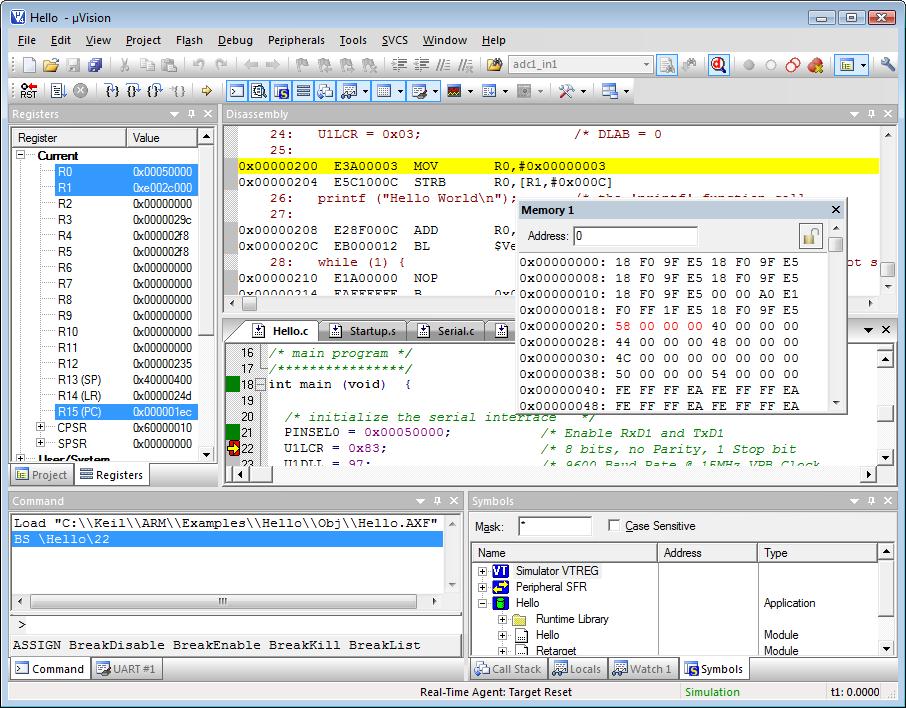 AI Visual Insight: The image shows the centralized workflow typical of an embedded IDE: the project tree, compilation options, and flash/debug entry points all live in one unified interface. Its strength is low-friction integration, not component decoupling or automation pipeline readiness.
But the trade-offs of an all-in-one IDE are also clear: project formats are tightly bound to the tool, cross-platform support is weak, automated builds are awkward, and dependency management is limited. Once a project grows beyond a few dozen modules, maintenance cost rises significantly.
An all-in-one IDE is more like a single-developer productivity optimizer
It optimizes individual developer efficiency rather than project portability under multi-developer collaboration. For bootloaders and small MCU products, this is still a valid solution. For large projects that require long-term maintenance, it is often not enough.
The combination of Kconfig and CMake/Make is the mainstream answer for complex projects
When a project reaches the ESP32, RTOS, Linux BSP, or IoT platform stage, the common solution becomes Kconfig + CMake/Make + Ninja. This is the most typical engineering path in modern industrial embedded projects.
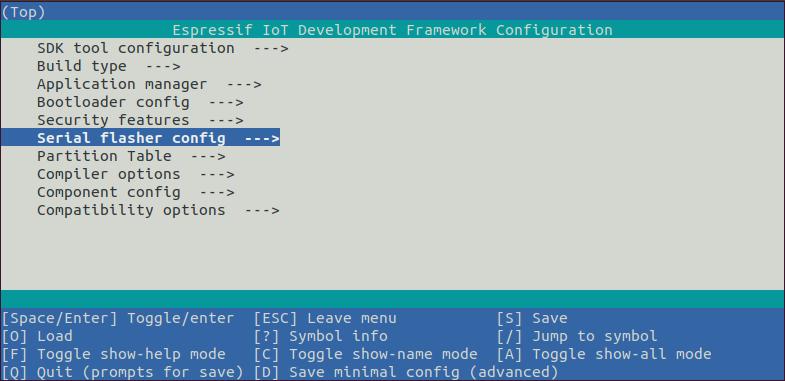 AI Visual Insight: The image highlights the separation between the configuration layer and the build layer. The upper layer uses
 menuconfig to organize features and dependencies, while the lower layer maps those options into component compilation, target linking, and artifact generation. This model is well suited to selective feature trimming and automated integration in medium to large projects.
The advantages of this model are clear: centralized configuration, traceable dependencies, modular feature trimming, and command-line/CI friendliness. It is especially well suited to product-line development with many features, many boards, and many release variants.
idf_component_register(
    SRCS "lcd.c" "audio.c"          # Register component source files
    INCLUDE_DIRS "."                 # Export the header file directory
    REQUIRES driver esp_wifi         # Declare dependent components
)
This CMake snippet demonstrates component registration and dependency declaration, which is a core entry point for ESP-IDF’s engineering model.
Pure CMake or Make remains an efficient choice for small projects
The absence of Kconfig does not mean a project is outdated. The strengths of pure CMake/Make are simplicity, speed, and control. This approach is especially suitable for driver validation, standalone library development, startup code, or small firmware projects.
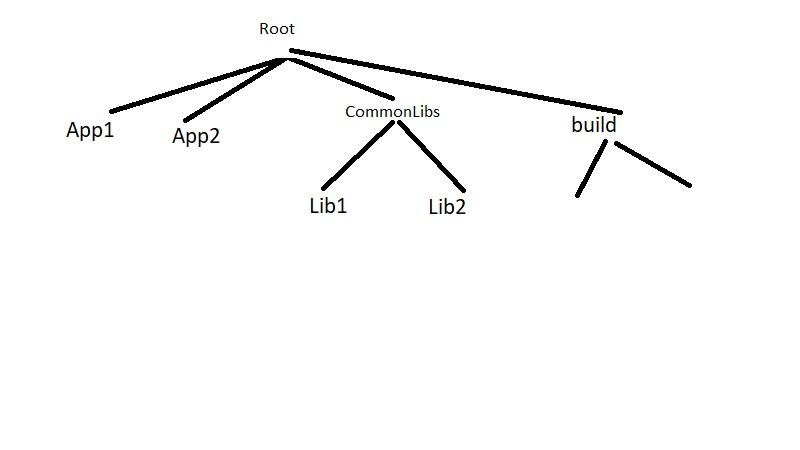 AI Visual Insight: The image reflects a more direct build chain: source files, build rules, and target outputs are tightly connected. That indicates the approach reduces configuration-layer abstraction and works well when the number of options is limited and code boundaries remain stable.
Its main problem is not missing functionality. The real issue is that once macro switches and build variables increase, configuration tends to scatter across CMakeLists.txt, Makefile, and preprocessor macros in header files. Long-term maintainability then declines quickly.
CFLAGS += -DUSE_LCD=1      # Control the feature switch with a macro
CFLAGS += -DUSE_AUDIO=1    # A common pattern in small projects
SRCS += main.c lcd.c audio.c
This kind of Makefile is simple and direct, but it becomes difficult to control once the number of configuration options grows.
GUI configuration tools are code generators by nature, not dynamic configuration systems
STM32CubeMX, TI SysConfig, and MPLAB Harmony are often mistaken for equivalents of Kconfig, but they are not the same thing. They are closer to graphical peripheral modeling plus initialization code generation.
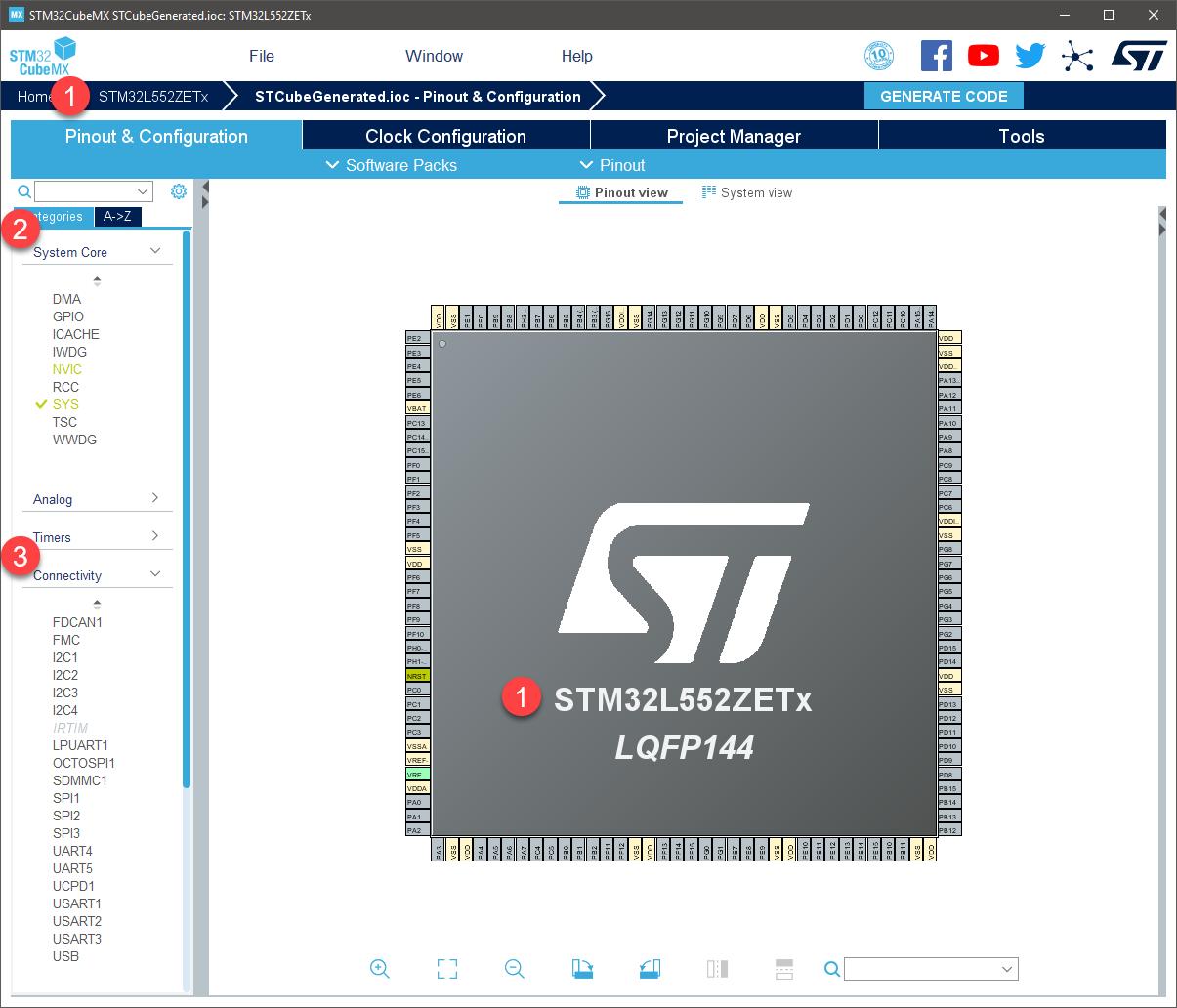 AI Visual Insight: The image emphasizes graphical parameter panels such as pins, clocks, and peripheral trees. That shows these tools excel at visualizing hardware initialization configuration, but they do not inherently provide sophisticated component dependency resolution or selective feature trimming.
As a result, they are good at solving problems like “How should GPIO be configured?”, “How should clocks be enabled?”, and “How should initialization code be generated?” They are not good at platform-level problems like “Module A depends on B, so how should the system trim features when C is disabled?”
The engineering role of the four solution categories can be understood like this
| Solution | Strengths | Limitations | Best Fit |
|---|---|---|---|
| All-in-one IDE | Fast onboarding, convenient debugging | Weak portability | Teaching, simple products |
| Kconfig + Build System | Strong modularity, CI-friendly | Steeper learning curve | Medium to large projects |
| Pure CMake/Make | Lightweight and flexible | Configuration tends to scatter | Small projects, library development |
| GUI Code Generation | Intuitive peripheral configuration | Hard to manage complex dependencies | Prototype validation, initialization generation |
For projects like ESP32-S3, the best answer is usually not going back to a traditional IDE
If your project includes LCD, Wi‑Fi, audio, buttons, network stacks, and other modules, you are dealing with a typical system-level project rather than a single-file MCU experiment.
In that case, the most reasonable path is usually: use Kconfig for feature switches, CMake for component dependencies, Ninja or Make for execution, and VS Code or the CLI for the developer experience. This combination scales better than reverting to a traditional IDE.
config APP_ENABLE_LCD
    bool "Enable LCD module"   # Control the LCD component switch
    default y

config APP_ENABLE_AUDIO
    bool "Enable audio module" # Control the audio component switch
    default y
This Kconfig definition shows how to promote functional modules into configurable components.
The FAQ provides direct answers to the most common questions
1. Which one is the actual build system: Kconfig or CMake?
Kconfig handles configuration description and dependency constraints. CMake/Make generates and executes the build flow. Strictly speaking, Kconfig is not a build system; it is a configuration system.
2. Why do medium and large embedded projects prefer the Kconfig model?
Because it centralizes complex feature switches, module dependencies, and product trimming rules, which makes collaboration, continuous integration, and multi-version maintenance much easier.
3. Is it necessary to introduce Kconfig in small projects?
Usually not. If the feature set is simple, configuration is limited, and the lifecycle is short, pure CMake/Make or an all-in-one IDE is often more efficient.
Core Summary: This article systematically reviews four mainstream engineering models in embedded development: graphical IDEs, Kconfig plus build systems, pure CMake/Make, and GUI code generation tools. It clarifies that Kconfig is a configuration system rather than a build system, and it provides selection guidance for ESP32, RTOS, and platform-oriented projects.