This smart community parcel pickup station finder module uses Flutter for OpenHarmony to implement location access, nearby station display, distance-based sorting, and native map navigation. It addresses common issues such as scattered pickup stations, cumbersome navigation flows, and poor usability under weak network conditions. Keywords: Flutter, OpenHarmony, parcel pickup station lookup.
This module provides lightweight parcel station lookup for community convenience scenarios
| Parameter | Description |
|---|---|
| Language | Dart, JSON |
| Runtime Framework | Flutter for OpenHarmony |
| Platform Capabilities | OpenHarmony location services, native map launching |
| License | Original content declared under CC 4.0 BY-SA |
| Stars | Not provided in the original content |
| Core Dependencies | Location management capability, URL launching capability, local POI data |
The real pain points for residents picking up parcels are straightforward: stations are scattered, business hours are unclear, map search requires too many steps, and elderly users face a high learning curve. The value of this module lies in reducing “find the nearest pickup station” to a single front-end action.
It uses a lightweight architecture: native HarmonyOS location, local POI data, distance calculation, and native map navigation. The benefit is that it avoids integrating a heavy map SDK, keeps the app package smaller, and runs smoothly even on older devices.
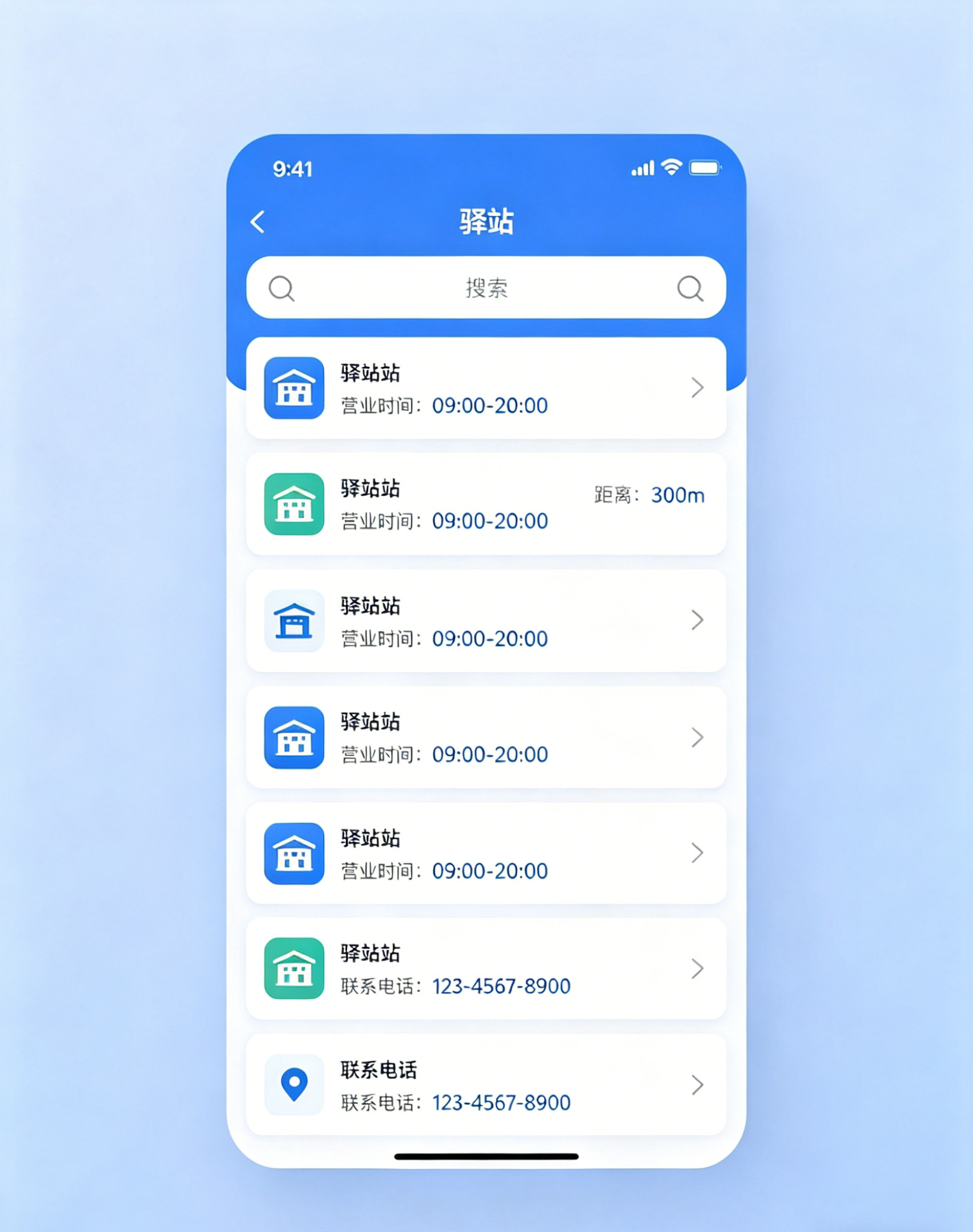 AI Visual Insight: The image illustrates the expected UI of a parcel station finder in a community convenience app. Core information typically includes the current location, a list of nearby stations, distance indicators, and a navigation entry point, emphasizing a mobile interaction model built around minimal actions and fast decisions.
The module capability can be abstracted into five core subsystems
The first is location capability, which retrieves the coordinates of the residential community or the current user location. The second is the station data model, which standardizes the station name, address, coordinates, and business hours. The third is distance calculation, which powers nearest-first sorting. The fourth is map launching, which turns search results into actionable navigation. The fifth is a caching strategy, which provides fallback support in weak-network scenarios.
{
  "name": "ohos.permission.LOCATION_IN_BACKGROUND",
  "reason": "Foreground-only location access for finding nearby parcel pickup stations",
  "usedScene": {
    "abilities": ["EntryAbility"],
    "when": "inuse"
  }
}
This configuration declares the location permission usage scenario. Its core purpose is to explain the intended permission use and the foreground-only usage boundary.
Permission configuration must follow the principle of least privilege in OpenHarmony apps
The original content emphasizes “foreground-only location access.” This kind of convenience lookup module does not require continuous background location tracking, so the permission request flow should avoid overengineering. Otherwise, it may increase review risk and raise user concerns.
If the business requirement is only to find nearby parcel stations, trigger authorization when the user first enters the page and clearly explain the purpose in the UI, such as “Used to find nearby parcel pickup stations.” This improves consent rates and aligns better with privacy compliance requirements.
class ExpressStation {
  final String stationName; // Station name
  final String address; // Full address
  final double lat; // Latitude
  final double lng; // Longitude
  final String workTime; // Business hours

  ExpressStation({
    required this.stationName,
    required this.address,
    required this.lat,
    required this.lng,
    required this.workTime,
  });
}
This code defines the station entity and serves as the data foundation for list rendering, sorting logic, and navigation actions.
Data modeling determines the cost of future expansion
At minimum, the field set should include the name, address, coordinates, and business hours. If you later need to support phone calls, temporary closures, or station type filters, you can extend the model with fields such as contact, status, and stationType without breaking the existing UI.
For community apps, local POI data is especially suitable for an initial release. The scope is well defined, maintenance costs are low, no real-time map search API is required, and you avoid the cost of third-party service calls.
Future
<LatLng> getCurrentCommunityLocation() async {
  final location = await LocationManager().getCurrentPosition(); // Get the current location
  return LatLng(location.latitude, location.longitude); // Convert to a coordinate object
}
This code retrieves the current position and converts the platform location result into a unified coordinate model.
After retrieving the current location, the app should immediately calculate distances and sort the list
Once the app gets the location, the user should not need to perform additional filtering. A better experience is to automatically calculate the distance between the user and every station, then display the list from nearest to farthest so the most likely destination appears first.
The original example uses straight-line distance sorting, which is practical enough for nearby lookup scenarios. If you later need higher precision, you can add road distance or estimated walking time, but the first release does not need heavier capabilities.
List
<ExpressStation> sortByDistance(
  LatLng userLoc,
  List
<ExpressStation> stationList,
) {
  stationList.sort((a, b) {
    final da = getDistance(userLoc, a); // Calculate the distance from the user to station a
    final db = getDistance(userLoc, b); // Calculate the distance from the user to station b
    return da.compareTo(db); // Sort by ascending distance
  });
  return stationList;
}
This code sorts the station list in ascending order by distance and prioritizes the nearest pickup point.
One-tap navigation is the key capability that closes the loop
If the search result cannot directly launch navigation, users still need to manually copy the address into a map app, which breaks the experience. The simplest approach is to launch the native HarmonyOS map app and pass in the target coordinates and address text.
Future
<void> toNavStation(ExpressStation station) async {
  final mapUrl = "geo:${station.lat},${station.lng}?q=${station.address}"; // Build the map URI
  await launchUrl(Uri.parse(mapUrl)); // Launch native map navigation
}
This code opens the native map app through the geo protocol and reduces the complexity of building in-app navigation from scratch.
This solution provides engineering advantages through low coupling, low power consumption, and fast delivery
From an engineering perspective, this module has almost no dependency on a complex backend. As long as you prepare the POI data, you can ship it quickly. It is especially suitable for smart community apps, property management apps, and convenience toolbox products.
Under weak network conditions, you can cache station data locally, read the cache first during startup, and refresh on demand. This ensures that users can still view essential information even when the network fluctuates, without affecting parcel pickup decisions.
FAQ
Q1: Why not integrate a full map SDK directly?
A: This solution prioritizes lightweight integration and fast delivery. Location access, distance sorting, and native navigation already cover the core requirements. A full map SDK would increase package size, initialization overhead, and maintenance complexity.
Q2: Is straight-line distance sorting accurate enough?
A: For community-scale nearby parcel station scenarios, it is usually accurate enough. It quickly produces an approximately optimal result. If the project later emphasizes route precision, you can upgrade to road distance or walking time.
Q3: How can I improve usability on weak networks and older devices?
A: Use local caching for station data, reduce dependence on remote APIs, avoid heavy map components, and keep location retrieval and sorting in a lightweight asynchronous flow to ensure fast page loads and low-power operation.
AI Readability Summary: This article reconstructs a community-focused convenience module built with Flutter for OpenHarmony. It covers location permission design, parcel station data modeling, distance-based sorting, native map navigation, and weak-network caching, making it well suited for rapid integration into community-oriented HarmonyOS apps.