This solution uses binocular multispectral face recognition as its core to unify turnstiles, access control, attendance, elevator control, and visitor workflows. It addresses common challenges such as false recognition under complex lighting, system unavailability during network outages, and isolated permission silos. Keywords: face recognition access control, elevator control integration, visitor management system.
The system provides integrated identity-based access for high-security environments
| Parameter | Description |
|---|---|
| Core Language/Platform | Embedded Linux, edge AI inference |
| Communication Protocols | TCP/IP, RS485, Wiegand 26/34, relay; extensible to OPC/Modbus |
| Data Source | Original solution document; no open-source repository star count provided |
| Core Dependencies | Binocular multispectral cameras, NPU edge terminals, central management platform, TLS/SSL, Chinese cryptographic standards |
At its core, this solution is an intelligent security system built on an integrated cloud-edge-device architecture. Front-end devices use 2 MP high-dynamic binocular multispectral cameras to capture facial data, edge terminals handle liveness detection and local matching, and the central platform orchestrates access permissions across doors, turnstiles, elevators, and visitor workflows.
This system solves more than point-based identity verification. It addresses identity flow management across an entire building. Common pain points in traditional systems include false positives under strong backlighting, fragmented visitor processes, full service interruption during network outages, and disconnected data across attendance, access control, and elevator systems.
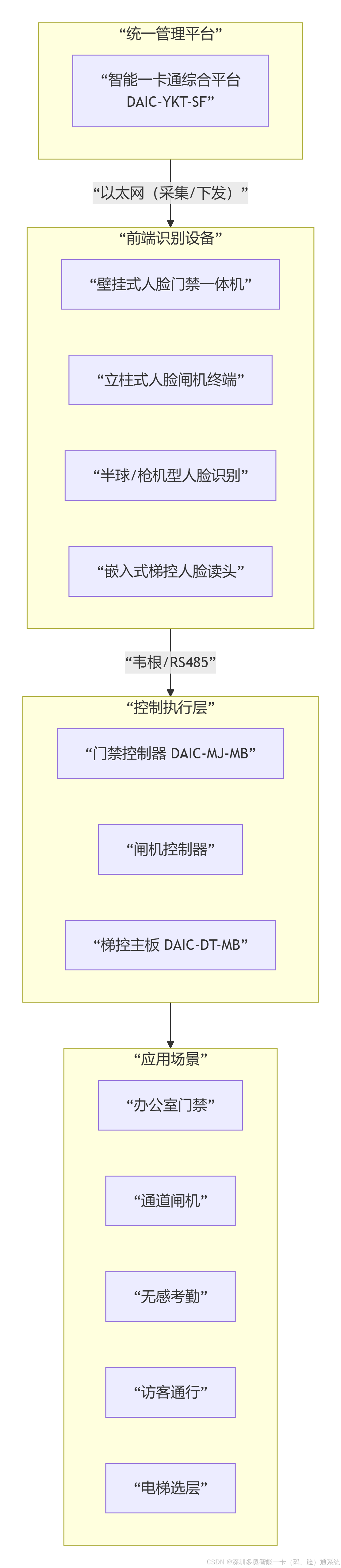
The core system flow can be abstracted into four layers: recognition, decision, orchestration, and audit
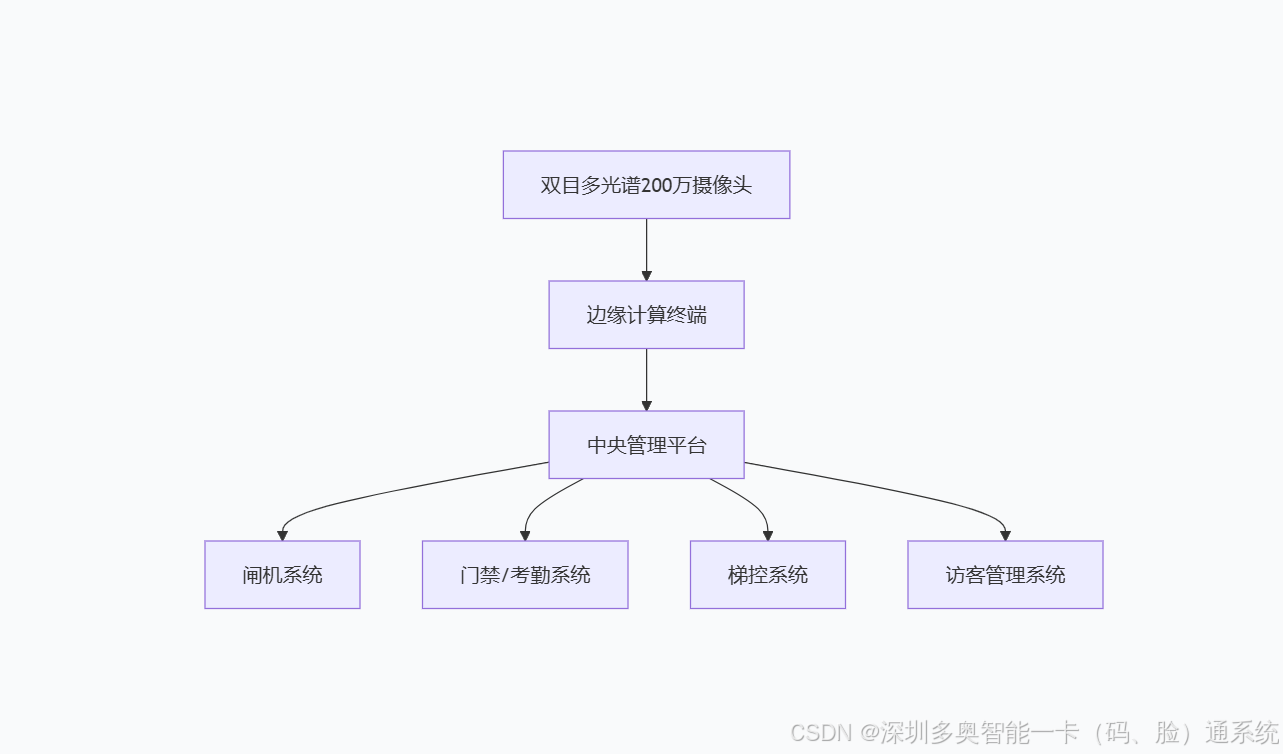
Binocular multispectral camera -> Edge computing terminal -> Central management platform -> Turnstile / Access control / Elevator control / Visitor subsystemThis flow represents the system’s minimum closed loop: front-end devices capture identity features, the edge layer makes fast decisions, the platform orchestrates permissions, and downstream devices execute either access approval or denial.
The architecture cleanly separates real-time recognition from centralized permission management
Front-end cameras simultaneously capture visible-light and infrared data. The visible-light channel provides texture and appearance features, while the infrared channel supports liveness verification. This makes the system better suited than monocular solutions for defending against attacks such as printed photos and video replay.
Edge terminals run Embedded Linux and NPU inference modules to complete face detection, feature extraction, and liveness validation locally. This design reduces response time to under 0.3 seconds while also lowering the load on the central platform.
 AI Visual Insight: The image shows a layered architecture that starts with binocular multispectral cameras and edge computing terminals, feeds into a central management platform, and then distributes control to turnstiles, doors, elevator systems, and visitor systems. It highlights the architectural decoupling between edge-side recognition and centralized orchestration.
The central platform turns recognition results into business actions
The platform centrally manages the face database, organizational hierarchy, schedules, area permissions, and access logs. Visitor appointments, dynamic QR codes, floor authorization, door area release, and attendance reports are all orchestrated here.
class AccessDecision:
    def evaluate(self, face_ok, liveness_ok, qr_ok, network_ok):
        if not face_ok or not liveness_ok:
            return "deny"  # Face or liveness check failed; deny immediately
        if qr_ok:
            return "pass"  # Two-factor verification passed; allow coordinated access
        if not network_ok:
            return "offline_policy"  # Apply local policy during network outage
        return "manual_review"  # Send all other cases to manual review
This pseudocode shows the system’s baseline decision logic for identity verification, two-factor authentication, and network outage scenarios.
Core components define the upper limits of system accuracy, speed, and operability
The binocular multispectral camera is the source of recognition quality. Its key capabilities include WDR, illumination adaptability from 0.001 lux to 120,000 lux, a recognition range of 3 to 5 meters, and dynamic angle tolerance of ±30°.
The edge terminal is the key to real-time performance. It must support local face database matching, liveness analysis, and device interface output, while continuing to enforce access policies under abnormal network conditions.
 AI Visual Insight: The image breaks down the functions of the camera, edge terminal, and central platform, emphasizing how dual-mode liveness detection, local NPU inference, interface output, and a unified operational dashboard work together.
Rich interfaces enable integration with existing building equipment
The system supports Wiegand 26/34, RS485, relay, and TCP/IP. This means it can connect to traditional access controllers, turnstile control boards, elevator floor control modules, and higher-level building management platforms.
# Example: device integration parameter list
DEVICE_IP=192.168.10.20
PROTOCOL=RS485
WIEGAND=34
TLS_ENABLED=true
OFFLINE_POLICY_DAYS=7
This example configuration shows that deployments typically need to define network settings, physical interfaces, and security policy parameters together.
Coordinated visitor and employee workflows demonstrate the business value of the solution
The visitor workflow uses two-factor authentication based on appointment, dynamic QR code, and face verification. During the appointment stage, the visitor submits identity information and a facial photo. Upon arrival, the visitor presents a time-limited QR code and completes face verification, which significantly reduces the risk of impersonation and forwarded credentials.
The employee workflow focuses more on frictionless access. When employees pass through a turnstile or access-controlled door using face recognition, the system simultaneously writes attendance records and dynamically enables access to laboratories, executive areas, or designated floors based on role and area policies.
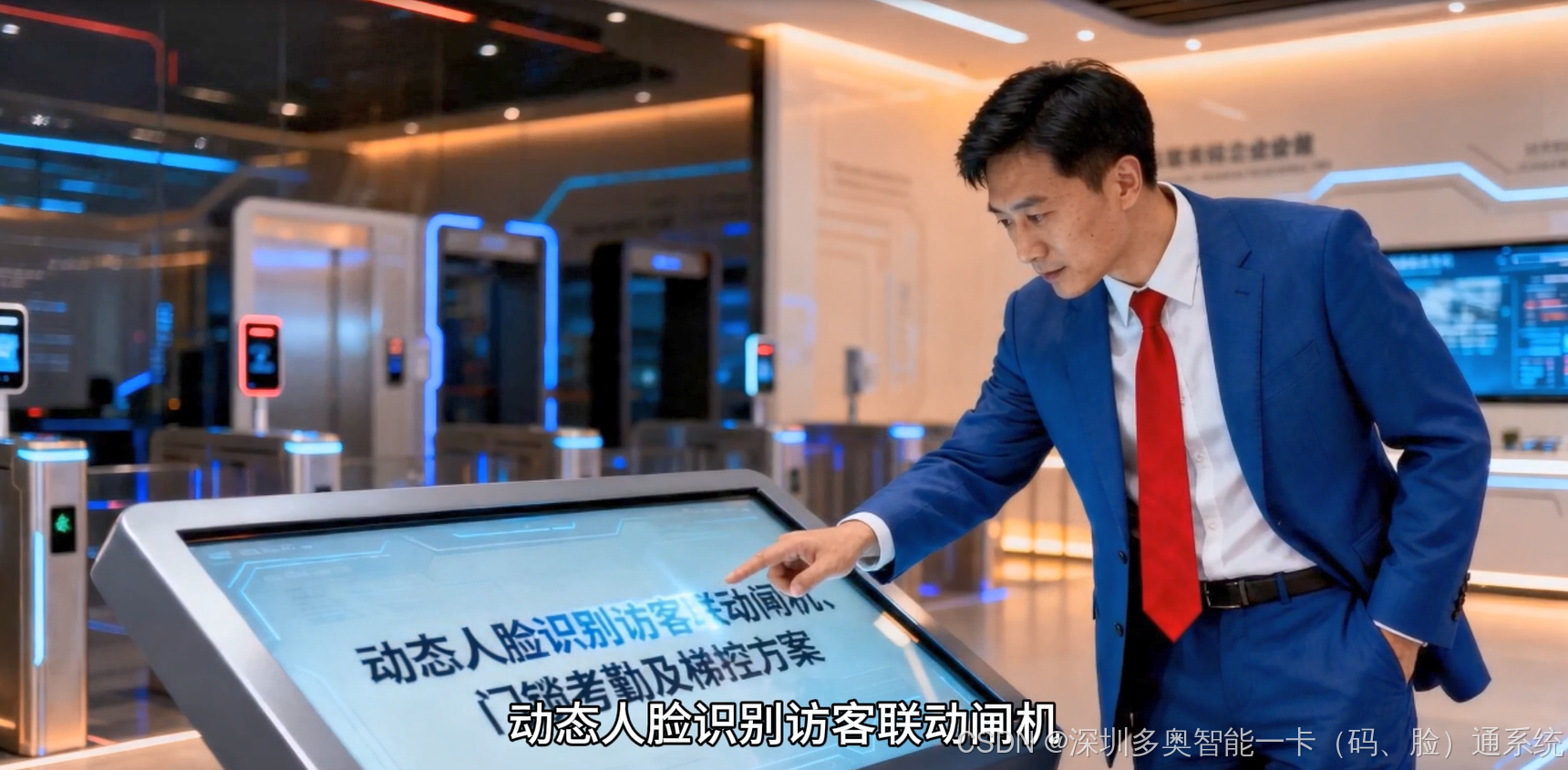
 AI Visual Insight: The image illustrates the end-to-end workflow from visitor appointment and QR code generation to on-site face verification, turnstile release, elevator authorization, and door access activation. It demonstrates automated orchestration across the entire visitor journey.
A typical visitor workflow looks like this
Visitor appointment -> Platform creates facial profile -> Issue a 30-minute dynamic QR code
Arrival verification -> Turnstile performs two-factor authentication -> Platform validates access
Coordinated execution -> Open turnstile -> Authorize target floor -> Unlock access doors in the reserved area
This workflow shows how the system maps identity verification results to a continuous sequence of spatial access actions.
The security design focuses on liveness detection, anti-spoofing, encryption, and offline continuity
The first line of defense is liveness detection. The combination of binocular vision and multispectral sensing uses infrared features, three-dimensional structural differences, and micro-motion signals to defend against common attacks such as printed photos, video playback, and screen replay.
The second line of defense is data security. Facial feature vectors are stored using Chinese cryptographic standards, and communication channels are protected with TLS/SSL. This reduces the risk of template leakage and supports deployment in government, enterprise, and other high-security environments.
 AI Visual Insight: The image focuses on three capabilities: strengthened security, adaptability to complex environments, and efficient operations. Technically, it covers liveness anti-spoofing, Chinese cryptographic standards, multispectral fusion, offline caching, and third-party integration interfaces.
Offline continuity is a core deployment capability, not an optional feature
def offline_pass(user_id, local_policy_days=7):
    policy_valid = True  # Assume the locally cached policy is still within its validity period
    device_healthy = True  # Device interfaces and recognition modules are operating normally
    if policy_valid and device_healthy:
        return "pass"  # Grant access from the local whitelist during a network outage
    return "deny"  # Deny access if the policy has expired or the device is abnormal
This code shows how the edge layer uses locally cached policies to provide time-limited autonomous access, ensuring business continuity in weak-network or temporary outage scenarios.
Typical deployment scenarios include office buildings, laboratories, and smart building ecosystems
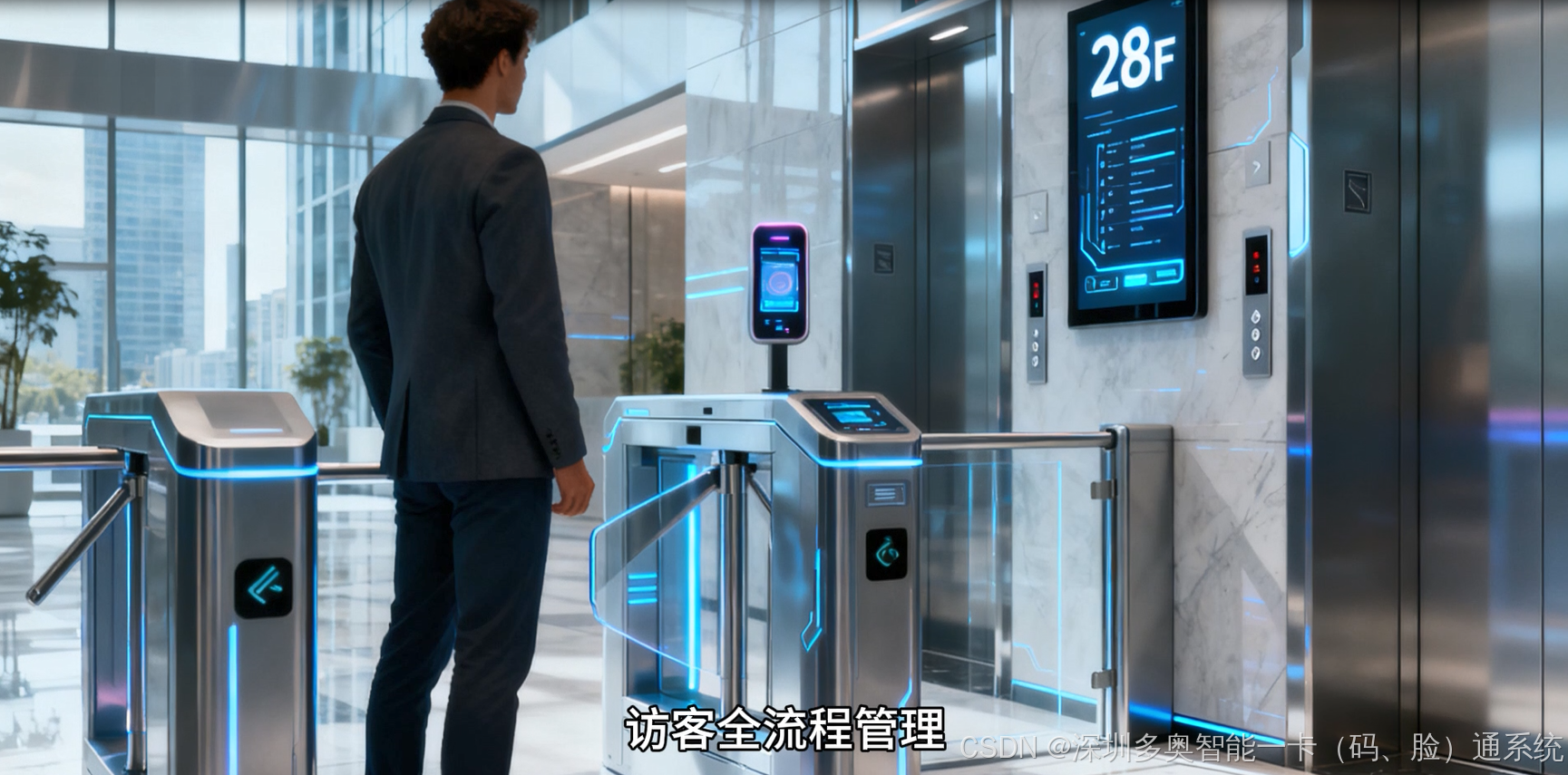
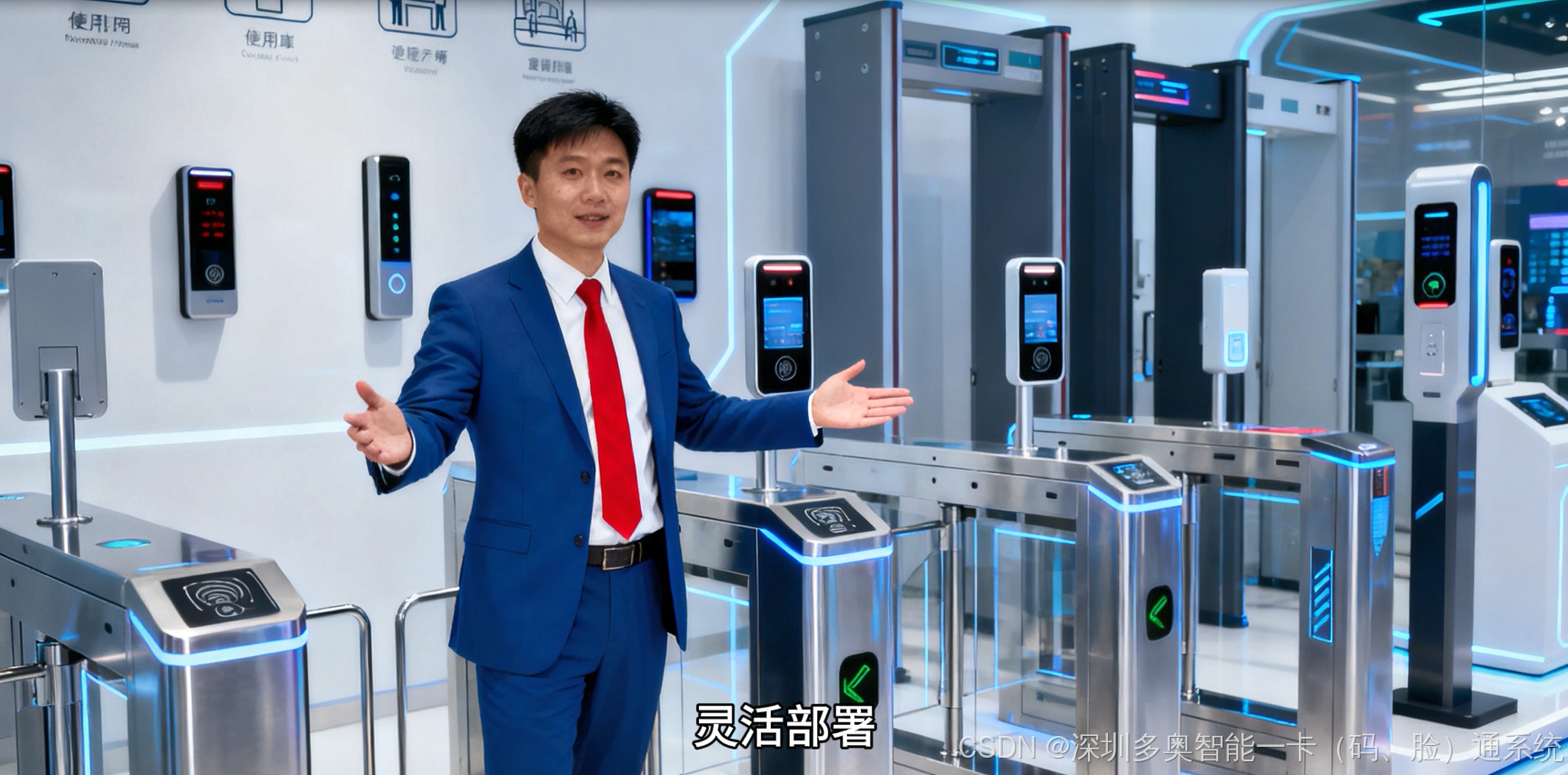
Office lobbies focus more on frictionless access and visitor traffic separation, typically using face recognition swing gates and pedestal terminals. Elevator lobbies emphasize floor-level permissions and automatic elevator dispatch, making them well suited for embedded elevator control terminals.
High-security areas such as laboratories and data rooms require finer-grained authorization. The system can implement dynamic access based on identity, time period, and area. Attendance checkpoints can convert access events directly into attendance data, reducing buddy punching and the cost of manual verification.
 AI Visual Insight: The image presents a table-based mapping between office lobby turnstiles, elevator lobbies, laboratory access control, and attendance checkpoints. It shows how the same recognition foundation can be reused across different endpoint devices while delivering differentiated business capabilities.
The solution also preserves expansion interfaces for future needs
The system can add IC cards and fingerprint modules to form three-factor authentication. It can also integrate with video analytics servers to support tailgating detection and overtime stay alerts. In smart building scenarios, it can connect to BA systems through OPC or Modbus to coordinate lighting, HVAC, and energy strategies.
FAQ
1. Why is binocular multispectral technology better suited than standard monocular face access control for complex environments?
Binocular multispectral technology combines visible-light and infrared data, which allows it to maintain more stable recognition under backlighting, low light, rain, fog, and similar conditions. It also strengthens liveness detection and lowers the success rate of photo and video attacks.
2. Can the system continue operating after a network outage?
Yes. The edge terminal can cache approximately 7 days of access policies. If the local network is interrupted or the platform becomes temporarily unreachable, the system can still perform recognition and grant access based on local whitelists, schedules, and permission policies.
3. How does this solution integrate with existing access control or elevator systems?
It typically connects through Wiegand 26/34, RS485, relay, or TCP/IP interfaces. For integration with building automation or upper-layer platforms, it can further use SDKs, APIs, OPC, or Modbus.
Core Summary: This article reconstructs a comprehensive access solution built on a 2 MP high-dynamic binocular multispectral face recognition camera platform. It covers turnstiles, access control, attendance, elevator control, and visitor management, with a focus on architecture, recognition flow, security mechanisms, protocol interfaces, and expansion capabilities.