This article focuses on building link handling capabilities for Flutter on HarmonyOS: use
url_launcherto open links, and implement link preview with Dio plus HTML metadata extraction. The goal is to solve three common pain points in chat apps: links that are not recognized, cannot be previewed, or feel disconnected when opened. Keywords: Flutter, HarmonyOS,url_launcher.
This is a technical specification snapshot for HarmonyOS chat scenarios
| Parameter | Description |
|---|---|
| Development Language | Dart / Flutter |
| Target Platform | OpenHarmony / HarmonyOS |
| Link Protocols | HTTP / HTTPS |
| Core Capabilities | URL detection, preview fetching, external opening, in-app opening |
| Key Dependencies | url_launcher, dio, cached_network_image |
| Article Popularity | Original post shows 88 views and 4 likes |
| Adaptation Conclusion | url_launcher works, and dio is pure Dart with zero platform-specific changes |
This solution fits Flutter apps that need a unified link experience
In chat, news, community, and IM scenarios, users send more than plain text. They send entry points to content. If your app only displays raw URLs, users cannot predict the target content, which increases both click friction and perceived risk.
This article breaks link handling into three layers: detection, preview, and opening. Detection extracts URLs from messages. Preview fetches the title, description, and cover image. Opening launches the target page in an external browser or an in-app WebView.
Dependency configuration should stay as minimal as possible
dependencies:
  url_launcher: ^6.3.1
  dio: ^5.4.3+1 # Used to request web pages and extract preview metadata
  cached_network_image: ^3.3.1 # Used to render preview images
This configuration creates the minimum viable loop for opening, fetching, and rendering.
The link preview service should be packaged as a cacheable singleton component
The core of a preview service is not the request itself. It is the cost of failure. A reusable engineering implementation should include built-in timeout control, caching, defaults, and exception fallbacks. Otherwise, weak network conditions will continuously slow down message list rendering.
import 'package:dio/dio.dart';
import 'package:flutter/foundation.dart';
import 'package:url_launcher/url_launcher.dart';

class LinkPreviewService {
  static LinkPreviewService? _instance;
  static LinkPreviewService get instance => _instance ??= LinkPreviewService._();

  final Dio _dio;
  LinkPreviewData? _cachedData; // Simple cache to avoid duplicate requests

  LinkPreviewService._() : _dio = Dio() {
    _dio.options.connectTimeout = const Duration(seconds: 10); // Control connection timeout
    _dio.options.receiveTimeout = const Duration(seconds: 10); // Control read timeout
    _dio.options.headers = {
      'User-Agent': 'Mozilla/5.0 (compatible; Flutter/1.0)', // Improve compatibility
    };
  }
}
This code defines the operating boundaries of the preview service. The key points are timeout handling and request header strategy.
When fetching preview data, probe lightly first before deciding whether to fetch HTML
Send a HEAD request first to quickly obtain the content-type. Only if the target is actually an HTML page should you proceed with a full GET request and metadata extraction. This reduces unnecessary traffic and parsing cost.
Future<LinkPreviewData?> getPreview(String url) async {
  if (_cachedData != null && _cachedData!.url == url) {
    return _cachedData; // Return immediately on cache hit
  }

  try {
    final response = await _dio.head(url); // Probe the resource type first
    final contentType = response.headers.value('content-type') ?? '';
    final uri = Uri.parse(url);

    String title = uri.host; // Fall back to the domain as the default title
    String? description;
    String? imageUrl;

    if (contentType.contains('text/html')) {
      final html = (await _dio.get(url)).data.toString();
      title = _extractTitle(html) ?? title; // Extract the page title
      description = _extractDescription(html); // Extract the description
      imageUrl = _extractImage(html, url); // Extract the cover image
    }

    _cachedData = LinkPreviewData(
      url: url,
      title: title,
      description: description,
      imageUrl: imageUrl,
      domain: uri.host,
      contentType: contentType,
    );
    return _cachedData;
  } catch (e) {
    debugPrint('Failed to fetch preview: $e');
    return null; // Return null on failure and let the UI handle fallback
  }
}
This logic completes the main preview workflow: probe, fetch, parse, and cache.
Page metadata extraction should focus on the title and Open Graph
Most web previews depend on title, description, and og:image. If you do not want to introduce an HTML parser, a regex-based approach is lightweight enough, but you must accept limited robustness on pages with irregular structures.
String? _extractTitle(String html) {
  final reg = RegExp(r'<title[^>]*>([^<]+)</title>', caseSensitive: false);
  return reg.firstMatch(html)?.group(1)?.trim(); // Extract the title text
}

String? _extractDescription(String html) {
  final desc = RegExp(
    r'<meta[^>]+name=["\x27]description["\x27][^>]+content=["\x27]([^"\x27]+)["\x27]',
    caseSensitive: false,
  );
  final og = RegExp(
    r'<meta[^>]+property=["\x27]og:description["\x27][^>]+content=["\x27]([^"\x27]+)["\x27]',
    caseSensitive: false,
  );
  return desc.firstMatch(html)?.group(1)?.trim() ?? og.firstMatch(html)?.group(1)?.trim();
}
These methods extract the core metadata needed for card rendering at minimal cost.
Relative image paths must be converted into absolute URLs during the preview stage
Many sites define og:image as /cover.png or //cdn.xx.com/a.jpg. If you do not normalize these values in the service layer, the UI will frequently fail to load images.
String? _extractImage(String html, String baseUrl) {
  final reg = RegExp(
    r'<meta[^>]+property=["\x27]og:image["\x27][^>]+content=["\x27]([^"\x27]+)["\x27]',
    caseSensitive: false,
  );
  var imageUrl = reg.firstMatch(html)?.group(1);
  if (imageUrl == null) return null;

  if (!imageUrl.startsWith('http')) {
    final uri = Uri.parse(baseUrl);
    if (imageUrl.startsWith('//')) {
      imageUrl = '${uri.scheme}:$imageUrl'; // Add the missing scheme
    } else if (imageUrl.startsWith('/')) {
      imageUrl = '${uri.scheme}://${uri.host}$imageUrl'; // Add the missing host
    }
  }
  return imageUrl;
}
This code solves the most common cross-site relative path issue for preview images.
URL detection and click handling in chat messages need to be designed together
If you only detect links without highlighting them, users will not perceive them as clickable. If you only highlight them without a preview, users lose context. For that reason, the message component should handle text splitting, click binding, and preview card rendering for the first detected link.
List
<String> extractUrls(String text) {
  final reg = RegExp(
    r'https?:\/\/([\w\-]+\.)+[\w\-]+(\/[\w\-\.~:\/\?#\[\]@!$&()*+,;=%]*)?',
    caseSensitive: false,
  );
  return reg.allMatches(text).map((m) => m.group(0)!).toList(); // Extract all links
}

Future
<bool> openUrl(String url) async {
  final uri = Uri.parse(url);
  if (await canLaunchUrl(uri)) {
    await launchUrl(uri, mode: LaunchMode.externalApplication); // Open in an external browser
    return true;
  }
  return false;
}
This code maps directly to the two most important capabilities in the message rendering layer: extraction and launching.
The preview card UI should prioritize information density and graceful fallback
The original screenshot shows a link card in a chat scenario, including a thumbnail, title, domain, and entry point for navigation. The layout uses a lightweight rounded container.
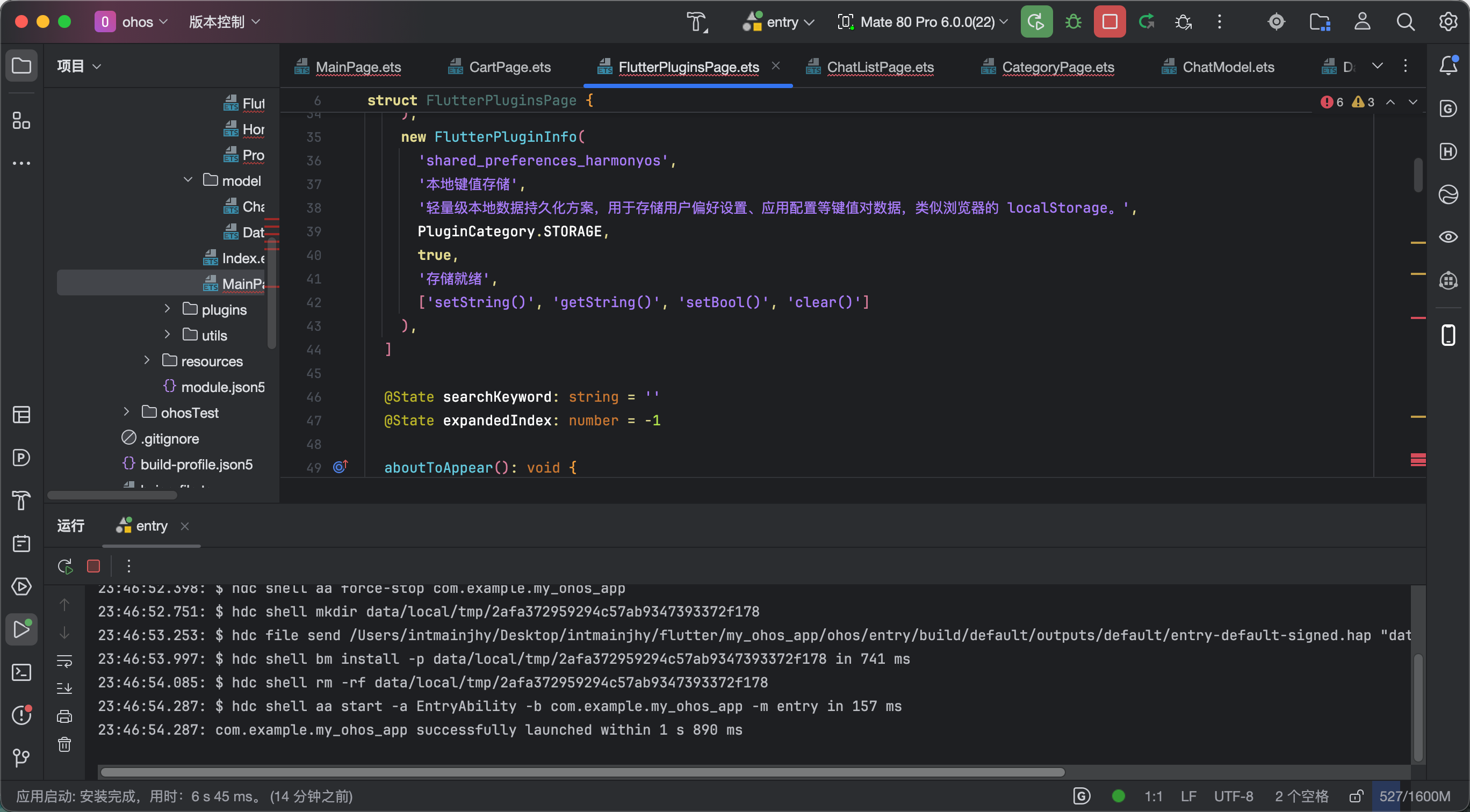 AI Visual Insight: This image shows how links are rendered as cards inside a message stream. The thumbnail appears on the left, while the title and domain appear on the right. Tapping the card can trigger an external navigation action. The visual structure suggests a horizontal
 Row layout, fixed-size images, ellipsized text, and border separation, which makes the component easy to reuse in IM lists at low cost.
Four classes of engineering problems determine final usability
The first issue is false positives in regex matching. If the URL pattern is too broad, it may include trailing punctuation, spaces, or partial paths. The regex should cover common path characters while still enforcing sensible boundaries.
The second issue is image URLs that cannot be accessed directly. The service layer must complete the scheme and hostname instead of pushing parsing responsibility into the widget layer. The third issue is slow page responses, which require timeout control and caching. The fourth issue is anti-crawling strategies on target sites, where a reasonable User-Agent can improve the success rate.
_dio.options.connectTimeout = const Duration(seconds: 10);
_dio.options.receiveTimeout = const Duration(seconds: 10);
_dio.options.headers = {
  'User-Agent': 'Mozilla/5.0 (compatible; Flutter/1.0)', // Reduce the chance of being rejected
};
This configuration is not complex, but it directly affects the stability of preview functionality in real network environments.
The final implementation should evolve from usable to maintainable
If the project needs to expand later, consider adding an LRU cache, concurrent control for multiple links, an HTML parser library, full Open Graph field support, retry logic, and observability instrumentation. That is how you turn a demo-level solution into a production-grade component.
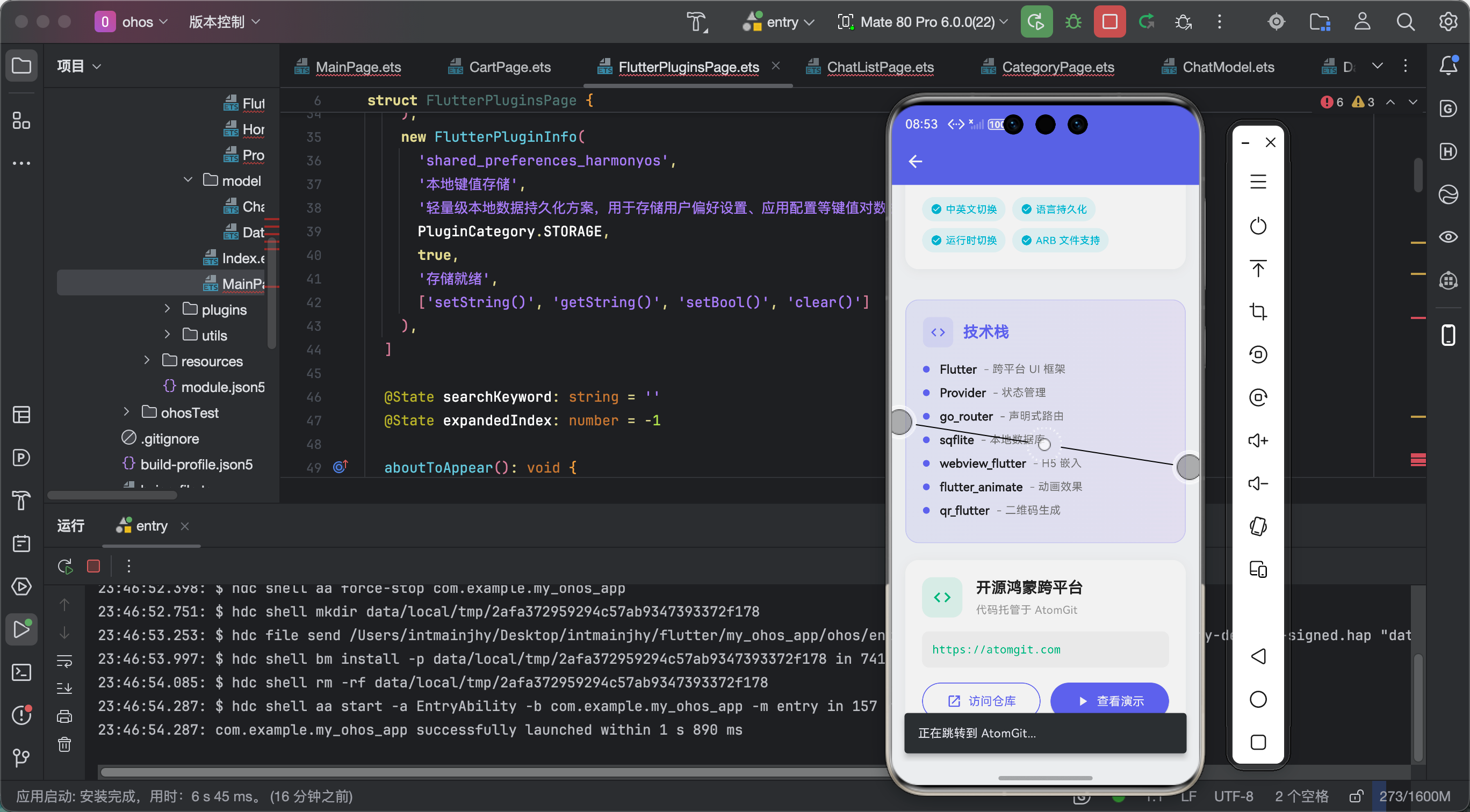 AI Visual Insight: This image corresponds to the article’s summary section and emphasizes that the solution has evolved from basic link opening into a complete workflow that includes detection, preview, exception handling, and user experience optimization. Based on the surrounding context, the author likely validated the full message-card rendering and click interaction loop on HarmonyOS using a real device or emulator.
FAQ
Q1: Why not use an existing link_preview plugin directly?
A: In the original approach, the core preview capability is implemented with dio plus custom parsing. This lowers the HarmonyOS adaptation cost and gives you better control over caching, regex rules, and request header strategy.
Q2: What is the most important validation point for url_launcher on HarmonyOS?
A: Focus on whether canLaunchUrl and launchUrl behave reliably, especially whether both LaunchMode.externalApplication and in-app WebView mode can launch correctly.
Q3: When should you stop using regex parsing and switch to an HTML parser?
A: You should introduce a dedicated parser when target sites have complex structures, unstable meta tag ordering, or when you need to extract more Open Graph or Twitter Card fields for better robustness.
Core summary: This article reconstructs a complete solution for using url_launcher and custom link preview in Flutter on OpenHarmony and HarmonyOS. It covers dependency selection, preview fetching, URL detection, card rendering, external and in-app opening, and common pitfalls. The approach is well suited for rapid reuse in chat, community, and content-driven applications.